Rev. 1
Page 2-
24
Completion of the cycle
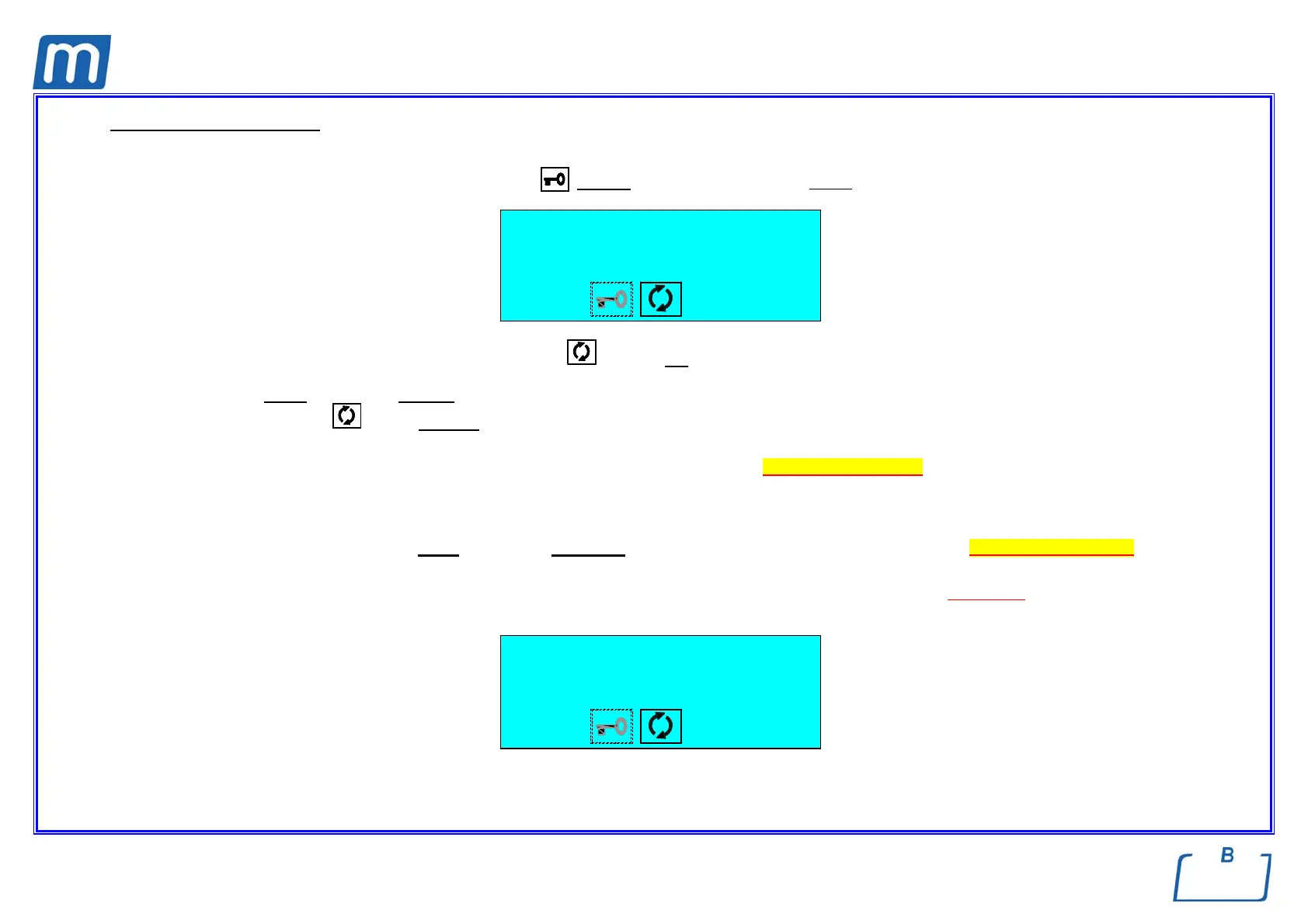
When the pressure in the sterilization chambers returns within the pre-set safety limits, the door lock system is released.
As a consequence, the door status icon
flashes. At the same time, it also beeps.
1 134°C POROUS
CYCLE COMPLETE
86.2 °C
-0.02 bar 29:40
The icon for the sterilization process status
is steady on.
Open
the door and retrieve the sterilized material, using the extractor provided.
The icon
symbol goes off.
e When the door is opened, the report for the sterilization cycle executed is automatically produced (if the printer is installed and selected).
Check and sign this report, file it in a suitable place. Refer to the Print report examples.
e At the end of the cycle, and up to the opening of the door, the heating elements are off. As a consequence, the device is slowly cooling
regardless of what the STAND-BY mode is.
Now the equipment is ready to perform a new cycle. Repeat the procedures explained in the Chapter“Selecting the program” .
e Whenever the sterilizer's' door is not opened at the end of the cycle, the vacuum pump is periodically activated to remove any traces of
condensate from the sterilization chamber. The display shows:
FORCED VENTILATION
to stop
35.2 °C
-0.02 bar 29:40
Press to interrupt ventilation and open the door.



 To Next Page