Rev. 1
Attach.
7
ATTACHMENT F -
CHECK PRINTER PAPER FEEDING
Before servicing, switch off the equipment and unplug the power
supply cable from the mains socket
Fenix type
- Remove the covers (see card Gr7-1 );
- Switch on the sterilizer;
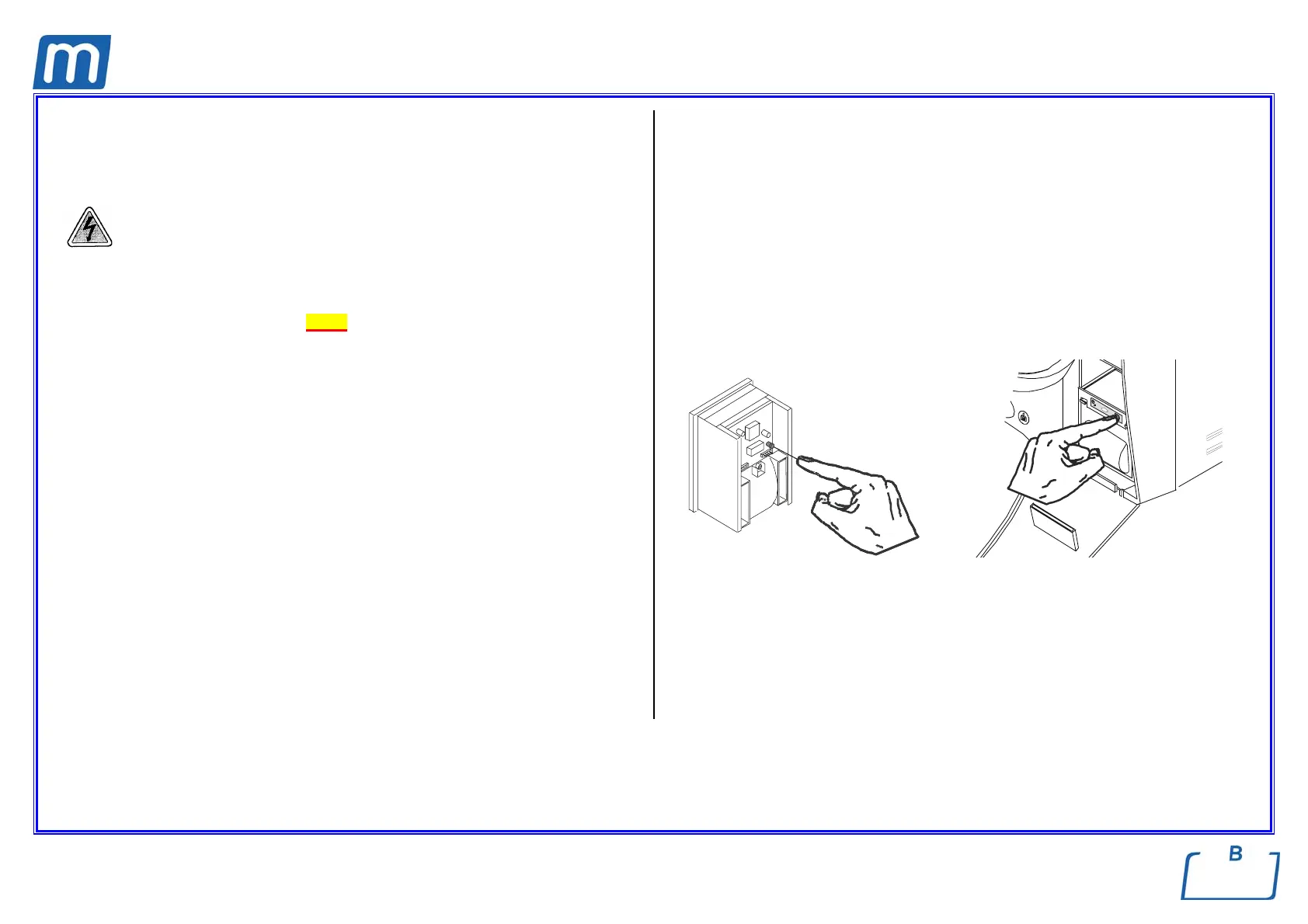
- Press the red key located rear the printer unit, and check that the paper
moves forward the slot;
Custom type
- Open the service box;
- Switch on the sterilizer;
- Press the right key of the printer front panel, and check that the paper moves
forward the slot;
1. If so, perform a sterilization cycle and check the printout at the end of the
cycle;
2. Otherwise, check:
a. the fuse on the printer power supply board,
b: the correct connection on pc boards and printer unit,
or replace the printer unit.
Fenix type Custom type



 To Next Page