ID 442426.04 273WE KEEP THINGS MOVING
Communication
14
Manual SD6
The following example illustrates how to calculate the IP address.
The IP address 128.206.17.177 with subnet mask 255.240.0.0 is entered for
the network interface of the computer:
Subnet mask:1111 1111.1111 0000.0000 0000.0000 0000
The 12 numbers on the left of the IP address indicate the address of the subnet
and must be identical in the IP address of the device. The 20 number of the IP
address on the right indicate the address of the computer in the subnet. This
section must be different in the IP address of the device.
A possible IP address for the device could therefore be:
1000 0000.1100 1111.0001 0001.1011 0001 = 128.207.17.177
14.3.3.2 Adjusting the IP address of the drive controller
Follow these steps to adjust the IP address of the drive controller to the IP
address of the computer:
Manual IP addresses of the Ethernet port.
• Element 0: Interface X3A
• Element 1: Interface X3B
• Element 2: No function
The manual IP addresses are used by the drive controller if A166[x]=0: manual
or if A166[x]=1: Standard (if no IP address is assigned by DriveControlSuite or
the DHCP server).
Address reference of the IP addresses and subnetwork masks of the Ethernet
ports.
• Element 0: Interface X3A
• Element 1: Interface X3B
• Element 2: No function
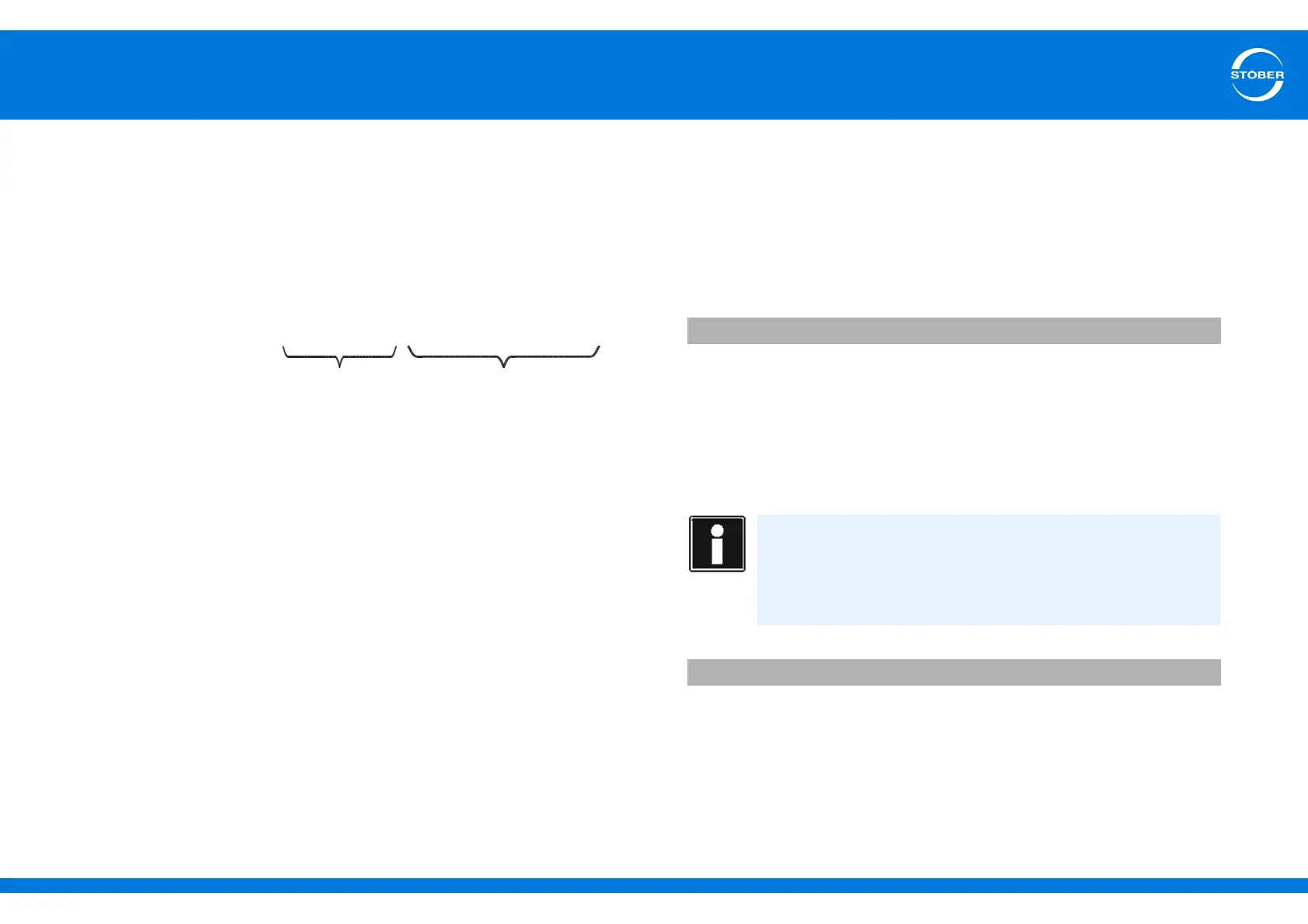
IP address: 1000 0000.1100 1110.0001 0001.1011 0001
Network section, must be
identical in the device and
PC
Device section, must be
different in the device and PC
Adjusting the IP address of the drive controller
1. Determine the IP address and subnet mask of the computer, for example
from the control panel of your computer.
2. Determine an IP address that is in the same subnet as the PC's IP
address.
3. Use the operator panel of the gateway device to enter that address in
parameter A164[x]. Use A164[0] if the direct connection is via X3A. Use
A164[1] if you are connecting the PC via X3B.
4. Check whether either 0:manual or 1:standard is entered in A166[x]. Note
in this case as well that A166[0] applies to X3A, while A166[1] applies to
X3B.
5. If A166[x] is not set to 0:manual or 1:standard, correct the setting.
6. Save your settings with A00 Save values.
You have adjusted the IP address of the drive controller.
A164 Manual IP address version 1
Information
A change to the parameter will not take effect until
- the value is saved with action A00[0] and the drive controller is
turned off and back on again
- or the physical connection is terminated.
A166 IP-address-delivery version 1



 To Next Page