ID 442426.04 157WE KEEP THINGS MOVING
Drive controller
9
Manual SD6
9.1 Introduction
This section describes basic settings that must be considered in each project
for the drive controller and adjusted for your application. Examples include
selecting a device state machine, parameterization of power input or setting
and calibrating analog inputs.
9.2 Device controller
9.2.1 STOBER device state machine
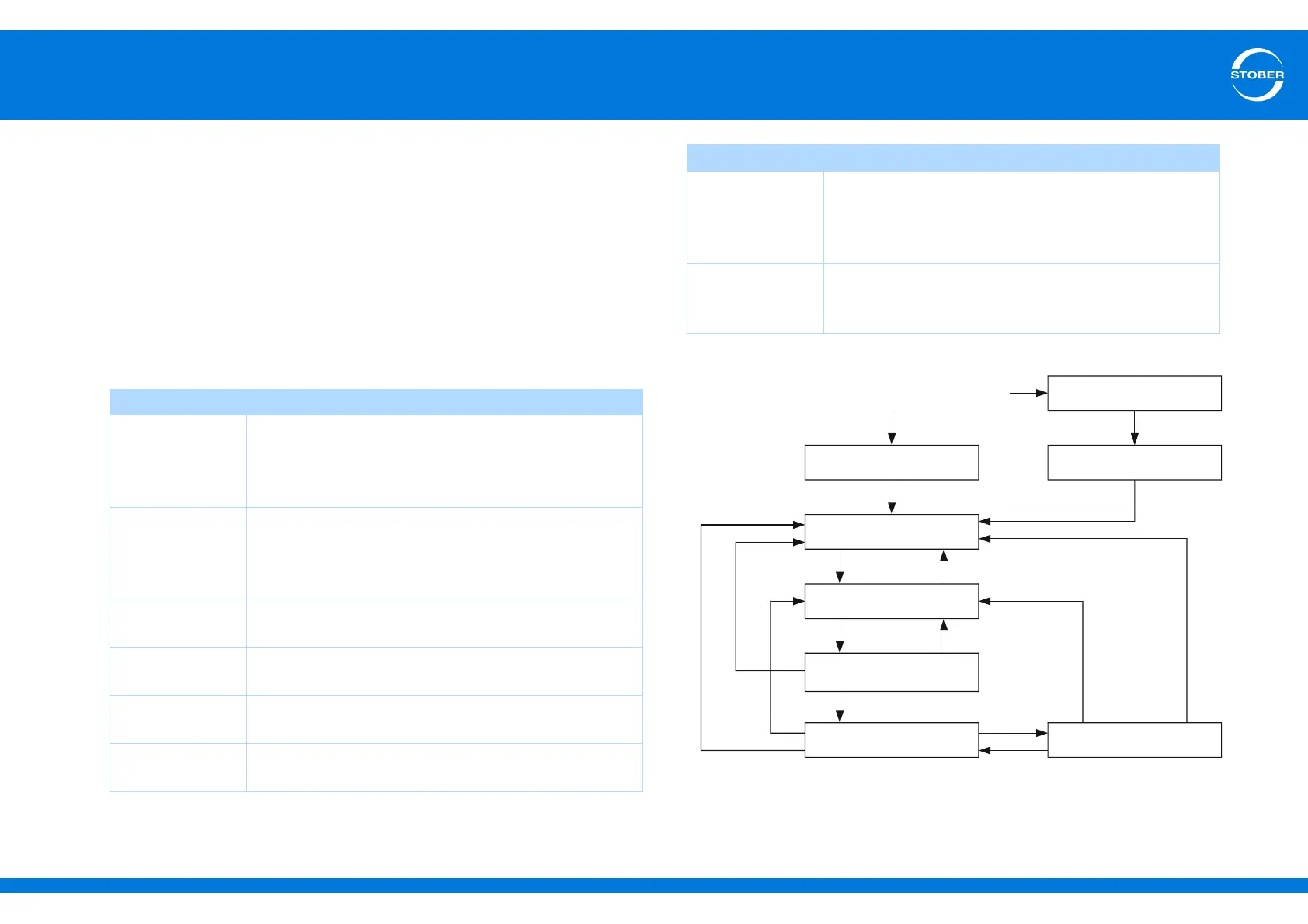
The STOBER device state machine recognizes the following states:
The illustration below shows which changes of state are possible.
Fig. 9-1 STOBER device state machine
Designation Behavior
Not ready to
switch on
• Power is supplied to the electronics.
• The self test is running.
• Initialization is running.
• No torque is assigned.
Switch on disable • Software/hardware initialization is complete.
• The application can be reparameterized.
• No torque is assigned.
• The safety technology can be active.
Ready to switch
on
• The application can be reparameterized.
• No torque is assigned.
Switched on • The application can be reparameterized.
• No torque is assigned.
Operation
enabled
• The application can be partially parameterized.
• A torque is assigned.
Fault • The application can be parameterized.
• No torque is assigned.
Fault response
active
• The application can be partially reparameterized.
• An error-dependent action is being performed (lock
drive function or quick stop).
• A torque can be assigned.
Quick stop active • The application can be partially reparameterized.
• The quick stop function is being performed.
• A torque is assigned.
Designation Behavior
Nicht Einschaltbereit
Einschaltsperre
Einschaltbereit
Eingeschaltet
Betrieb freigegeben
13
15
16
10
Not ready for switchon
Fault reaction active
Fault
Quick stop active
Switchon disable
Ready for switchon
Switched on
Operation enabled



 To Next Page