ID 442426.04 275WE KEEP THINGS MOVING
Communication
14
Manual SD6
If you would like to repeat the data exchange from steps 4 to 7, mark the
module in the project window and press the Assignment button near the
bottom. This is possible when a direct connection is set up.
4. Enter the IP address of the gateway device.
5. Click the OK button.
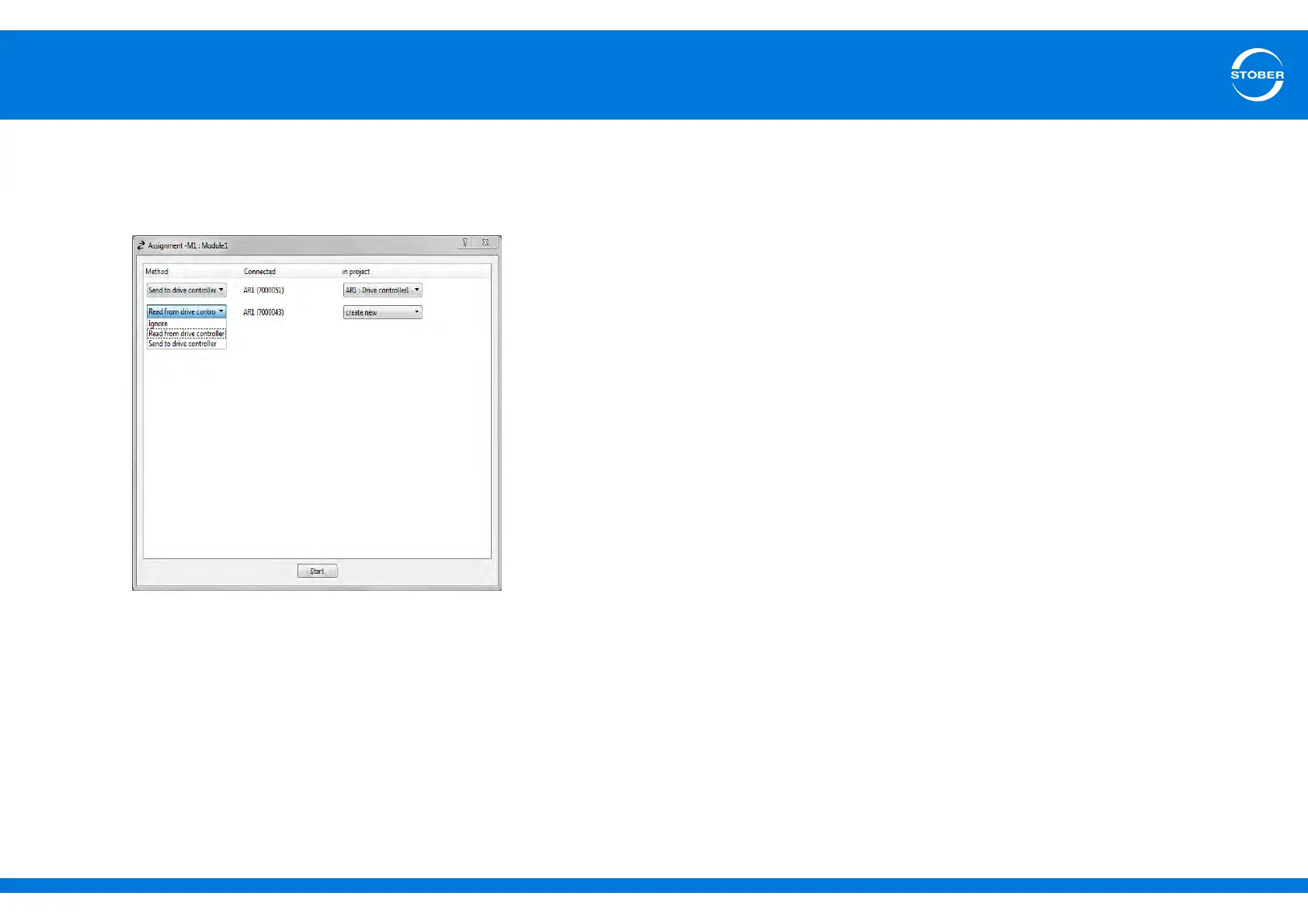
The Assignment dialog appears:
The dialog shows all the drive controllers that are connected with the
computer via the gateway device.
6. In this dialog you define how the computer will exchange data with the IGB
network. In the example shown here, the main drive from the project is
sent to the drive controller with serial number 7000043. The drive
controller with serial number 7000048 is a new drive controller created in
the project.
7. Click the Start button.
Data is exchanged.
The direct connection is set up and data is exchanged.



 To Next Page