ID 442426.04 278WE KEEP THINGS MOVING
Communication
14
Manual SD6
14.4.2 Settings for a LAN connection
To be able to establish a connection via the local network, the LAN Teleserver
must be installed on a computer which is connected with the local network.
Proceed as shown below:
The FQDN (Fully Qualified Domain Name) is the complete name of a
computer. Note that you must specify the FQDN of the computer on which the
LAN teleserver is operating in the drive controller (see Fig. 12 16) and in
DriveControlSuite when setting up a LAN connection.
Note also that the LAN teleserver should be installed on a high performance
computer with a high level of availability.
The Settings for LAN connection shows which settings must be performed for
which network structure.
Operating the LAN Teleserver
1. Start the POSITool-Teleserver.exe file on the computer on which the LAN
Teleserver is to be installed.
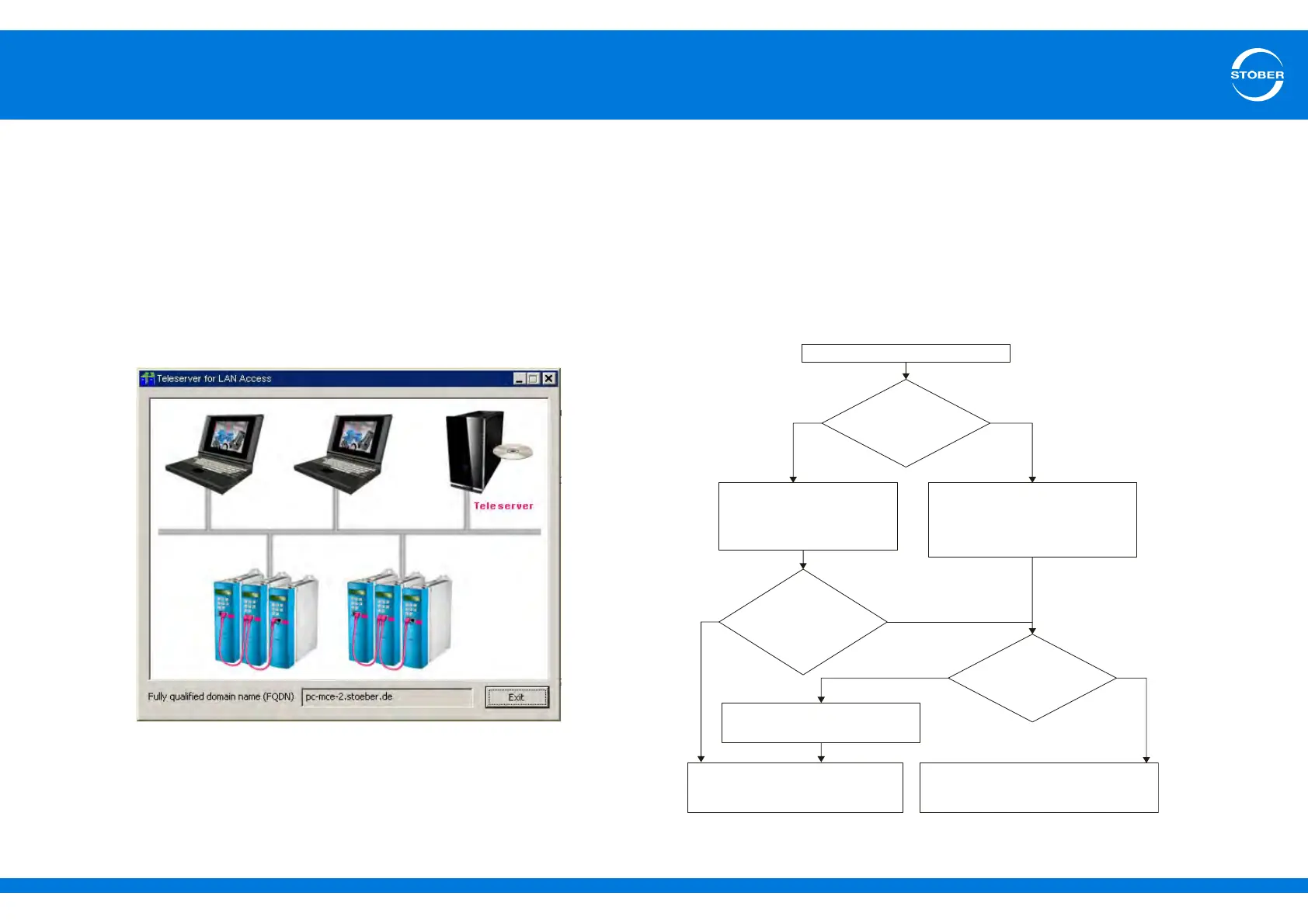
The following dialog screen appears:
2. Make a note of the FQDN (Fully Qualified Domain Name).
You are now running the Teleserver on the local network.
A176 = 1:LAN
Enter IP address or FQDN of the
computer on which the LAN
teleserver is installed in .A177
Enter IP address of the DNS
server manually in A179.
Enter IP address of the computer on
which the LAN teleserver is installed
in A177.
Gateway socket:
or
only.
A166[x] = 1:Standard
2:Set DHCP
Gateway socket:
Enter valid IP address and
subnet mask of the gateway
socket in and .
A166[x] = 0:Set manually
A164[x] A165[x]
Is there a
DHCP server
in the
network?
Ist there an
active DNS server
in the network?
Does the
DHCP server
transmit the DNS-
IP address?
No
No
No
Yes
Yes
Yes



 To Next Page