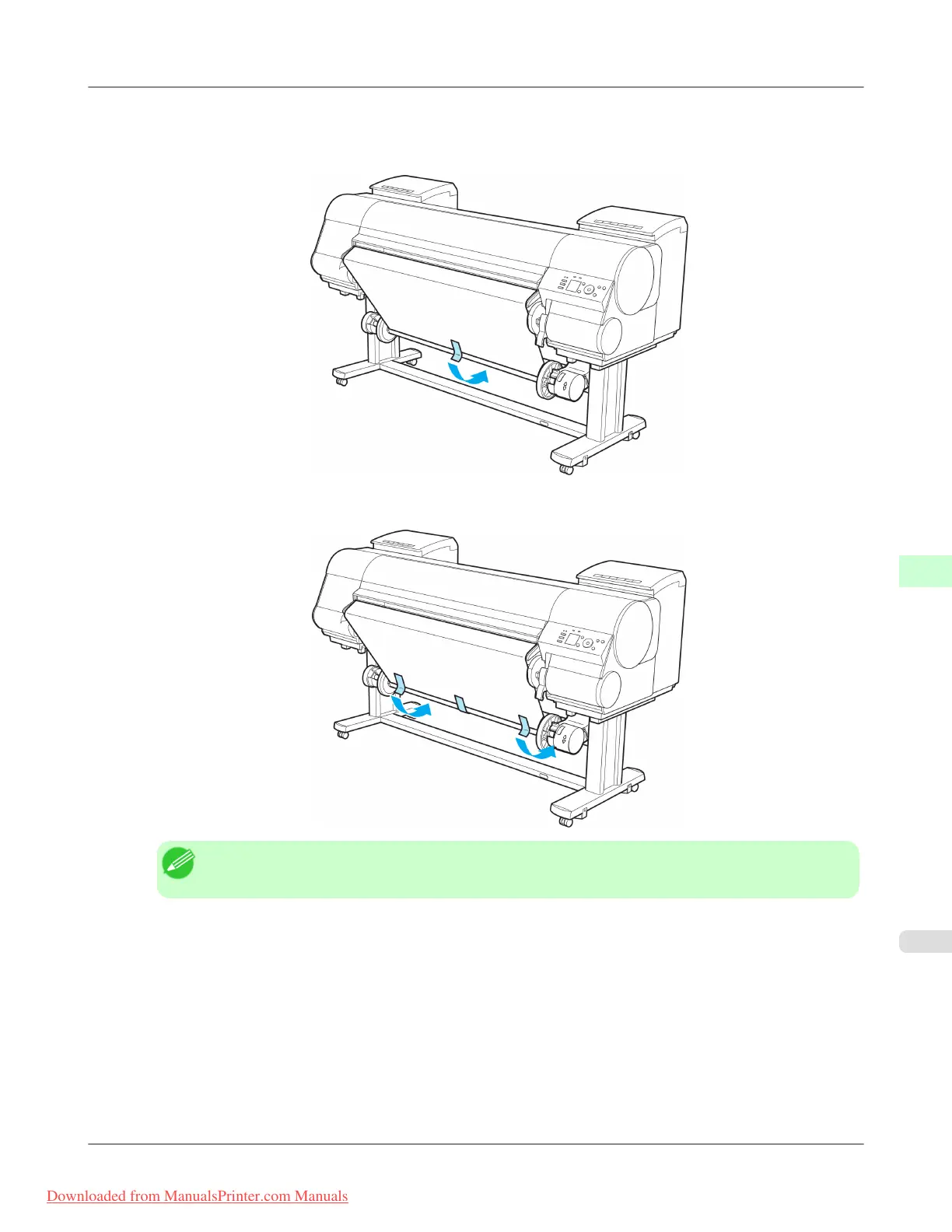
11. Hold the roll paper by the middle of the leading edge and align the right edge with the right edge of the paper core of
the Rewind Spool. With the left and right edges of the roll paper evenly taut, tape the middle to the paper core to
fasten it.
12. Making sure the roll paper is not slack, tape the left and right side of the leading edge to the paper core.
Note
• When rewinding heavyweight paper, use strong adhesive tape to fasten it.
Handling Paper
>
Media take-up unit
>
iPF8300 Loading the Rewind Spool on the Media Take-up Unit
7
827
Downloaded from ManualsPrinter.com Manuals














 To Next Page