Setting Item Description, Instructions
System
Setup
Time Zone Specify the time zone. Time zone options indicate a
main city in this time zone and the difference from
Greenwich Mean Time.
Length Unit Choose the display unit for length. Change the unit
displayed for the remaining amount of roll paper,
Tot.Print Area, and so on.
Detect Mismatch Specify printing behavior if the type and size of pa-
per specified in the printer menu does not match the
type and size in the printer driver.
Choose Pause to have printing paused under these
circumstances. Choose Warning to continue printing
after notification. Choose None to continue printing
without notification. Choose Hold Job to store jobs
with mismatched types and sizes of paper on the
printer hard disk, in a print queue awaiting process-
ing. (See "Using the Printer Hard Disk.")
→P.714
Paper
Size
Basis
Sht Selection 1 If sheet size detection is activated, choose whether
ISO A3+ or 13"x19"(Super B) is applied when a
sheet of an intermediate size is detected.
Sht Selection 2 If sheet size detection is activated, choose whether
ISO B1 or 28"x40" (ANSI F) is applied when a
sheet of an intermediate size is detected.
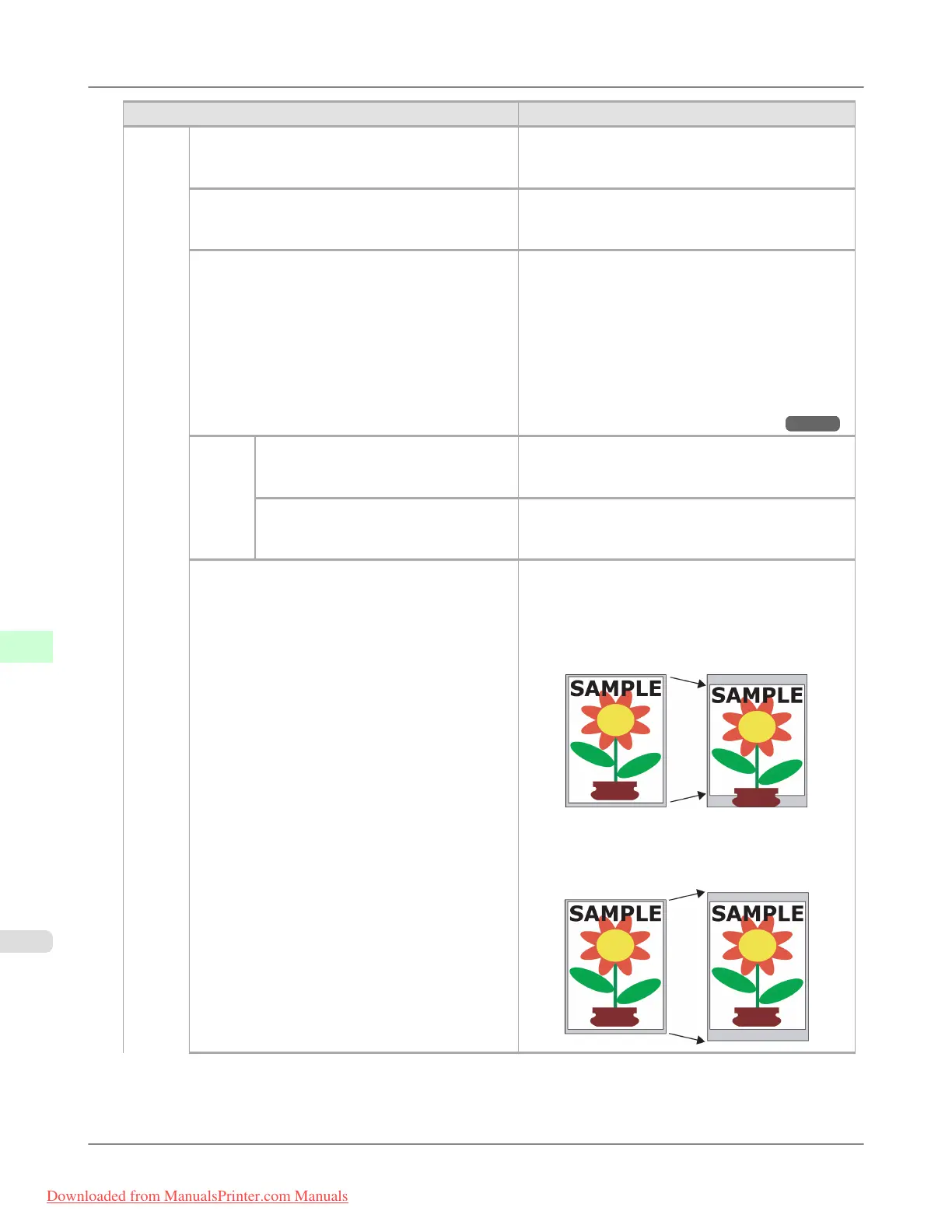
Keep Paper Size Choose On to use the paper size setting as the basis
for printing instead of other settings. The margin set-
ting of the printer menu will be used instead of the
margin setting of the printer driver if the latter is
smaller, which may prevent text or images in the
margin from being printed.
Choose Off to give priority to margin settings. The
larger value is used if the margin specified in the
printer driver does not match the margin in the print-
er menu.
Printer Parts
>
Control Panel
>
Menu Settings iPF8300
9
920
Downloaded from ManualsPrinter.com Manuals














 To Next Page