SV-ADAHRS-200 Module Installation and Configuration
SkyView HDX System Installation Manual - Revision E 7-9
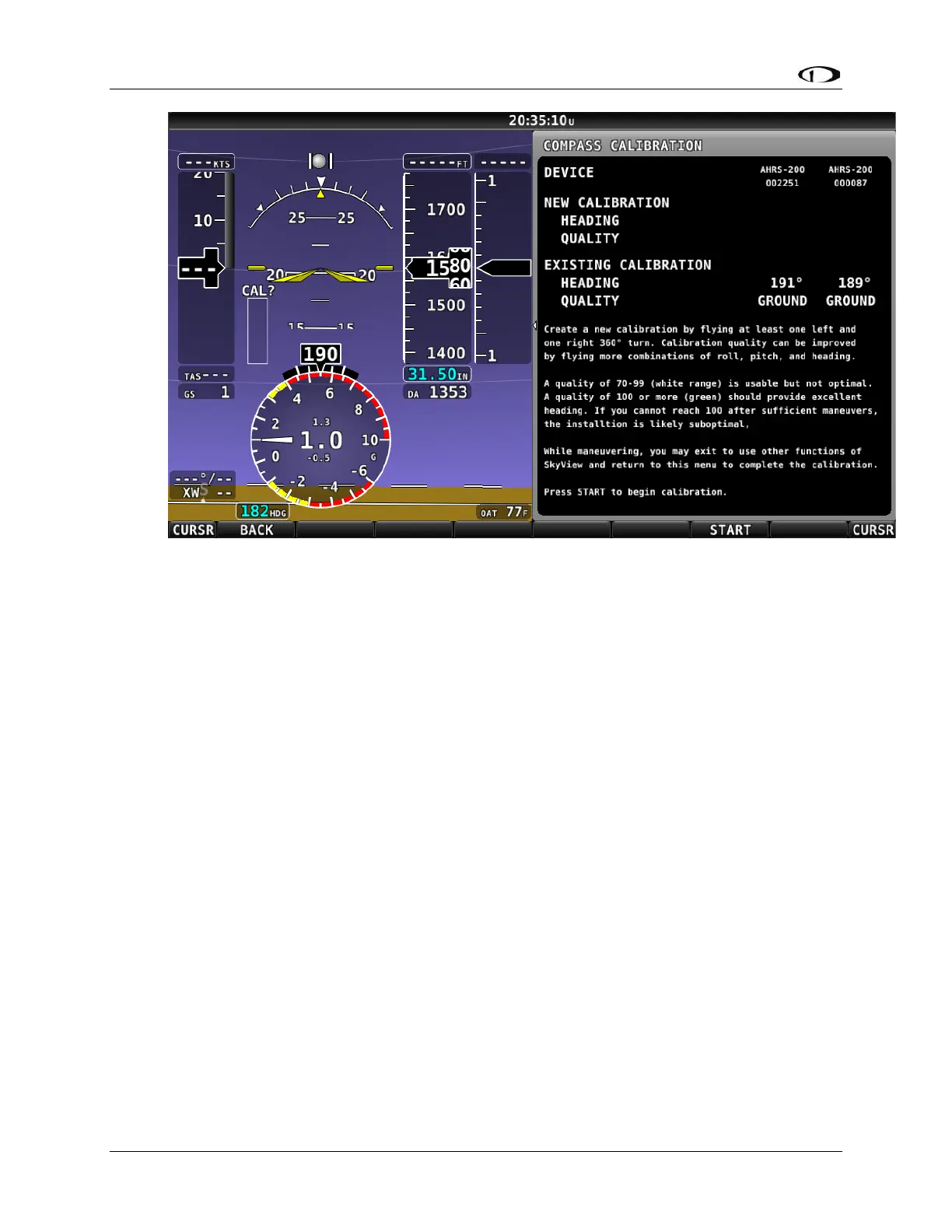
Figure 40: In-flight Compass Calibration Menu
5. Push the START button to begin the calibration.
6. Observe the NEW CALIBRATION section of the menu. The goal of the in-flight
compass calibration is to achieve a compass calibration “quality” of at least 100.
7. The minimum maneuvers for in-flight compass calibration is one (1) 360° turn
clockwise, and one (1) 360° turn counterclockwise. Flying additional maneuvers
incorporating pitch and roll changes will likely improve the in-flight compass
calibration.
8. When the quality is as high as you can obtain (above 70, the minimum), push the
FINISH button to complete the in-flight compass calibration. Flying additional
maneuvers beyond the minimum may improve the in-flight compass calibration,
but will not make it worse.
QUALITY of 70-99 is acceptable, but not optimum; the accuracy of your magnetic
heading may not be acceptable. Additionally, a sub-optimal QUALITY may have the
following effects:
• Degraded performance of the SkyView Autopilot (AP) in HDG and NAV modes.
• Degraded accuracy of wind direction and velocity.
If, after multiple attempts at in-flight compass calibration, you cannot achieve QUALITY
of at least 70, the compass sensor in the SV-ADAHRS-200 cannot sense the earth’s
magnetic field with enough precision (excessive magnetic interference). It should be
considered to change the location of the SV-ADAHRS-200.



 To Next Page