SV-BAT-320 Backup Battery Installation
SkyView HDX System Installation Manual - Revision E 6-1
6 SV-BAT-320 Backup Battery Installation
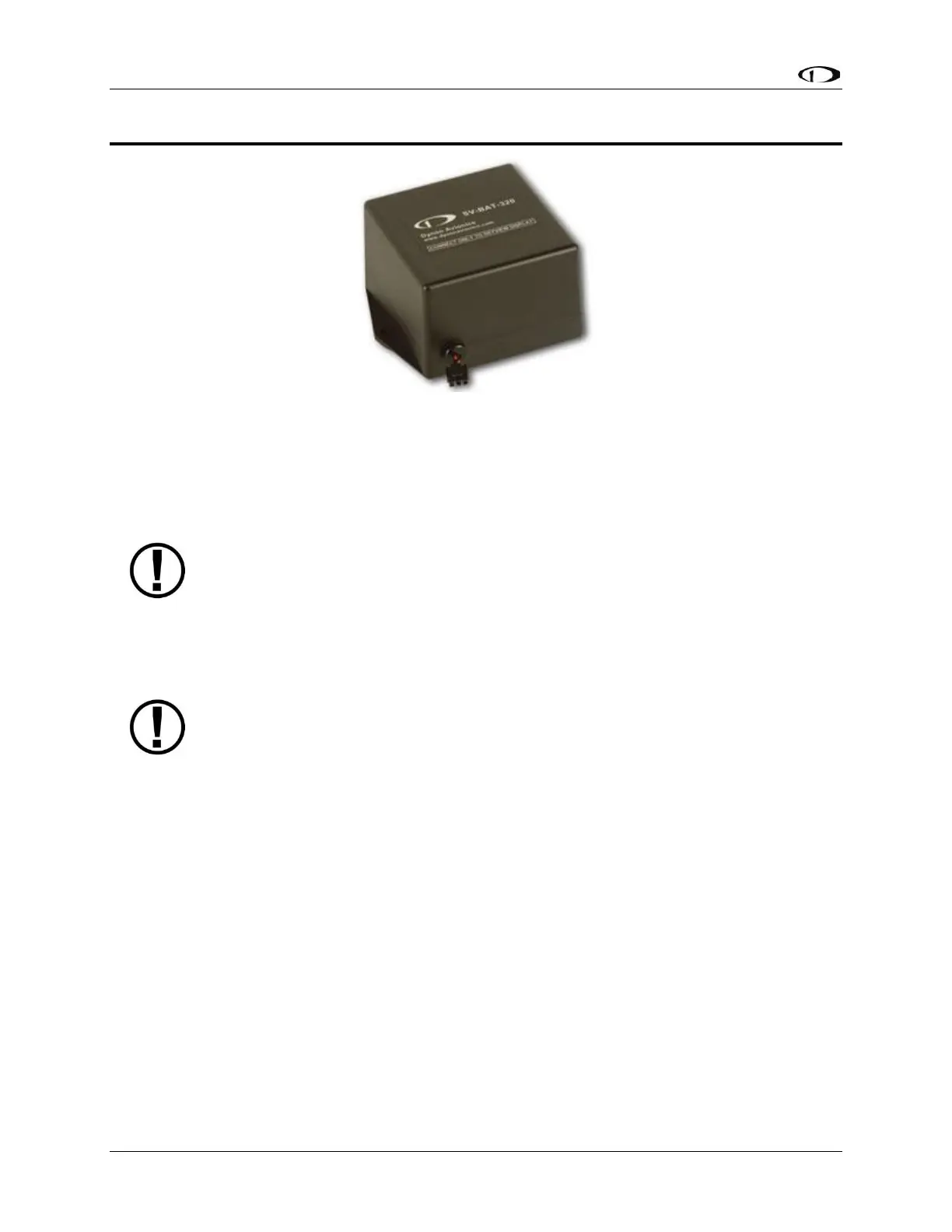
Figure 33: SV-BAT-320 Backup Battery
This section contains information that specifically applies to the installation of the SV-
BAT-320 Backup Battery. After reading this section, you should be able to determine how
to prepare the installation location, mount the module, connect it to a display, monitor its
voltage, and ensure it is charged.
SkyView displays are designed to work only with the SV-BAT-320 as a
backup battery in case of loss of aircraft power. Connecting any device
other than the SV-BAT-320 to SkyView display Pin 2(+) and Pin 23 (-) will
void any warranties and is a significant safety hazard.
Do not extend the SV-HARNESS-D37’s cable that connects to the SV-BAT-
320.
An SV-BAT-320 can only power one (1) SkyView display. Do not modify the
cable to the SV-BAT-320 to attempt to power more than one (1) SkyView
display from one (1) SV-BAT-320.
A SkyView display can only be powered by, and charge, one (1) SV-BAT-
320. Do not modify the cable to the SV-BAT-320 to attempt to connect more
than one (1) SV-BAT-320 to a SkyView display.
The SV-BAT-320 is a Lithium-Ion (Li-Ion) battery such as is used in mobile phones,
laptops, and tablet computers. It is designed to power a SkyView display, and devices
powered by the SkyView display for at least 60 minutes if aircraft power is lost.
6.1 Mechanical Installation
The following diagram shows the mounting dimensions of the SV-BAT-320.



 To Next Page