Display Operation
SkyView HDX System Installation Manual - Revision E 21-3
21.3 Joystick and Button Operation
Joysticks and buttons are used for various functions including powering the unit on and
off, entering and navigating menus, and adjusting values.
21.3.1 Operation Basics
SkyView HDX knobs do not move (click) up, down, left, or right – they only rotate
clockwise and counter-clockwise. SkyView HDX knobs incorporate a pushbutton function.
Figure 121: SkyView HDX Knob Rotation and Pushbutton Action
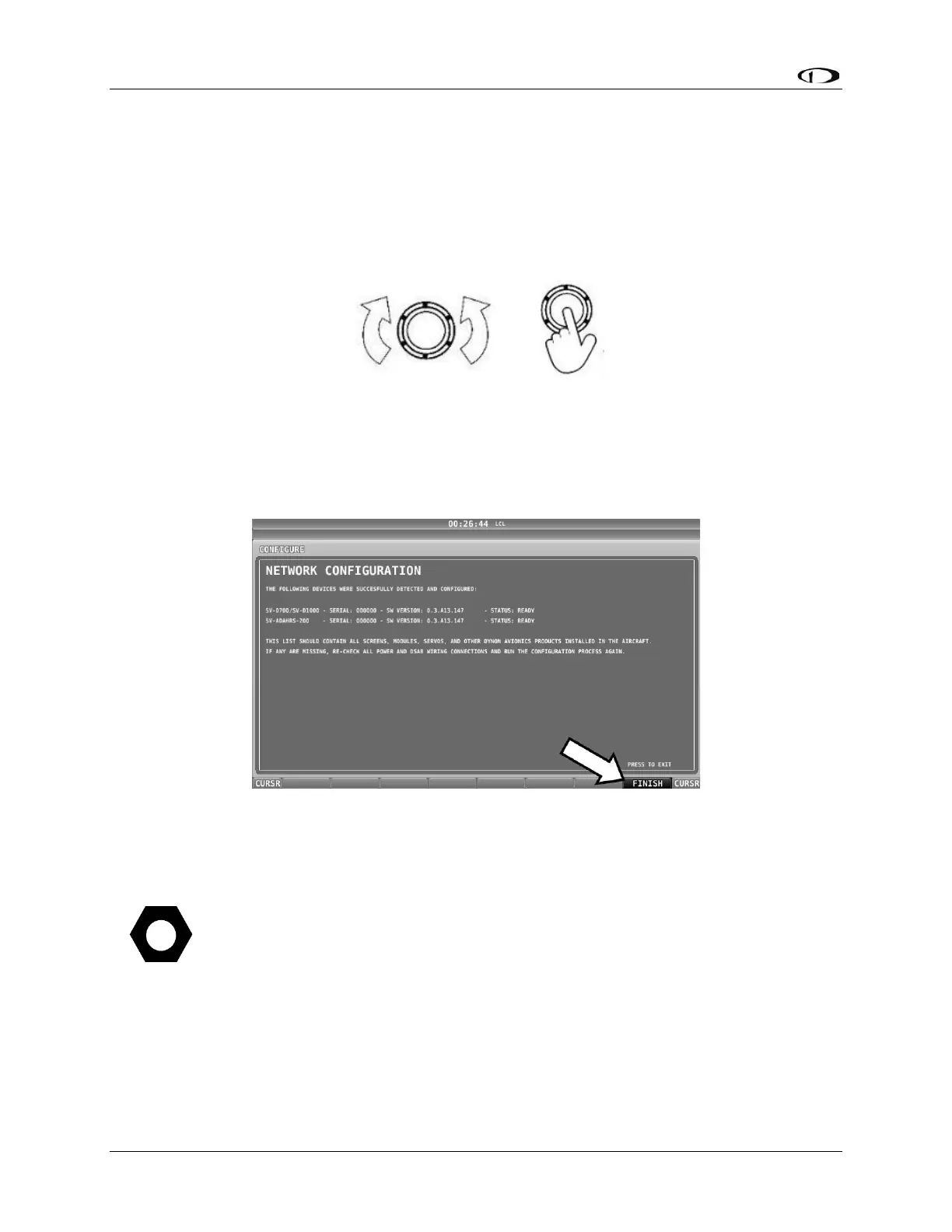
A keypad button has a function if there is a label above it. If there is no label, there is no
function. The figure below shows an example button label.
Figure 122: Example Button Label
When you press a button, its label is highlighted. When you let go, that button’s action is
invoked.
Button labels are called out in all capital letters such as BACK, EXIT, FINISH,
and CLEAR. This manual directs users to press a button by using its label. For
example, when this manual asks you to press FINISH, it is asking you to press
the button with the FINISH label above it.
21.3.2 SkyView HDX Knob and Button Operation Example
When a parameter needs to be adjusted, the SkyView HDX’s knob / button is used to
change the parameter. When setting values with the knob, each character (symbol, letter
or digit) must be selected and adjusted successively.



 To Next Page