AP Servo Installation and Configuration
16-6 SkyView HDX System Installation Manual - Revision E
Menu (reference Airspeed_Limitations on Page 7-10 for more information) and is
specified in the units set in the Measurement Units Menu (i.e., miles per hour, knots, or
kilometers per hour; reference Page 21-7 for more information regarding configuring the
measurement units). As previously mentioned, the minimum value for this parameter is
30% above VS1. This is also the default value.
To set the minimum airspeed:
1. Go to the Pitch Axis Minimum Airspeed Adjust Page (SETUP MENU >
AUTOPILOT SETUP > PITCH AXIS > MINIMUM AIRSPEED).
2. Adjust the minimum airspeed.
3. Press ACCEPT to save the value or press CANCEL to return to the Roll Axis Menu.
16.2.4 Disengage Button Options
16.2.4.1 Hold to Engage
Hold to Engage may be set to YES or NO. Setting HOLD TO ENGAGE to YES allows
you to engage the autopilot by holding the Disengage/CWS Button for more than 2
seconds. This allows for a convenient alternative to engaging the autopilot via the
AUTOPILOT Menu.
When HOLD TO ENGAGE is set to YES, anytime the autopilot is disengaged you can
engage it by pressing and holding the Disengage/CWS Button for more than 2 seconds.
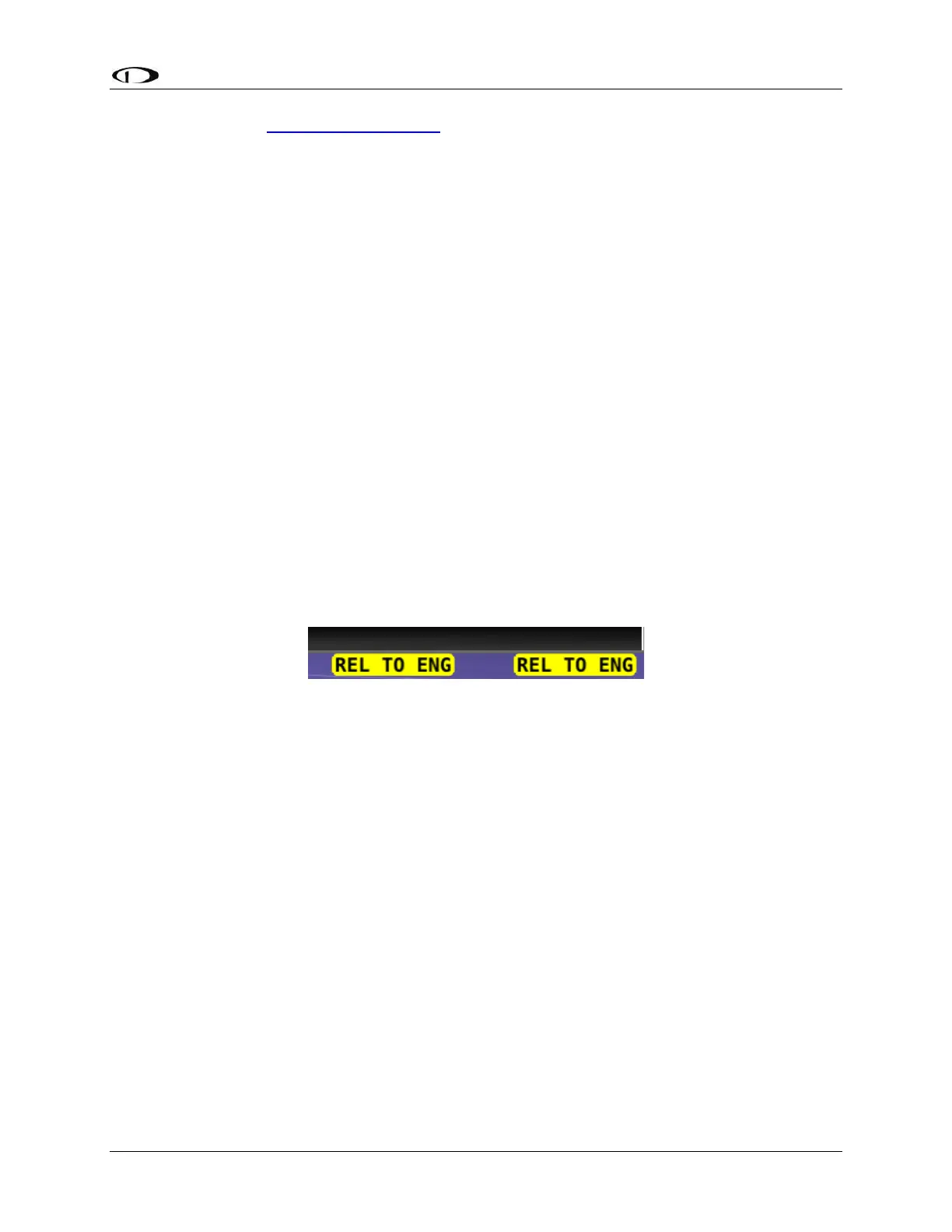
Note that after 2 seconds, the autopilot status indicator in the Top Bar on the SkyView
REL TO ENG (release to engage), as illustrated in Figure 109.
Figure 109: Autopilot Hold to Engage Mode
This indicates that the servos are in hold to engage mode and are waiting for the button
to be released before engaging.
To set the hold to engage mode:
1. Go to the Hold to Engage Adjust Page (SETUP MENU > AUTOPILOT SETUP >
DISENGAGE BUTTON > HOLD TO ENGAGE).
2. Set to YES or NO.
3. Press ACCEPT to save, or press CANCEL to return to the Disengage Button
Menu.
16.2.4.2 Enable Broken Line Detect
The ENABLE BROKEN LINE DETECT option may be set to YES or NO. It should only
be set to YES if the optional 5 kΩ resistor is installed across the Disengage. If the resistor
is installed and this option is set to YES, SkyView continuously monitors the AP
Disengage circuit for proper resistance. If a broken line is detected, SkyView will display
the following message:
AP BROKEN DISCONNECT



 To Next Page