SV-BUTTON-LEVEL Autopilot Level Button Installation
SkyView HDX System Installation Manual - Revision E 18-1
18 SV-BUTTON-LEVEL Autopilot Level Button Installation
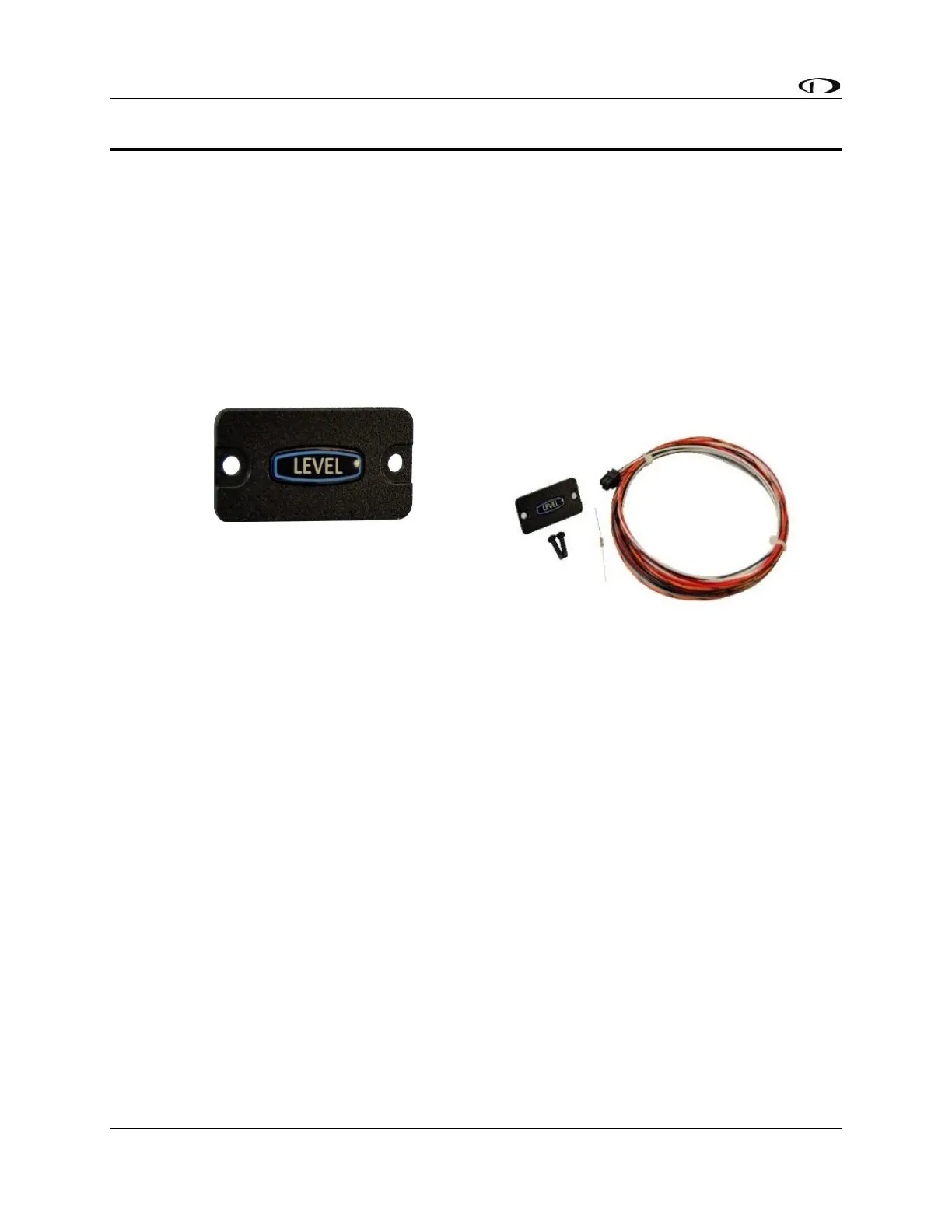
To provide a prominent LEVEL button on the panel the SV-BUTTON-LEVEL kit. Like most
other Dynon Avionics panel units, the SV-BUTTON-LEVEL is backlit, and the degree of
backlighting is controlled by SkyView. The SV-BUTTON-LEVEL is the same width, and
similar appearance, as Dynon Avionics panel units such as SV-AP-PANEL, SV-COM-
PANEL, and SV-KNOB-PANEL.
Pressing an External LEVEL Button such as the SV-BUTTON-LEVEL, the SkyView’s AP
LEVEL mode is engaged.
In SkyView, this is equivalent to pressing MAIN MENU > AUTOPILOT > LEVEL and the
LEVEL button on the (optional) SV-AP-PANEL.



 To Next Page