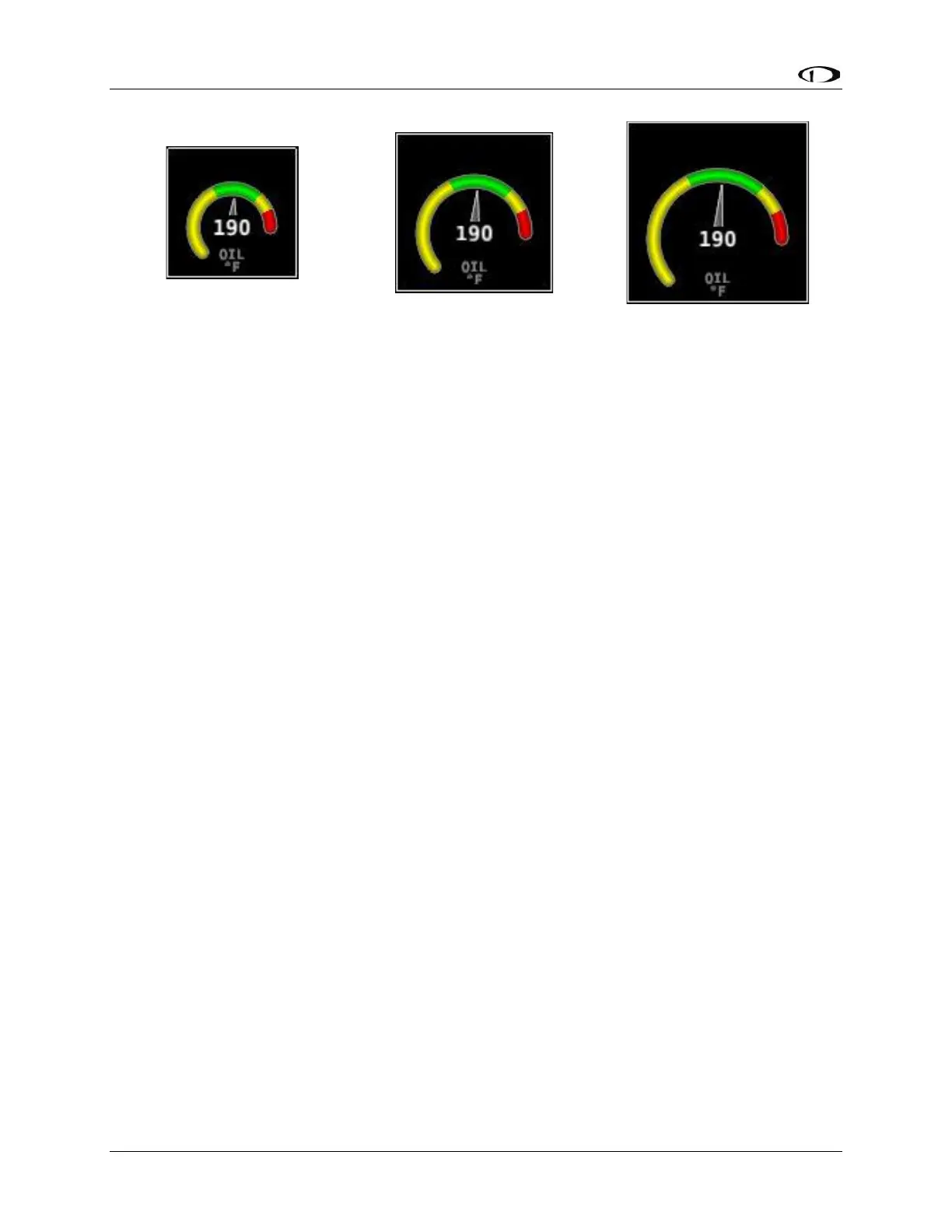
Figure 65: Example Oil Temperature Widget Sizes
Now, locate the widget on the screen by moving the joysticks left, right, up, and down.
Once you have decided on a location for this widget, you can add and configure more
widgets (press SENSOR to add another widget and follow the procedure on the preceding
page) and then save the page layout by pressing SAVE.
10.8.2 Specific Widget and Info Item Data Requirements
In order for the % Power and LOP/ROP status info items to calculate values, the following
data must be present / conditions must be met:
• Barometric altitude (from an SV-ADAHRS-200/201) must be present.
• EMS SETUP > ENGINE INFORMATION > ENGINE TYPE must be set to
Lycoming/Continental. Percent power calculations are not available for other
engine types at this time.
• EMS SETUP > ENGINE INFORMATION > HORSEPOWER must be set.
• OAT sensor installed / working.
• Fuel flow sensor must be installed and configured.
• MAP sensor must be installed and configured.
10.9 EMS Sensor Calibration
Fuel level sensors and position potentiometers must be calibrated. Your SkyView display
utilizes onscreen wizards that help you do this. Go to the EMS Calibration Menu to access
these wizards (SETUP MENU > HARDWARE CALIBRATION > EMS CALIBRATION).



 To Next Page