Appendix A: Maintenance and Troubleshooting
SkyView HDX System Installation Manual - Revision E 23-7
If both SkyView Network connectors are used, when the SkyView display is removed,
there is a “disconnect” from the SkyView Network devices connected to the upper
SkyView Network connector, and the lower SkyView Network connector.
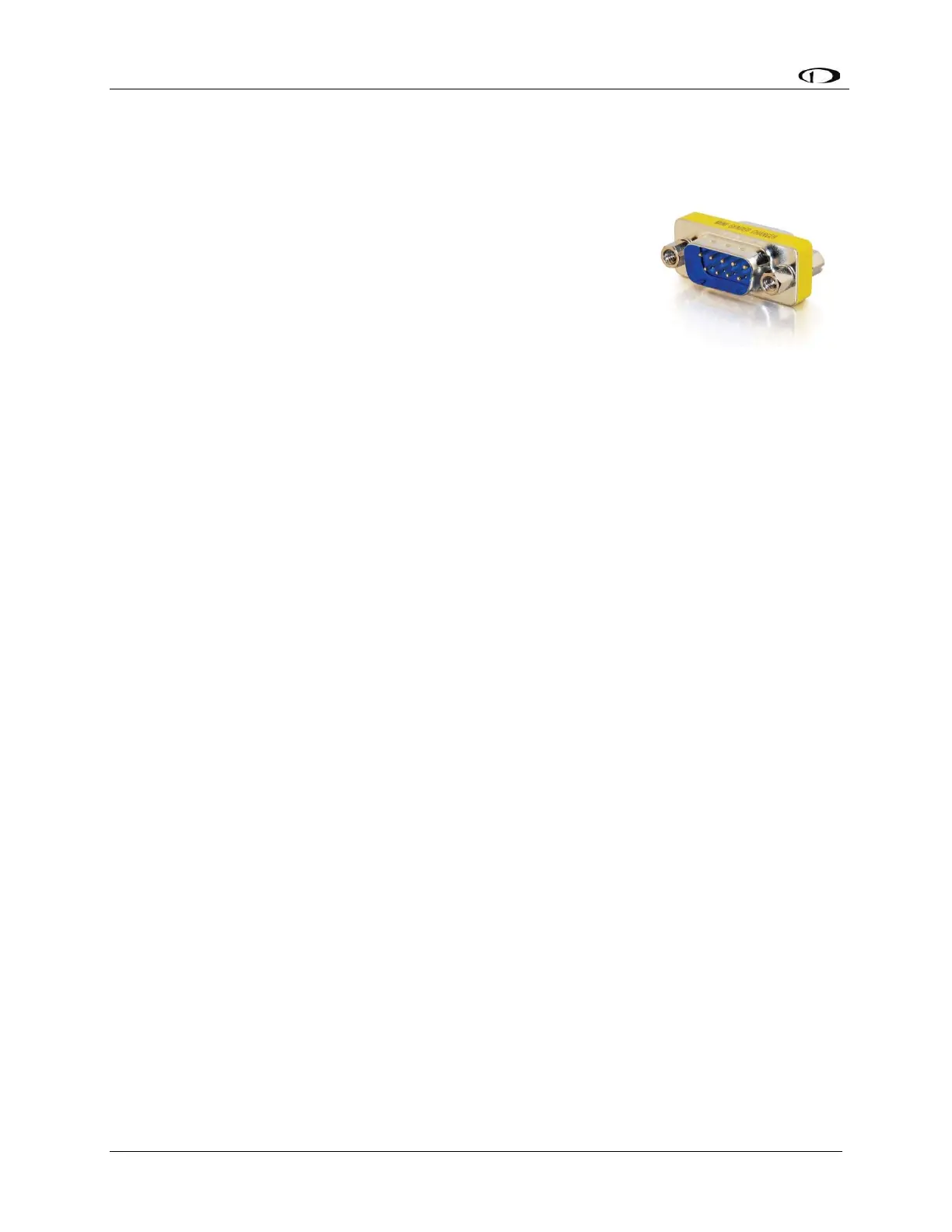
This is most easily remedied by the installation of a D9M-to-D9M
adapter (Figure 131, pictured at right) to “bypass” the removed
SkyView display’s SkyView Network connections. This connector
connects Pin 1 to Pin 1, Pin 2 to Pin 2, etc. This adapter
“electrically replaces” the missing SkyView display to allow the
remaining SkyView display to communicate with all SkyView
Network devices. This adapter can also be easily fabricated with
2 D9M connectors – connect all pins “straight through” – Pin 1 to
Pin, Pin 2 to Pin 2, etc.
If only one (1) SkyView Network connector is used on the back
of the SkyView display is used, then there is no impact to the
SkyView Network from the removal of that SkyView display.
23.7.1 SV-ADAHRS-200 Module
1. Reinstall the ADAHRS in the aircraft.
2. Reconnect all harnesses and connections as originally installed.
3. Power up the entire SkyView System (all displays, modules, servos, etc.).
4. From any display in the aircraft, reconfigure SkyView Network under SETUP
MENU > SYSTEM SETUP > SKYVIEW NETWORK SETUP > CONFIGURE.
5. Confirm all SkyView Network components are found, including the reinstalled
ADAHRS.
6. If the ADAHRS is the same serial number as the ADAHRS you returned for repair,
no further actions should be required. However, Dynon Avionics recommends
double checking the performance of compass and AOA calibration. If these do not
seem to work as well as they previously did, redo those calibrations.
If the ADAHRS is not the same serial number as the ADAHRS you returned for repair, all
setup and calibration steps should be performed because this ADAHRS is being installed
for the first time.
23.7.2 Autopilot Servos
1. Reinstall the servo in the aircraft.
2. Reconnect all harnesses and connections as originally installed.
3. Power up the entire SkyView System (all displays, modules, servos, etc.).
4. From any display in the aircraft, reconfigure SkyView Network under SETUP
MENU > SYSTEM SETUP > SKYVIEW NETWORK SETUP > CONFIGURE…
5. Confirm all SkyView Network components are found, including the reinstalled
servo.



 To Next Page