SV-BAT-320 Backup Battery Installation
SkyView HDX System Installation Manual - Revision E 6-5
system allows for voltage drops in the electrical system, ensuring that the
SkyView display receives at least 12.25V that is required to charge an SV-BAT-
320.
• It may take as long as four (4) hours (4H) to fully charge a fully discharged SV-
BAT-320.
• To charge an SV-BAT-320, the SkyView display must be powered ON and fully
booted up. The SkyView Software monitors the charging process; if the
SkyView display is powered off, the SV-BAT-320 will not be charged.
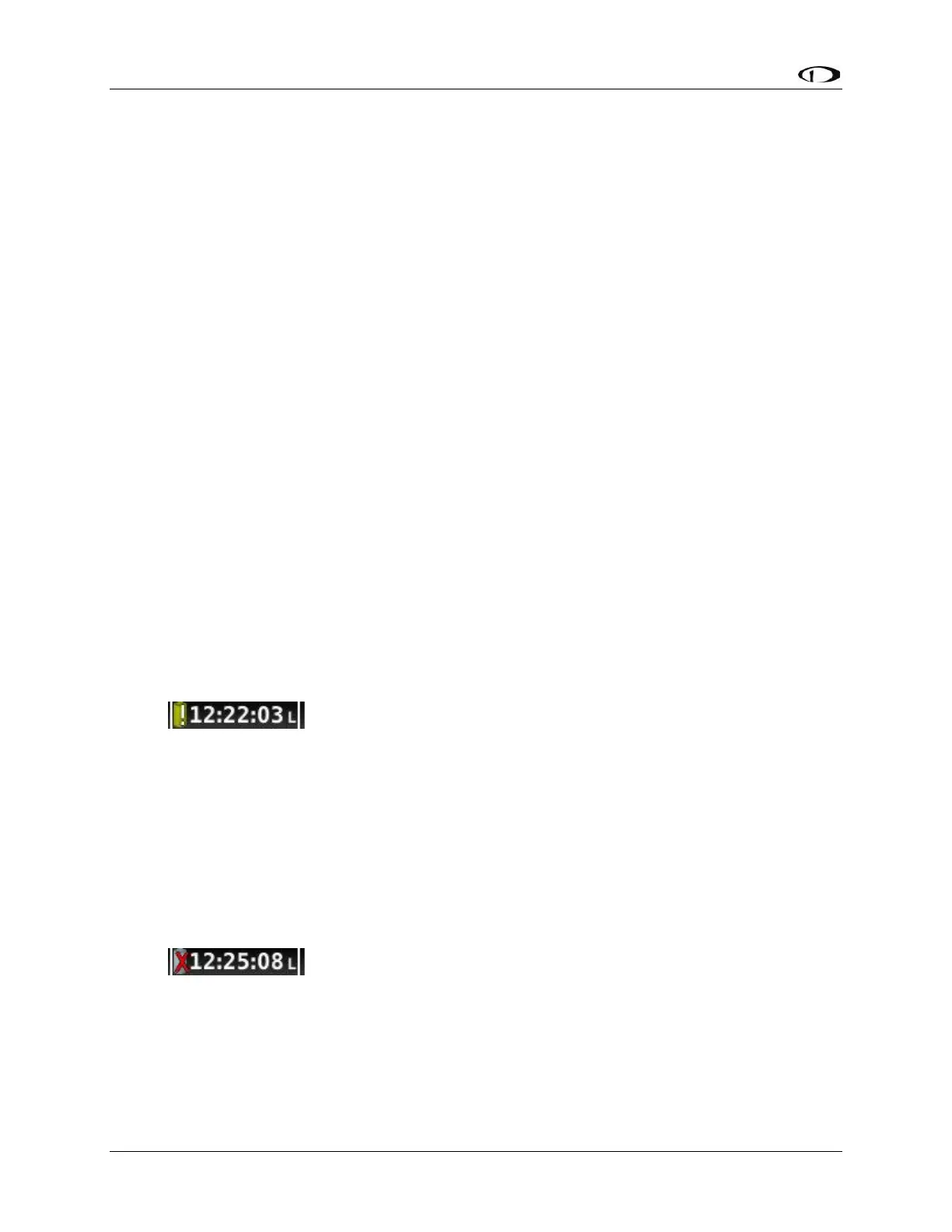
6.4 Battery Status Icon
Battery status icon is individual to each display in a SkyView system. One (1) of two (2)
icons, or no icon will be displayed immediately to the left of the clock in the center of the
top bar.
6.4.1 No Battery Icon Displayed
• No battery has ever been connected to this display or battery status is normal.
If a battery is connected, all of the following are true:
o An Initial SV-BAT-320 Test has been performed.
o The Annual SV-BAT-320 Test is not yet due.
o The last three (3) automatic SV-BAT-320 self-checks were normal. SV-
BAT-320 self-checks are performed automatically every time master power
is removed on the ground (after a flight, for example) while the 30-second
“power lost” timer is counting down.
Needs Test Icon:
• SkyView has determined that the SV-BAT-320 should be tested using the
manually-actuated SV-BAT-320 Test. This is because:
o It has been one (1) year since the last battery test. See the Detailed Battery
Status Check section below for details about the nature of the anomaly.
o The 30 second automatic battery self-check that is performed when master
power is removed during a normal shutdown did not complete properly at
least 3 consecutive times.
Fault/Test Failed Icon:
• A fault has been detected because of one (1) of the following conditions:
o The battery is no longer connected.
o A battery test has failed. See the following sections for more information.



 To Next Page