a video tutorial for this tool, available on the Dynon Avionics Channel section
of YouTube – https://www.youtube.com/user/Dynon Avionics.
30.5 Loading a Checklist
After you have saved your Checklist file from your computer to your USB flash drive, take
the USB flash drive to your aircraft. After your SkyView display is powered up, push
buttons 7+8 to access the SETUP MENU. Then:
SETUP MENU > SYSTEM SOFTWARE > LOAD FILES > (select your Checklist file) >
LOAD (button) > YES (button) >
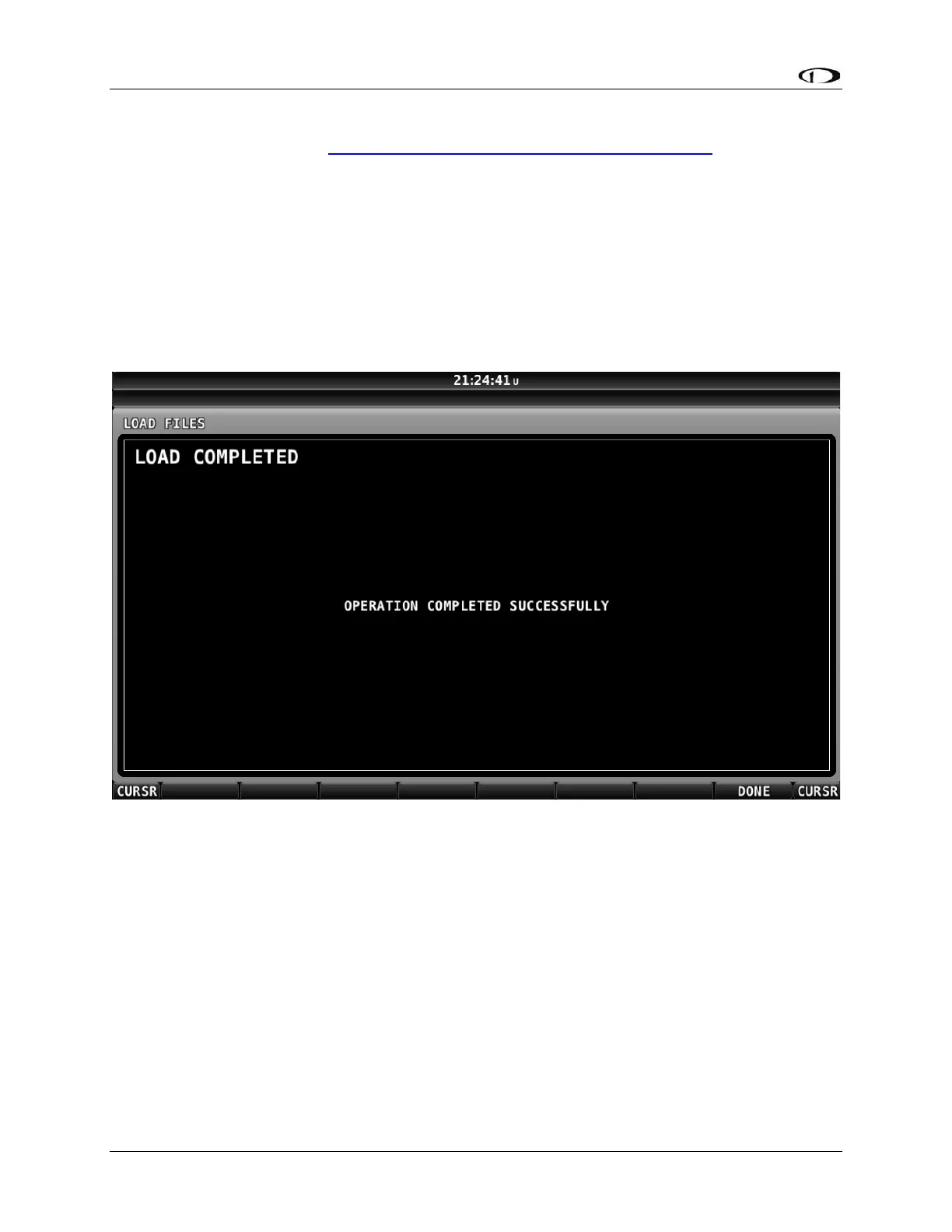
If your Checklist file did not have any errors, you will see the following screen:
Figure 156: Checklist File Loaded Successfully
If your Checklist file had a formatting or other error, you will see the following screen:



 To Next Page