Appendix C: Wiring and Electrical Connections
25-2 SkyView HDX System Installation Manual - Revision E
25.3 DSUB Crimp Contacts and Tools
DSUB crimp contacts can be obtained from a variety of sources. Dynon Avionics
recommends the use of the following Mil Spec types in avionics applications.
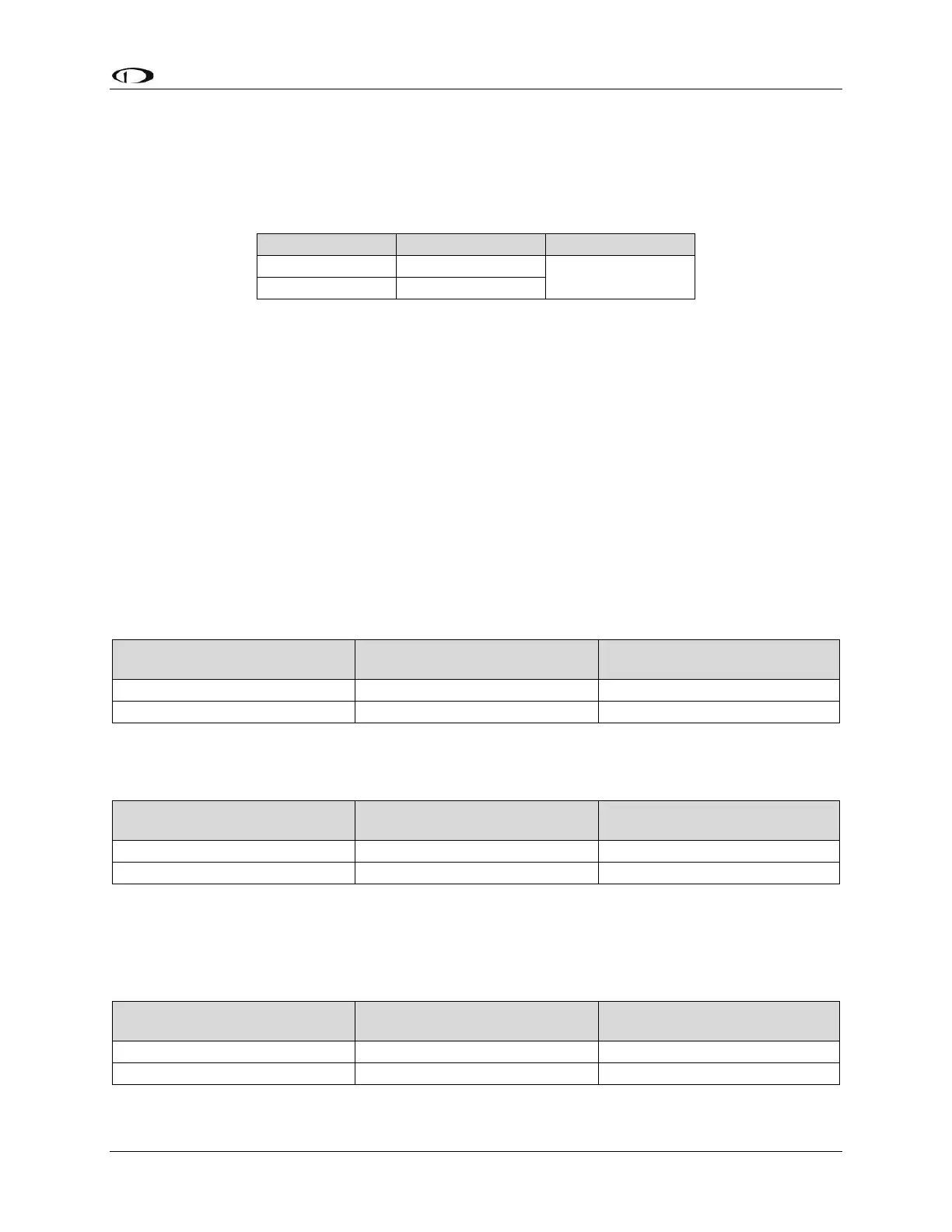
Table 58: Recommended DSUB Crimp Pins
Use a high quality 4-way indentation contact crimper when working the Mil Spec contacts
in Table 58. Paladin Tools P/N 1440 (for 20 to 26 AWG wire) is an example of such a
contact crimper tool.
25.4 Non-Dynon Avionics Wire Harness Considerations
It is recommended that the wire harness included with the SkyView display be used for
connecting to power, serial ports, USB, the external battery, and other systems. However,
if it is desired to fabricate a wire harness, it should be accomplished using materials and
wire sizes in accordance with AC43.13-1B and AC43.13-2B.
SkyView Network cables use twisted data wire pairs for communication between devices.
The wire pair should be twisted at 8-10 twists per foot over the entire length of the cable.
Pair #1:
Table 59: Pair #1



 To Next Page