System Overview
SkyView HDX System Installation Manual - Revision E 2-17
2.10 Power Protection
All Dynon Avionics units in a SkyView system incorporate robust power protection that
allows them to be powered on during engine start for full engine monitoring. SkyView
displays require a minimum of 10V, and during engine start, it’s common for the electrical
system to temporarily drop below 10V. If an SV-BAT-320 Backup Battery is not installed,
SkyView may shut off / reboot. If you wish to monitor your engine prior to engine start, an
SV-BAT-320 should be installed so that the SkyView display can switch to the SV-BAT-
320 when its power inputs are not receiving at least 10V. The SkyView display will switch
from SV-BAT-320 to aircraft power when its power inputs receive voltage above 10V.
2.11 Connecting to the Network
Dynon Avionics SkyView harnesses and Skyview Network cables use aircraft-grade
Tefzel® wiring. The SV-HARNESS-D37 breaks out power, serial, USB and other
important pins from the back of the display. SkyView Network cables are available in a
variety of lengths. The three (3) and six (6) foot cables have D9F connectors on both
ends. The longer cables have a D9F connector on one (1) end and open pins on the other
end. The open end allows installers to run the cable in and through areas that would not
be possible if a connector was present. The connector is installed after the cable has
been run.
2.11.1 SV-NET-SERVO Servo Harness
The SV-NET-SERVO (one kit per servo) makes it easy to connect the SkyView system
to Dynon Avionics servos and includes 20 feet of pre-twisted wire (twisted pair 22 AWG
wire for data; 20 AWG wire for power), D9 connectors, connector shells, crimp contacts,
an insertion tool, heat shrink, and zip ties. It is recommended that you read and
understand before working with this kit.
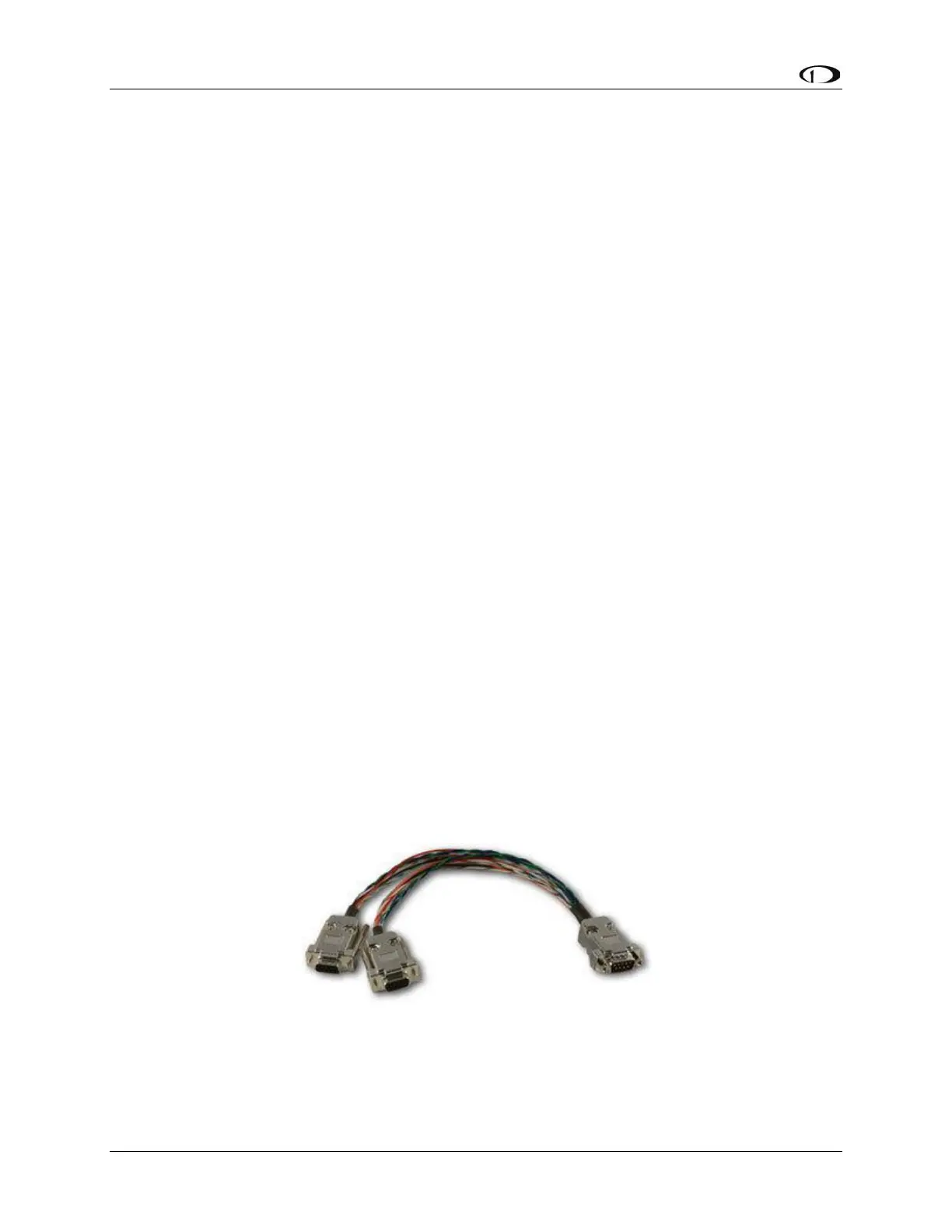
2.11.2 SV-NET-SPL Network Splitter Harness
The SV-NET-SPL uses aircraft-grade Tefzel® wiring, consisting of a D9M input connector
and two D9F output connectors, with a length of one foot. The SV-NET-SPL may be used
to connect an additional device to the SkyView network in lieu of using the network hub.
For connecting multiple SkyView modules from a SkyView Network cable, using the
SkyView Network Hub (SV-NET-HUB) is recommended.
Figure 10: SV-NET-SPL



 To Next Page