Do not connect the Orange / Black wire of the SV-BUTTON-LEVEL directly to the Orange
/ Black Wire (Pin 28) of multiple SkyView displays. If you do so, when one (1) display is
powered off, it will cause displays that are powered on to see the LEVEL input as being
pushed (the display powered off will “ground” this input). This could cause the
unintentional activation of LEVEL mode or could prevent the SV-BUTTON-LEVEL from
operating.
18.4 Installation Options on Multiple SkyView Displays
Choose one (1) of these options if you have multiple SkyView displays and you want to
connect SV-BUTTON-LEVEL to all displays for failover / redundancy:
• Connect the SV-BUTTON-LEVEL to only one (1) display. The SV-BUTTON-
LEVEL will operate for all displays in the SkyView system as long as the display
the SV-BUTTON-LEVEL is wired to is powered on and operating normally. As
a non-flight-critical function, the loss of the SV-BUTTON-LEVEL in some
display failures may be acceptable for your installation.
o In SkyView, use of the LEVEL function via the soft keys via any operating
SkyView display is still possible, as well as pushing the LEVEL button on
the (optional) SV-AP-PANEL.
• Install a diode for each individual display’s connection to the SV-BUTTON-
LEVEL (not included in the SV-BUTTON-LEVEL kit). The diode should be
installed with the cathode end (painted band on the diode) oriented towards the
SV-BUTTON-LEVEL, and should be installed in-line with the contact wire
between the SkyView display and the SV-BUTTON-LEVEL. One (1) diode is
needed per button, per display. Any diode will work for this application. An
example diode is the very common 1N914, available from Radio Shack (P/N
276-1122). With a diode installed for each display, the SV-BUTTON-LEVEL will
work correctly with any combination of displays powered on and powered off.
18.5 Troubleshooting
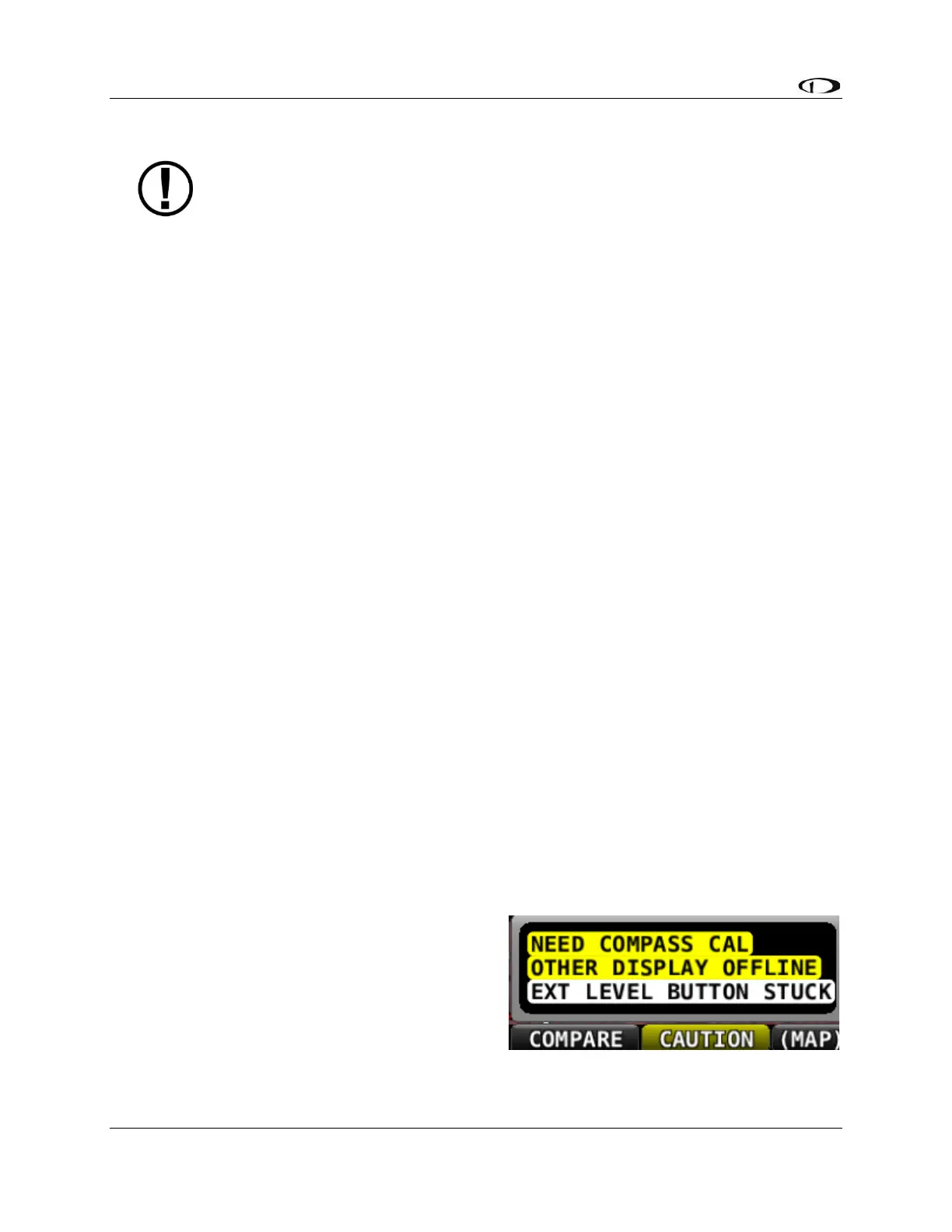
During bootup, SkyView checks the status of
the External LEVEL Button input (SV-
BUTTON-LEVEL). If SkyView detects that the
External LEVEL Button is pressed (the input is
grounded) during bootup, the External LEVEL
Button is assumed to be stuck (or incorrectly
installed), resulting in:



 To Next Page