SV-GPS-2020 GPS Antenna/Receiver Installation and Configuration
SkyView HDX System Installation Manual - Revision E 11-5
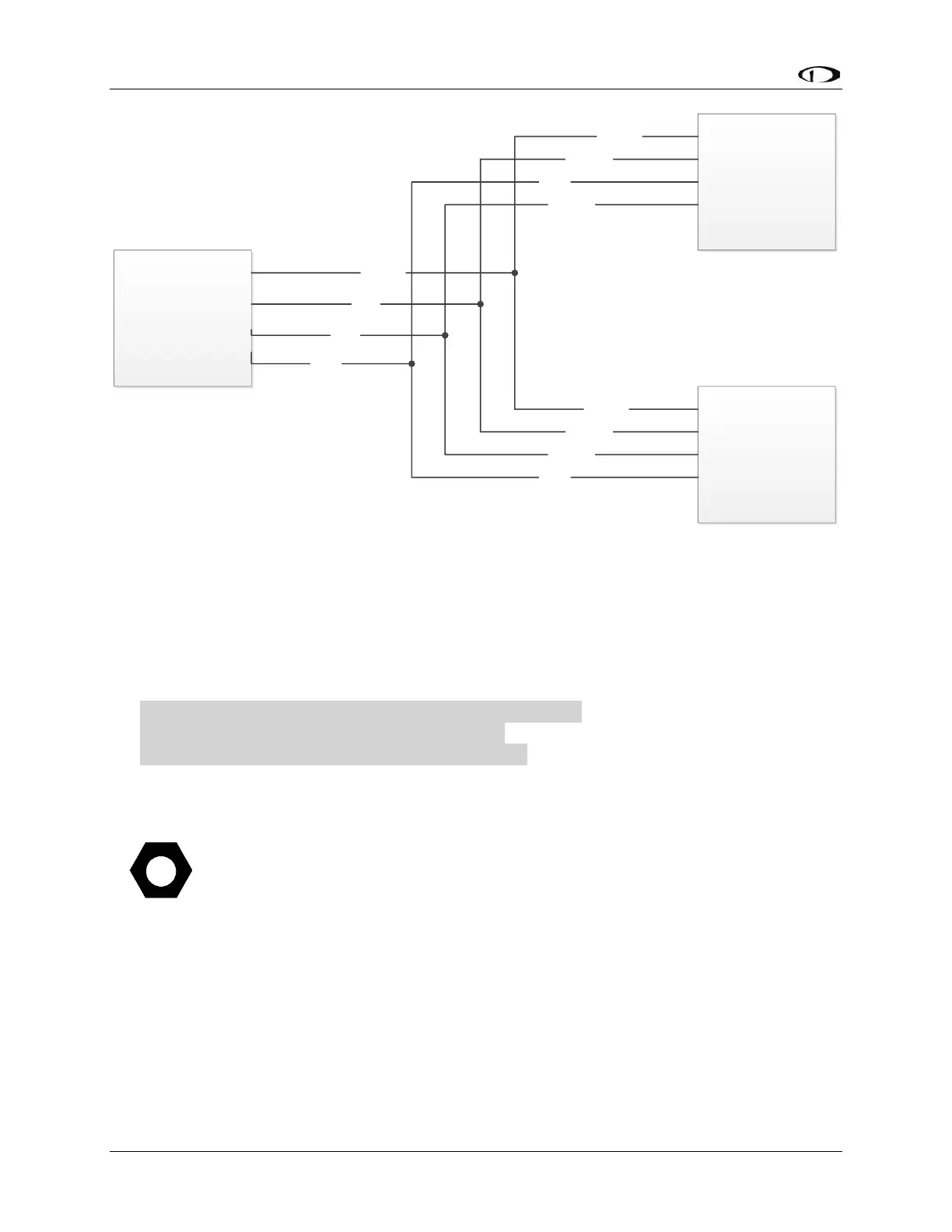
Figure 69: SV-GPS-2020 Connected to Multiple SkyView Displays
11.4 Serial Port 5 Configuration (SV-GPS-2020 only)
Go to the Serial Port Setup Menu (SETUP MENU > SYSTEM SETUP > SERIAL PORT
SETUP > SERIAL PORT 5 SETUP) and then configure serial port 5 as follows:
SERIAL IN DEVICE: DYNON SV-GPS-2020
SERIAL IN FUNCTION: POS 1
NAVIGATION SOURCE DISPLAY NAME:(NOT SET)
SERIAL IN/OUT BAUD RATE: 115,200
SERIAL OUT DEVICE: DYNON SV-GPS-2020
(Highlighted settings are changed automatically from SERIAL IN DEVICE.)
11.5 Testing / Troubleshooting SV-GPS-2020 Installation
The SV-GPS-2020 are connected to the SkyView system via “serial port”,
and thus will not appear on the list of SkyView Network Devices during a
SkyView Network configuration.
11.5.1 Basic Serial Port Functionality
Go to Serial Port Setup for the serial port you chose to use for the SV-GPS-2020 (typically
Serial Port 5):
SETUP MENU > SYSTEM SETUP > SERIAL PORT SETUP > SERIAL PORT 5
SETUP



 To Next Page