Appendix H: Checklists
30-8 SkyView HDX System Installation Manual - Revision E
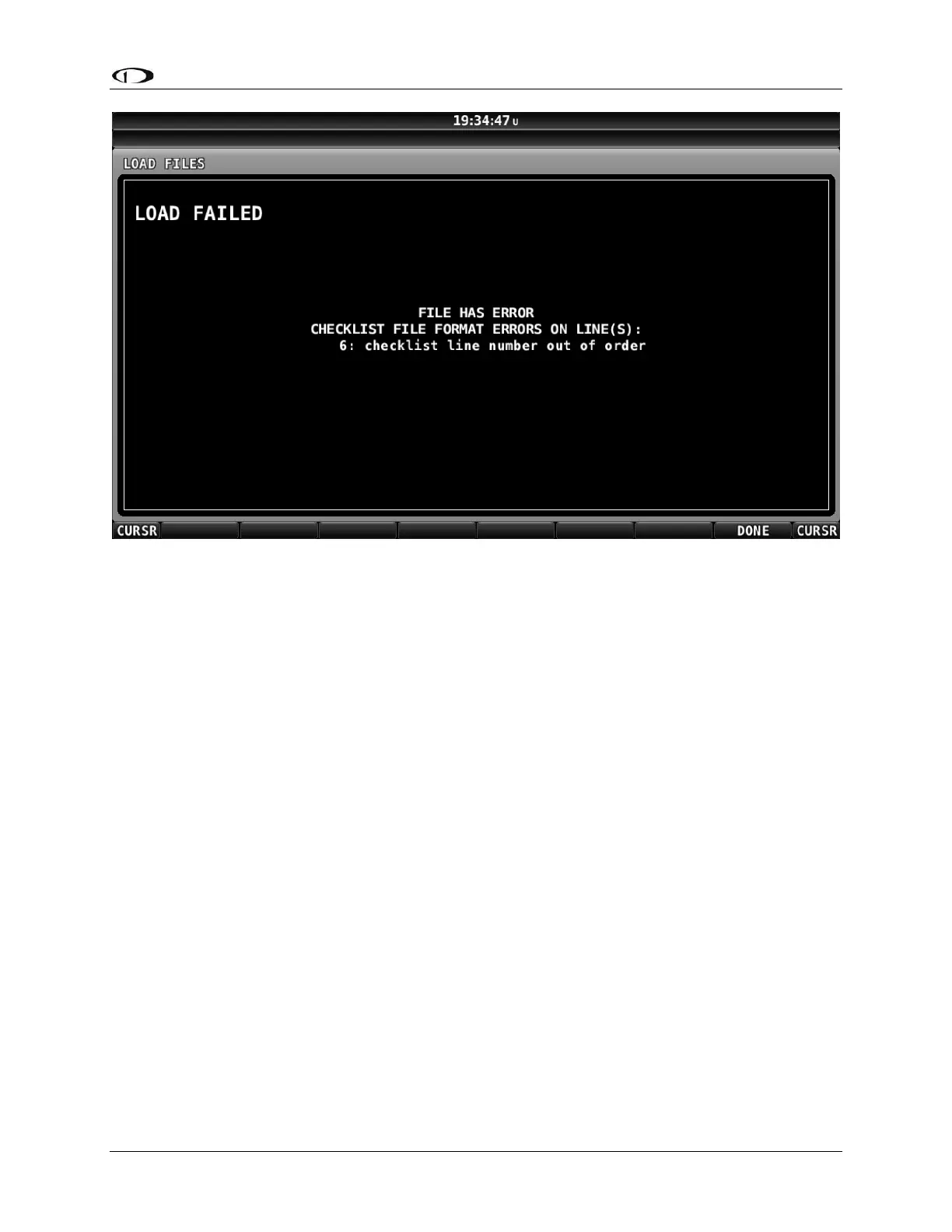
Figure 157: Checklist File Has an Error, Line Number Displayed, Could Not Be Loaded
In SkyView Software v14.1, if a checklist file being loaded has an error, the line number(s)
of the checklist file with the error is listed.
Once loaded onto one (1) SkyView display, a Checklist is synchronized to all other
SkyView displays and the Checklist can be displayed on any, or all, of the SkyView
displays.
Troubleshooting Your Checklist File
Ensure that your SkyView system has been updated to Software v14.0 (or later); support
for Checklists was added in Software v14.0.
For troubleshooting a Checklist, use of Software v14.1 is recommended as that version
will display the line numbers of any errors encountered (as shown in Figure 157).
If you have a complex checklist, use of a text editor that displays line numbers is
recommended.
The most common problem with Checklist files not loading correctly onto a SkyView
display is that the Checklist file was not saved using “UTF-8 Character Encoding”. If your
Checklist file will not load, try opening it and re-saving it in Windows Notepad or Mac OS
TextEdit using the procedure shown above – Saving Your Checklist with “UTF-8
Character Encoding”, and see Figure 155: Windows Notepad Save As with UTF-8
Encoding, or Figure 152, Figure 153, and Figure 154 above for Mac OS TextEdit.
If your Checklist will still not load, then, check that each section (each individual Checklist)
begins with the same CHECKLIST(number). Example:



 To Next Page