EasyManua.ls Logo

Dynon SkyView HDX - Page 337

Dynon SkyView HDX
374 pages
Print Icon
To Next Page IconTo Next Page
To Previous Page IconTo Previous Page
Loading...
Appendix C: Wiring and Electrical Connections
SkyView HDX System Installation Manual - Revision E 25-19
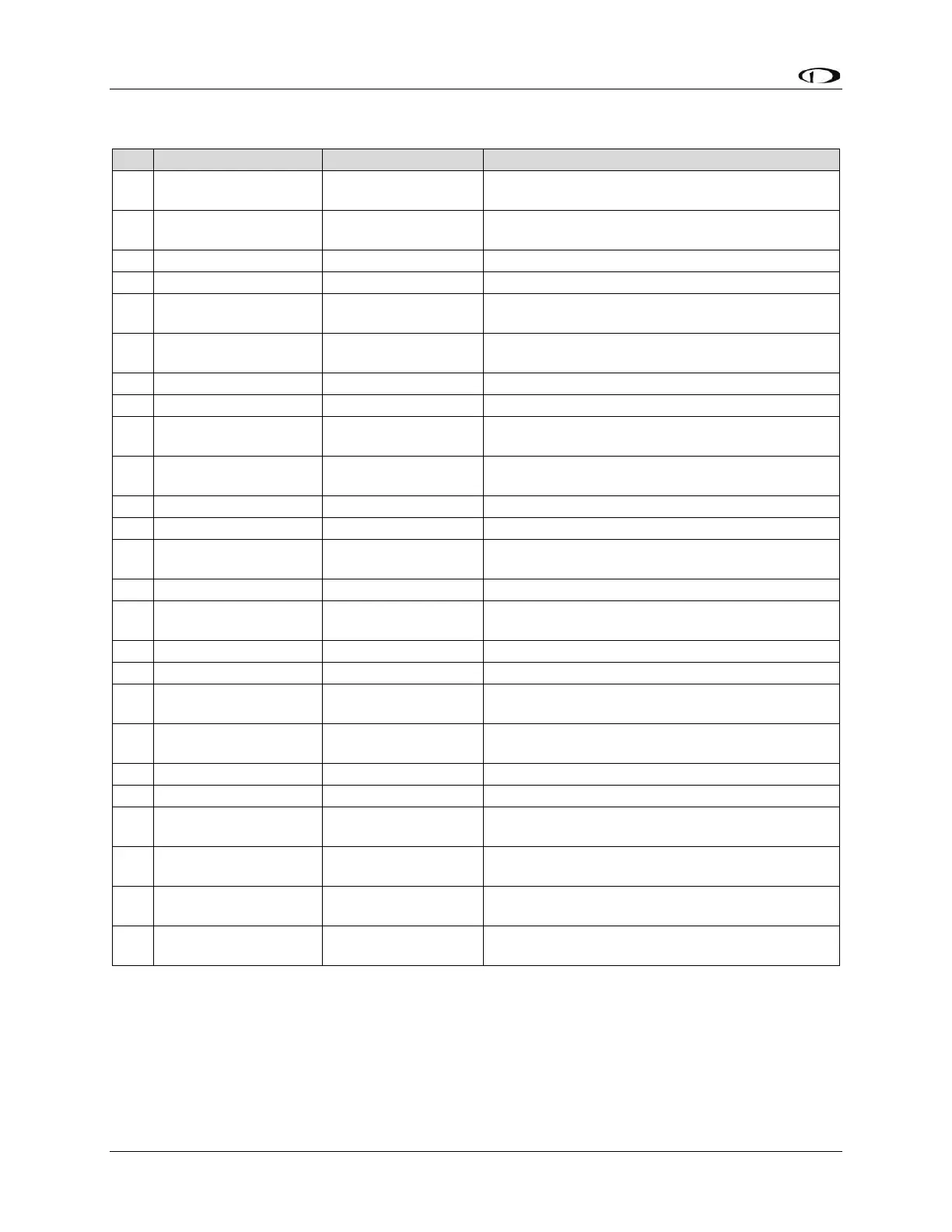
Table 76: SV-COM-T8 D25M Connector
Pin
Wire Color
Function
Notes
1
(determined by
installer)
PHONES GROUND
2
(determined by
installer)
PHONES OUT
3
N/A
No Connection
-
4
N/A
No Connection
-
5
(determined by
installer)
DATA RX FROM
SV-COM-PANEL
Connect to SV-COM-PANEL Pin 5
6
(determined by
installer)
DATA TX TO
SV-COM-PANEL
Connect to SV-COM-PANEL Pin 4
7
N/A
No Connection
-
8
N/A
No Connection
-
9
(determined by
installer)
MICROPHONE /
PTT GROUND
10
(determined by
installer)
GROUND
No connection
11
N/A
No Connection
-
12
N/A
No Connection
-
13
(determined by
installer)
SV-COM-PANEL
ENABLE
Connect to SV-COM-PANEL Pin 6
14
N/A
No Connection
-
15
(determined by
installer)
PTT IN
16
N/A
No Connection
-
17
N/A
No Connection
-
18
(determined by
installer)
TRANSMIT
INTERLOCK
(Use only when there are two SV-COM-X83s
installed.) Connect to other radio’s PTT.
19
(determined by
installer)
GROUND IN
GROUND
20
N/A
No Connection
-
21
N/A
No Connection
-
22
(determined by
installer)
GROUND IN
GROUND
23
(determined by
installer)
MICROPHONE IN
24
(determined by
installer)
POWER IN
10-30V DC @ 5A
25
(determined by
installer)
POWER IN
10-30V DC @ 5A

Table of Contents

Other manuals for Dynon SkyView HDX

Related product manuals