Appendix H: Checklists
30-10 SkyView HDX System Installation Manual - Revision E
the CHECKLIST button is pressed again (the CHECKLIST button “toggles” the display of
your Checklist On and Off).
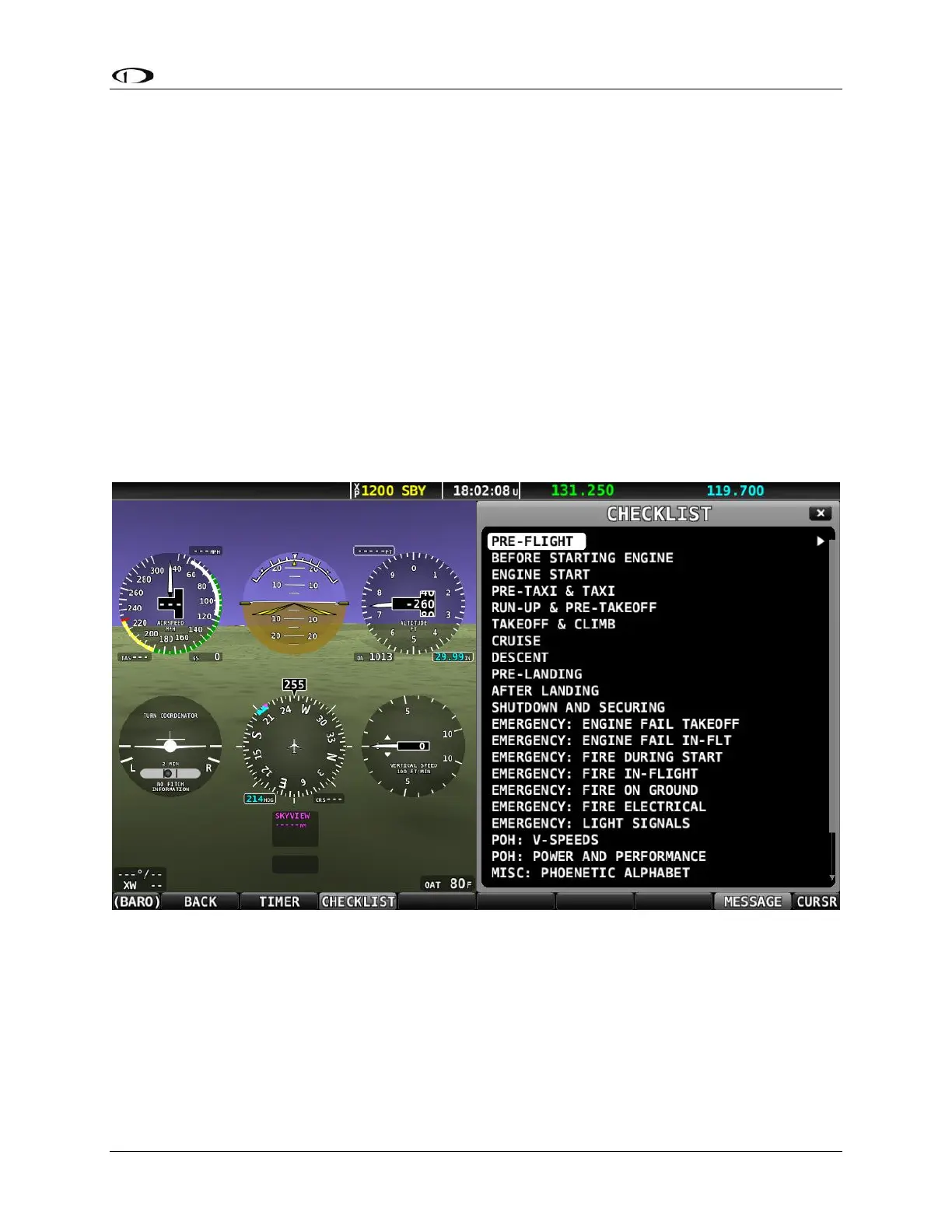
Your Checklist will be displayed on the SkyView display in a 40% window or 50% window
per the following conditions:
• The Checklist will not obscure the PFD
• If the display is set to display 100% PFD, MAP, or EMS, the original page will
be resized to 50% and the Checklist will be displayed at 50%.
o If the Checklist displays at 40% on a 100% page, temporarily enable
another page, select the 50% / 50% layout, then disable the temporary
page. The Checklist should now correctly display at 50%.
• If the display is set to display 60% PFD / 40% MAP or EMS, the MAP or PFD
(40% page) will be replaced with the Checklist (displayed at 40%).
• If the display is set to display MAP and EMS (any % of either), the EMS page
will be resized to 50% and the Checklist will be displayed at 50%.
Figure 158: List of Checklists Available



 To Next Page