3. Mode
31000
3/5
31000
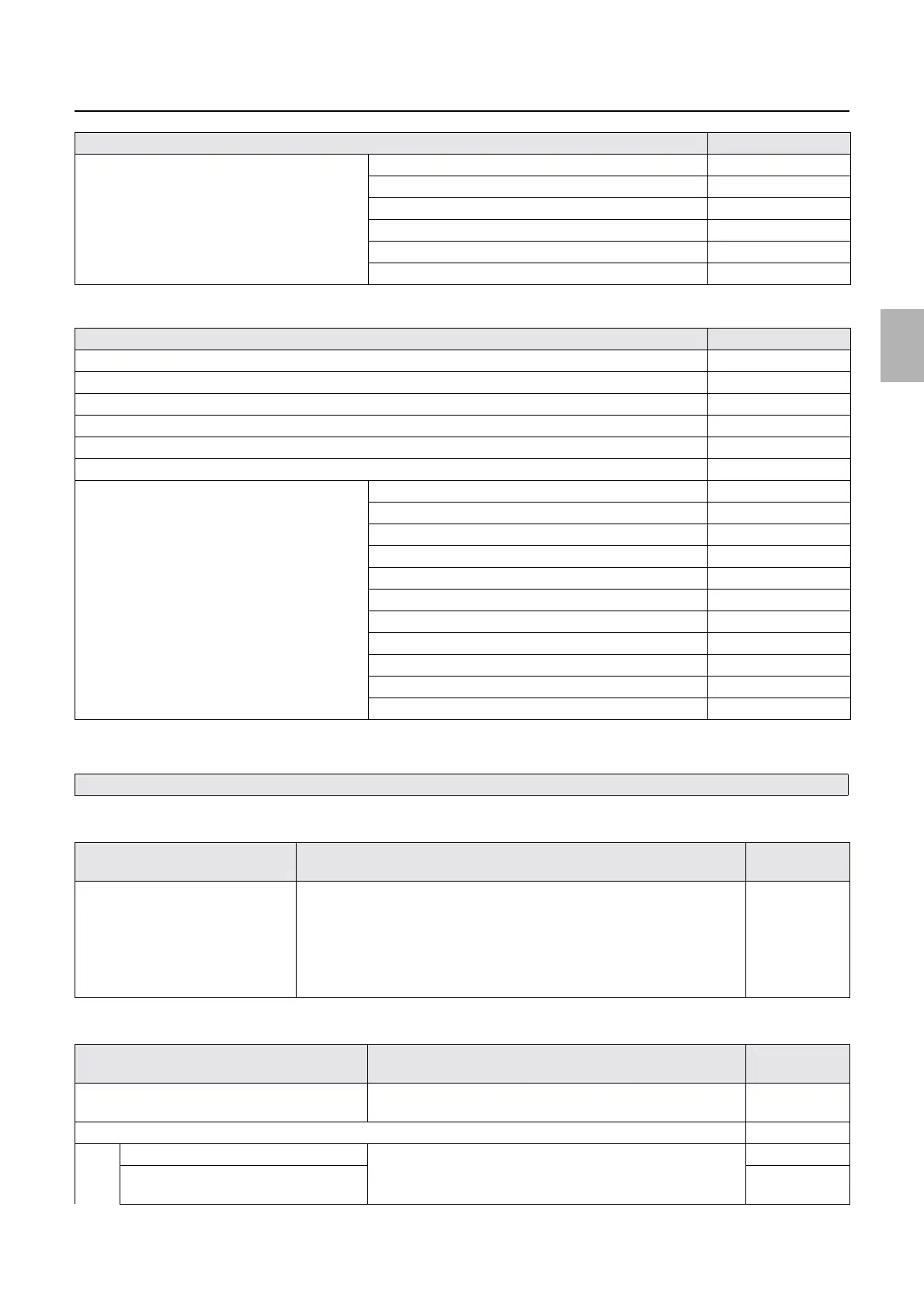
Mode structure table
Processor settings [J]
!
!!
! Operator Selections
Operator Selections (Printer 1)
Operator Selections (Processor)
Processor Standard Setting (SP1) Thermosensor Calibration ☞33500
Refilling Water Amount Setting ☞33510
Cleaning Water Amount Setting
☞33501
Dryer Lane Select Operation Setting ☞33590
Drive Motor Revolution Count Setting ☞33502
Dryer Section Setting (Auto Setup)
☞33505
Item Reference
Print Sensor Adjustment (SP2) ☞33001
Processing Solution Temperature Setting
Status Display (Basic)
Counter (SP2)
☞33070
Status Display (correction)
Dryer Temperature Setting
Processor Standard Setting Thermosensor Calibration (SP1)
☞33500
Basic Kit Setting (SP1) ☞33520
Kit Correction (SP1)
☞33530
Refilling Water Amount Setting (SP1) ☞33540
Pump Output Amount Setting (SP1) ☞33550
Operation Check (SP1)
☞33560
Manual Kit Change ☞33570
Cleaning Water Amount Setting (SP1) ☞33570
Dryer Lane Select Operation Setting (SP1)
☞33590
Drive Motor Revolution Count Setting (SP1) ☞33502
Dryer Section Setting (Auto Setup) (SP1) ☞33505
Only the function modes which are exclusive to the service mode are explained. See the User Manuals for other modes.
Item Details Standard
setting
Hide some check items for the
startup/closedown checks.
This function is to not show specified items during Startup Checks and Close
Down Checks.
• %: Check items for the Startup Checks and Close Down Checks are
shown.
• &: Check items for the Startup Checks and Close Down Checks are not
shown.
Without
checkmark
Item Details Standard
setting
Drive, Dryer Manual ON Switch Processor drive and dryer operate continuously.
This operates no matter if the system is printing or not.
ON
Error Occurrence Selection
Replenishment Error
*1
(SP1) If it is set to OFF, the attention message is not shown even though
the replenisher tanks run out of solutions.
ON
Replenishment Package Error (SP1)
(Only for SM)
ON
Item Reference
Distributed by: minilablaser.com



 To Next Page