3. Mode
35210
3/5
35210
Maintenance
!
!!
! Magazine Unit A2-2
!
!!
! Exposure Advance Unit
*1. Printer door 4 is shown only when the Quad Magazine Unit has been registered to Option Registration.
!
!!
! Exposure Engine Section
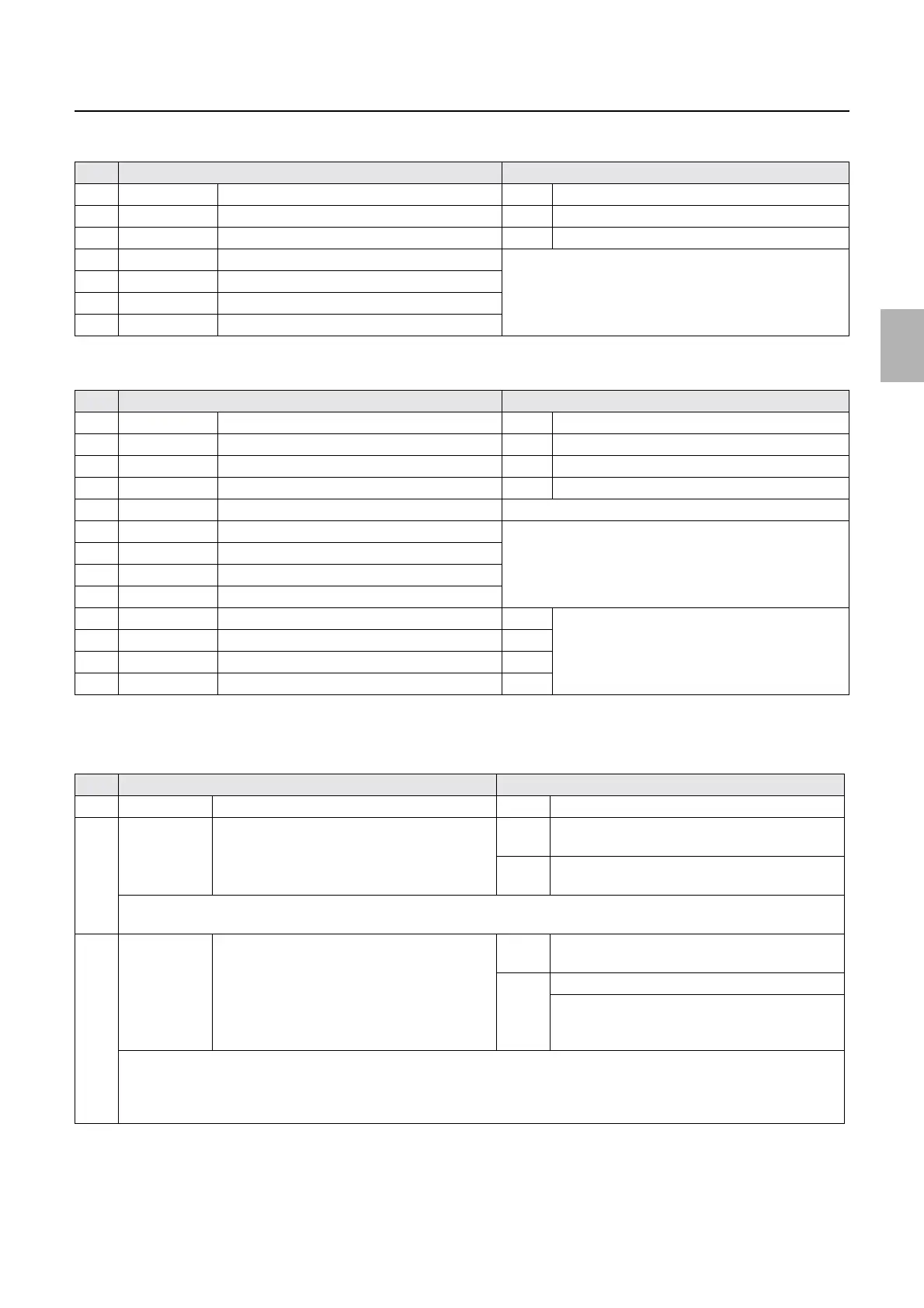
No. Display Status
1 DARK/LIGHT Paper End Sensor A2 DARK Paper is detected.
2 DARK/LIGHT Pressure Change Sensor A2 DARK Paper is detected.
3 DARK/LIGHT Width Change Sensor A2 DARK Paper is detected.
4 ON/OFF Interlock Switch (Printer Top Cover) See
☞Operation of the interlock switches.
5 ON/OFF Interlock Switch (Printer Doors 1, 4)
6 ON/OFF Interlock Switch (Printer Door 2)
7 ON/OFF Printer Door 3 Sensor
No. Display Status
1 DARK/LIGHT Exposure Advance Pressure Change Sensor 1 DARK When the pressure is applied on the paper.
2 DARK/LIGHT Exposure Start Sensor DARK Paper is detected.
3 DARK/LIGHT Exposure Advance Pressure Change Sensor 2 DARK When the pressure is applied on the paper.
4 DARK/LIGHT Exposure Advance Pressure Change Sensor 3 DARK When the pressure is applied on the paper.
5 ##.#C Inner Temperature Displays the inner temperature of printer.
6 ON/OFF Interlock Switch (Printer Door 1) See
☞Operation of the interlock switches.
7 ON/OFF Interlock Switch (Printer Doors 1, 4)
*1
8 ON/OFF Interlock Switch (Printer Door 2)
9 ON/OFF Printer Door 3 Sensor
10 ON/OFF DIP Switch 2-1 OFF Displays the dip switch status of the printer control
PCB.
☞66000
Turn off all.
11 ON/OFF DIP Switch 2-2 OFF
12 ON/OFF DIP Switch 2-3 OFF
13 ON/OFF DIP Switch 2-4 OFF
No. Display Status
1 ON/OFF Interlock Switch (Printer Door 1, 2) ON When the cover is closed.
2 Synchronous/
Asynchronous
Polygon Mirror Synchronous Synchr
onous
Normal
When the polygon mirror rotates properly
Asynch
ronous
Problem
The polygon mirror does not normally rotate.
When entering the input check, the polygon mirror is ON.
The polygon mirror driver outputs the signal which indicates the stability of the polygon mirror rotation.
3 Synchronous/
Asynchronous
*1
Laser Synchronous Sensor Synchr
onous
When the polygon mirror is synchronous and
either of R/G/B laser or all lasers is/are emitting
Asynch
ronous
When the polygon mirror is asynchronous
When the polygon mirror is synchronous and
either of R/G/B laser or all lasers is/are not
emitting
When entering the input check, the polygon mirror and R/G/B lasers are ON.
When either of R/G/B laser is not emitting, it depends on the timing of measurement and the laser light intensity whether
synchronous or asynchronous appears.
When checking for any problems in the laser output, check with the output check.
☞35310
Distributed by: minilablaser.com



 To Next Page