2. Replacement and adjustment of parts
22100
8/8
22100
Magazine section
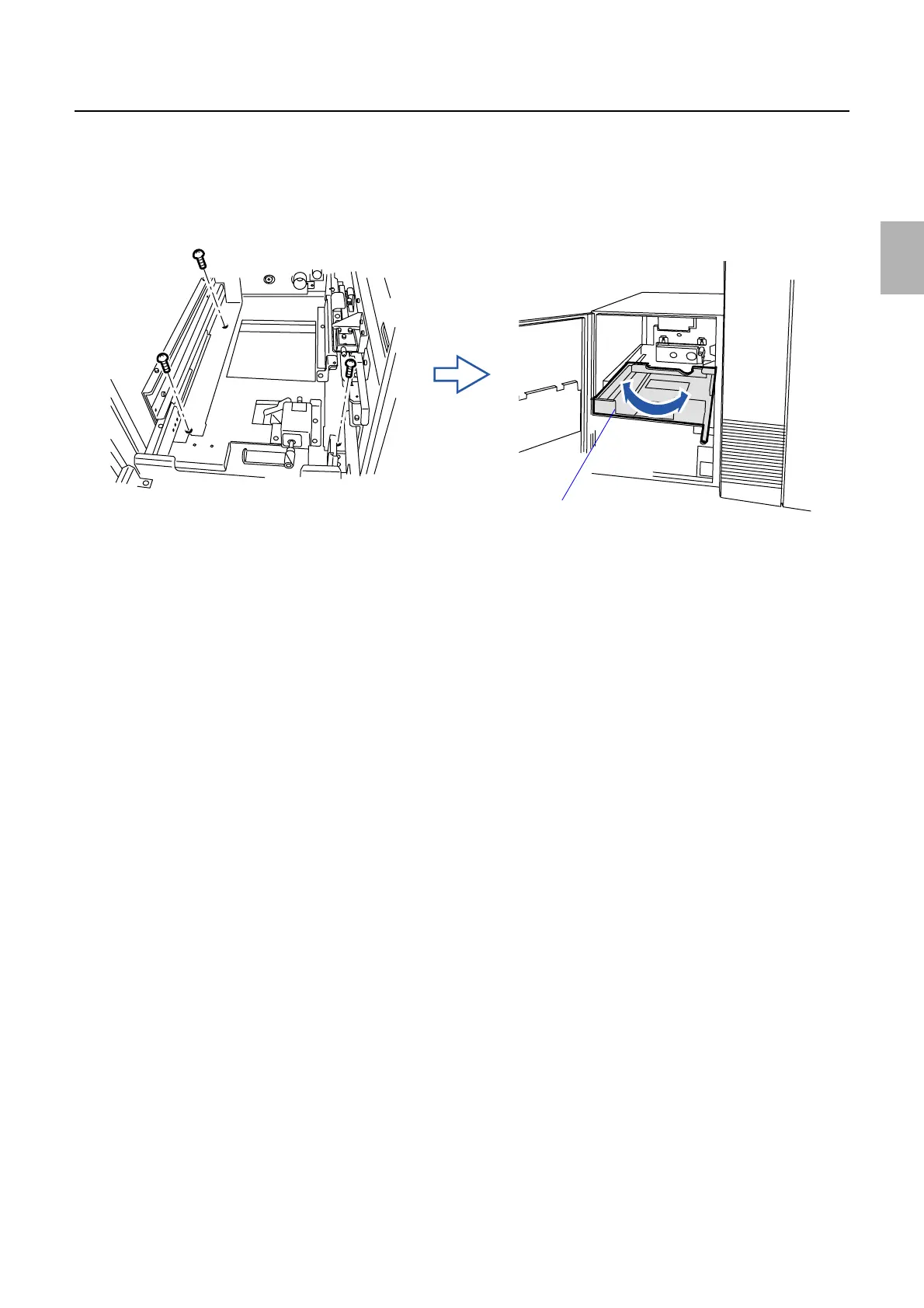
4. If the positioning pin is not smoothly inserted into the hole, loosen the screws of magazine deck A.
(three screws)
5. Adjust the position of magazine deck A so that the positioning pin fits the hole smoothly.
6. Tighten screws on magazine deck A. (three screws)
7. Perform Arm Unit 1 Zigzagging Correction.
☞36060
8. When repeating the zigzagging adjustment of magazine deck A, repeat Step 1 to Step 7.
Magazine deck A
G072369
Distributed by: minilablaser.com



 To Next Page