5. Operation sequence
56200
2/3
56200
Print conveyor unit operation
6. Conveyor belt stops moving.
• Conveyor motor: OFF (Stop)
Condition: When a specific time passes after conveyor motor ON.
7. The print receiving tray moves.
• For details about operation of the print receiving tray of the print sorter unit, see ☞ 56300.
!
!!
! Paper with the width of 152.0 mm or less and the advance length between 178.1 and
305.0 mm
NOTE
• For details of paper advance inside the printer, see ☞55500.
1. The paper passes through the print sensor.
• For details of the operation from entering of paper into the processor to the ejection to the print conveyor unit, see
☞56100.
2. The print sensor detects the paper rear end.
3. The prints are output to the print conveyor unit.
4. Conveyor belt starts to move.
• Conveyor motor: ON (rotation)
Condition: When a specific time passes after
☞2 The print sensor detects the paper rear end.
5. Paper is output into the print sorter unit's print receiving tray.
6. Conveyor belt stops moving.
• Conveyor motor: OFF (Stop)
Condition: When a specific time passes after conveyor motor ON.
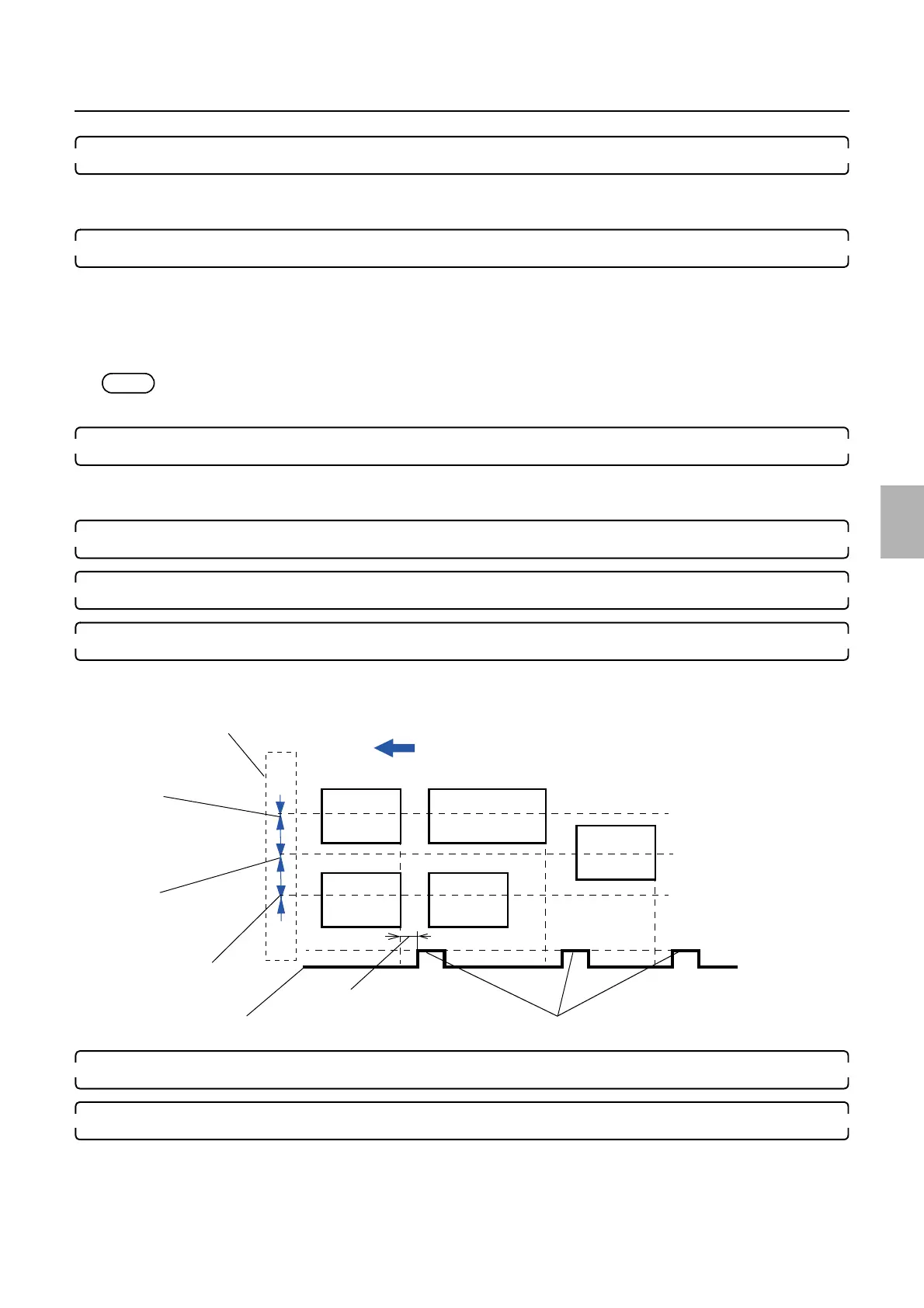
Paper advance direction
Conveyor motor: OFF
A specified time
Conveyor motor: ON
Dryer rack
Print sensor (left)
Print sensor (right)
Print sensor (center)
G071653
Distributed by: minilablaser.com



 To Next Page