Print conveyor unit operation
1/3
5. Operation sequence
56200
56200
Print con veyor un it operation
Print conveyor unit operation
This section explains the process that begins with paper passing through the dryer rack print sensor and ends with it being output to the
print sorter unit.
NOTE
• Print conveyor operation varies depending on differences in paper advance methods brought about by a variety of paper widths and
advance lengths.
•
☞Paper with the width of 152.0 mm or less and the advance length of 178.0 mm or less
•
☞Paper with the width of 152.0 mm or less and the advance length between 178.1 and 305.0 mm
!
!!
! Paper with the width of 152.0 mm or less and the advance length of 178.0 mm or less
NOTE
• For details of paper advance inside the printer, see ☞55500.
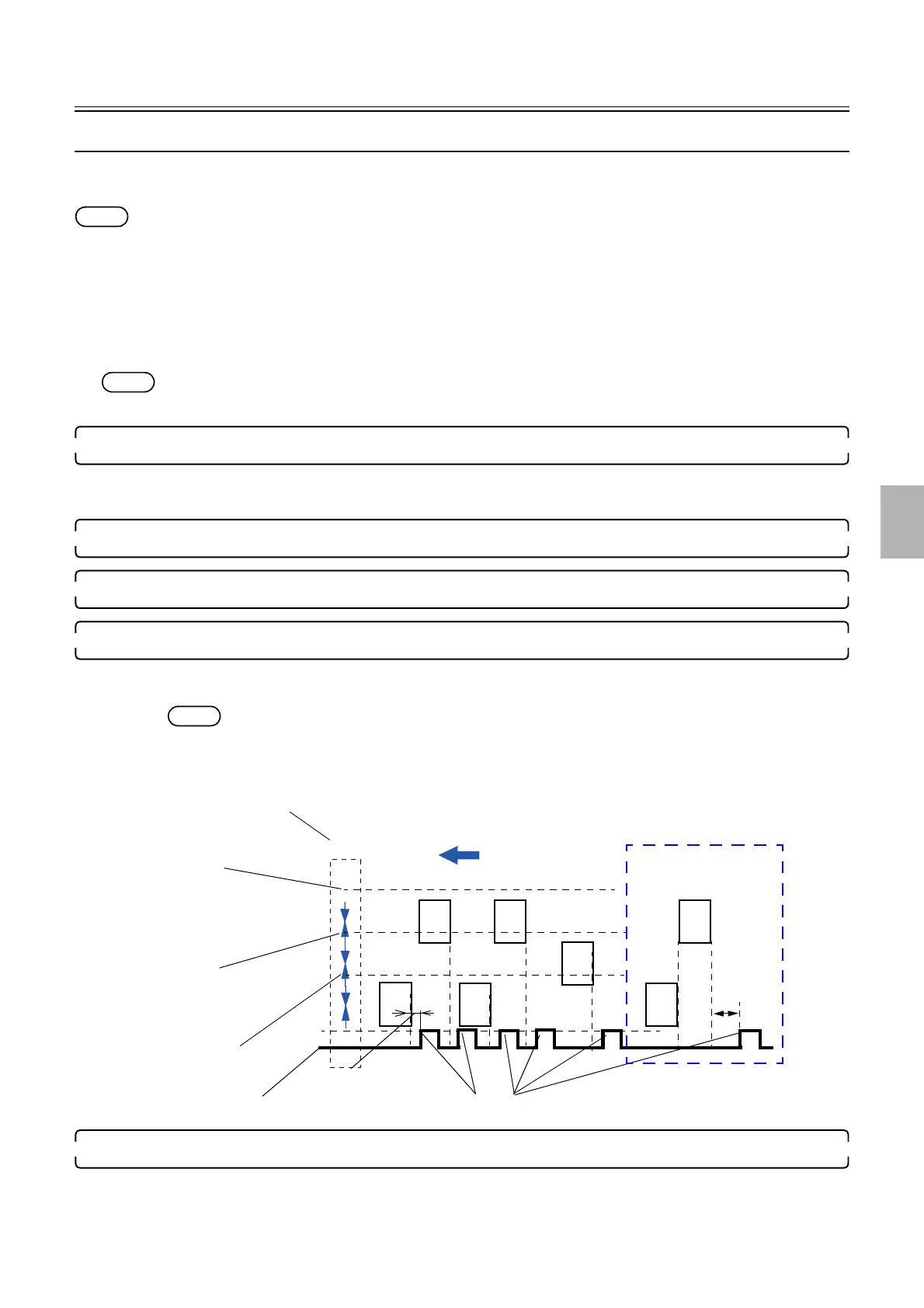
1. The paper passes through the print sensor.
• For details of the operation from entering of paper into the processor to the ejection to the print conveyor unit, see
☞56100.
2. The print sensor detects the paper rear end.
3. The prints are output to the print conveyor unit.
4. Conveyor belt starts to move.
• Conveyor motor: ON
Condition: When a specific time passes after
☞2 The print sensor detects the paper rear end.
NOTE
• If the print sensor (right) detects the paper rear end when the print sensor (left) detects the paper during dividing
the paper path into right and left lanes to feed paper, the conveyor unit works after the paper detected by the print
sensor (left) is output to the conveyor unit.
5. Paper is output into the print sorter unit's print receiving tray.
Paper advance direction
Conveyor motor: OFF
A specified time
Conveyor motor: ON
Dryer rack
Print sensor (left)
Print sensor (right)
Print sensor (center)
G085316
Distributed by: minilablaser.com



 To Next Page