6. Electrical parts
66007
4/7
66007
Description of PCB (printer section)
IMPORTANT
• Do not change the settings of IP Address, Subnet mask and Default gateway on the Machine Specification
display.
The Software Upgrade of the printer I/F main PCB may not complete normally.
NOTE
• It may take about several tens of seconds to complete the registration of Machine Specification.
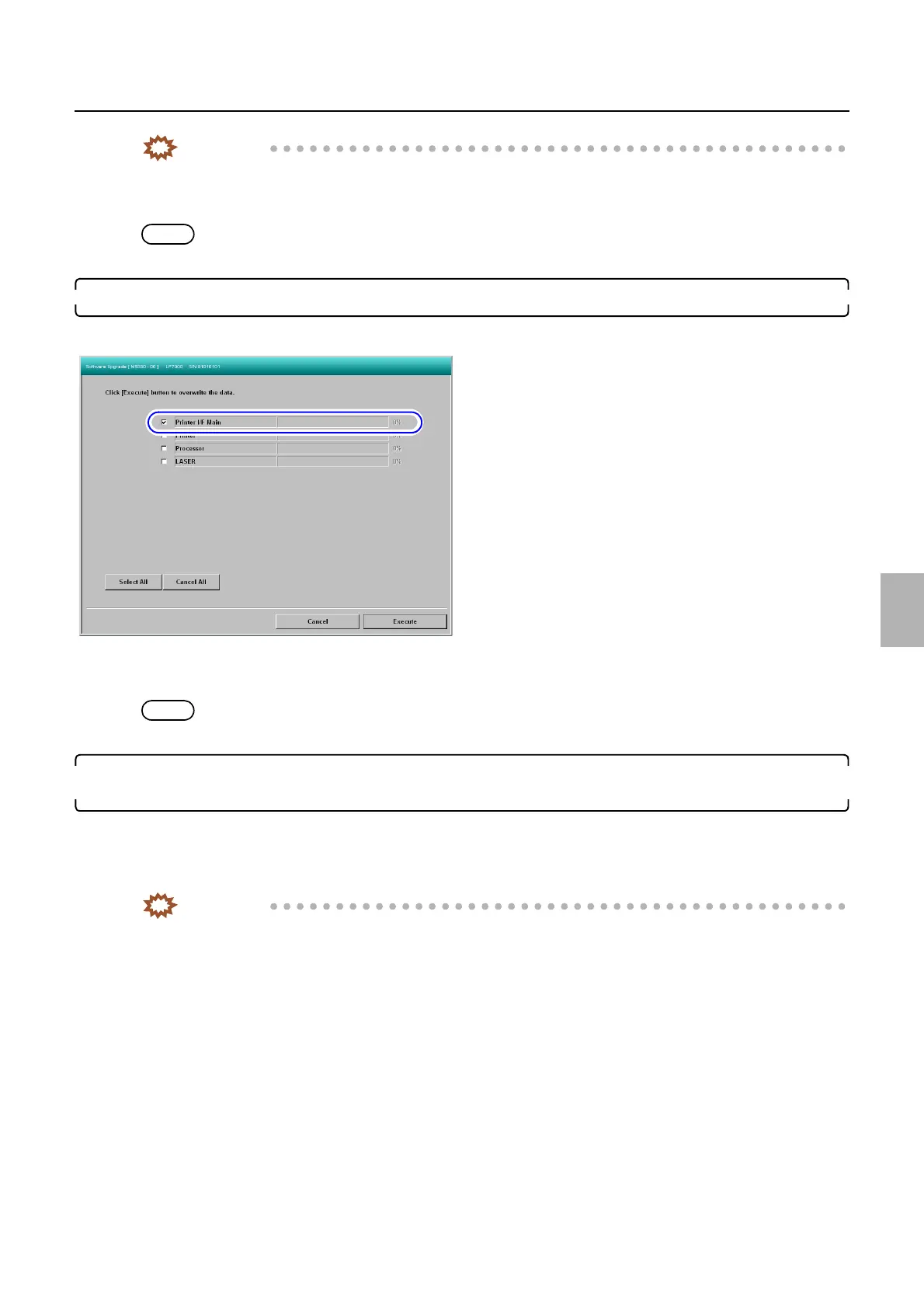
10. Perform Software Upgrade of the printer I/F main PCB.
☞35600
Bringing up the display
Maintenance: 2260 → Extension → Maintenance → Software Upgrade
NOTE
• It may take about two minutes to complete the upgrade of the printer I/F main PCB.
11. Read the printer backup data that has been obtained before replacing the printer I/F main PCB in
Step 2.
☞35400
Bringing up the display
Maintenance: 2260 → Extension → Maintenance → Reading and Writing Data
IMPORTANT
• If the printer backup data could not be obtained before replacing the printer I/F main PCB in Step 2, load the
latest printer backup data that was saved before replacing the printer I/F main PCB.
M5330-03
Distributed by: minilablaser.com



 To Next Page