1-16 F650 DIGITAL BAY CONTROLLER GEK-106310-AF
1.3 ENERVISTA 650 SETUP SOFTWARE CHAPTER 1: GETTING STARTED
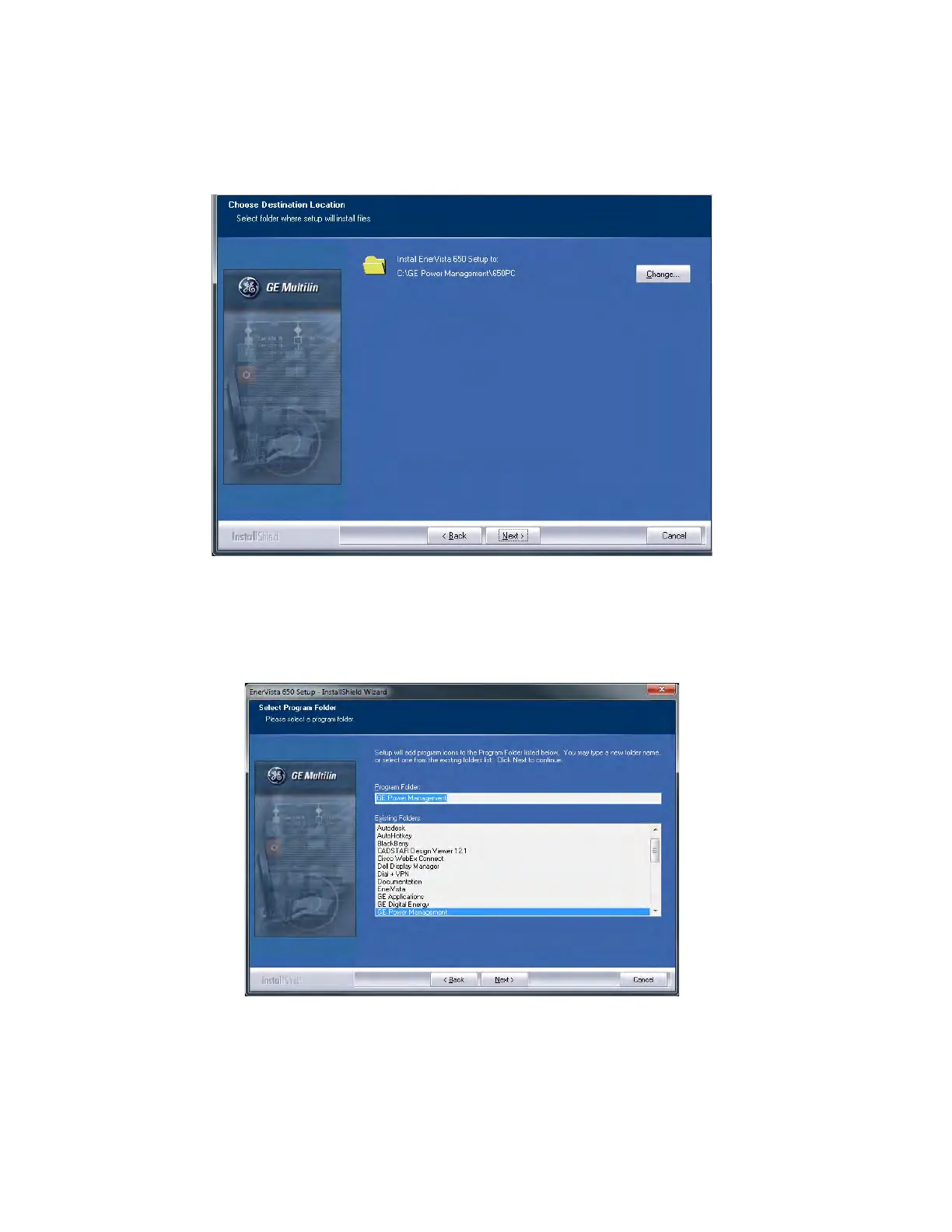
8. When the Choose Destination Location window is displayed, change the installation directory id needed by clicking
Change… and typing in the complete path name including the new directory name. Click Next to continue with the
installation.
Figure 1-5: EnerVista 650 Setup installation cont.
9. The default program group containing the application is added to as shown in the Se
lected Program Folder window.
Click Next to begin the installation process, and all the necessary program files are copied into the selected directory.
Figure 1-6: Select program folder



 To Next Page