CHAPTER 1: GETTING STARTED 1.3 ENERVISTA 650 SETUP SOFTWARE
GEK-106310-AF F650 DIGITAL BAY CONTROLLER 1-17
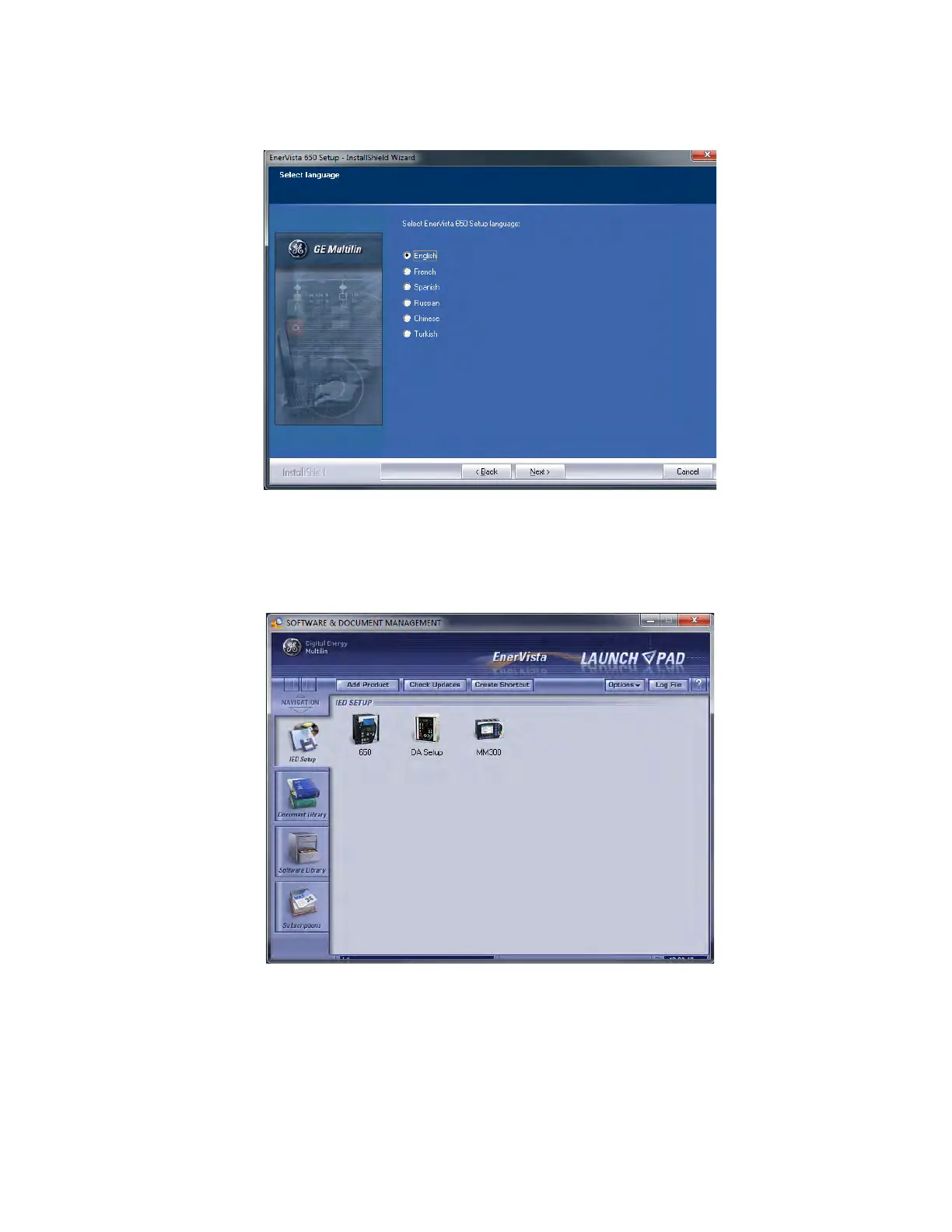
10. To complete the installation, select the desired language for startup.
Figure 1-7: Language window
11. Click Fin
ish to end the installation. The F650 device has been added to the list of installed IEDs in the EnerVista
Launchpad window, as shown below.
Figure 1-8: EnerVista Launchpad



 To Next Page