7-236 F650 DIGITAL BAY CONTROLLER GEK-106310-AF
7.3 IEC 61850 CONFIGURATOR CHAPTER 7: IEC 61850 PROTOCOL
The Reports tab in the IEC 61580 Configurator permits configuration of Data Sets and Control Blocks for Buffered and
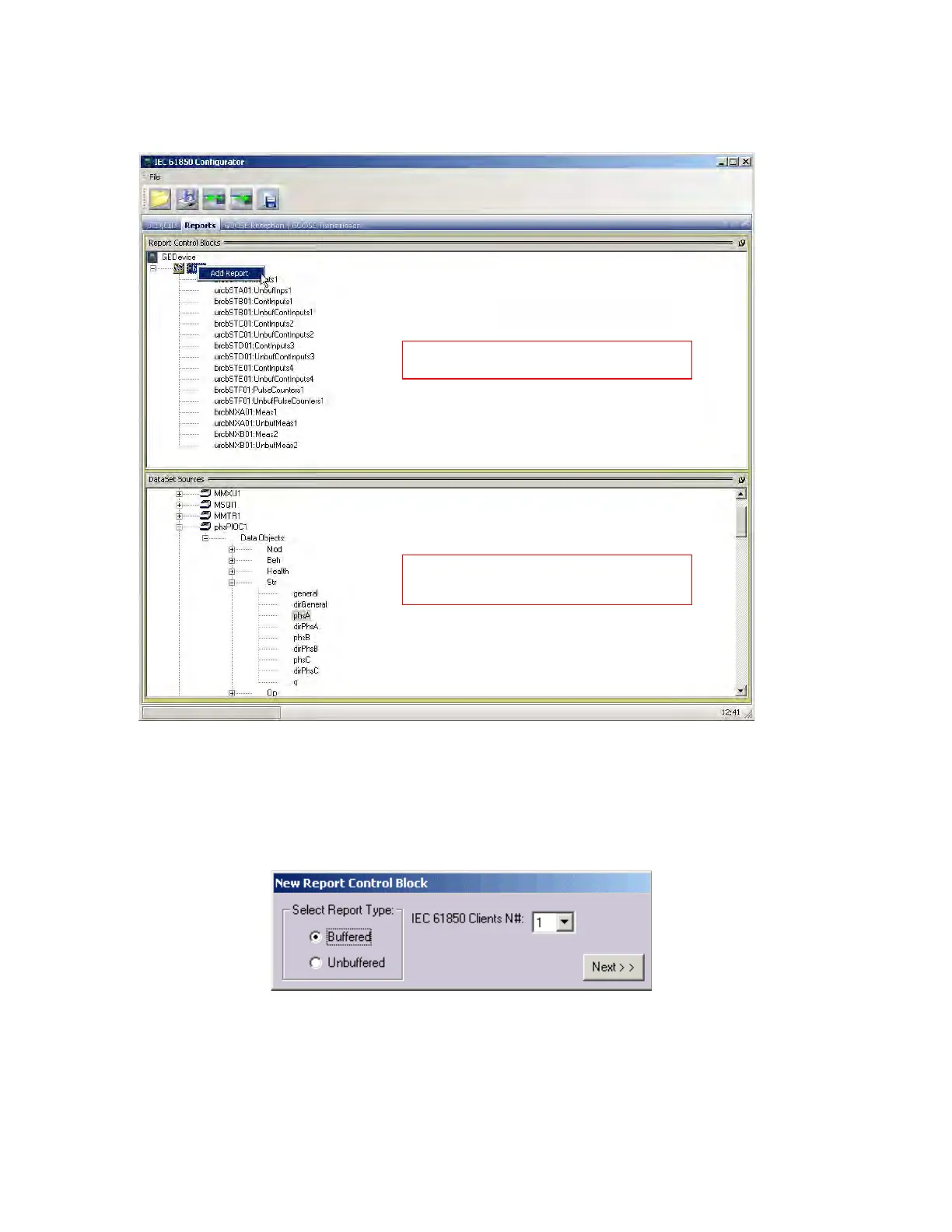
Unbuffered Reports. In order to create new Report, right-click the name of Logical Device Instance, then select Add Report.
Figure 7-27: Add report in Reports tab
Next specify the type of Report in the New Report Control Block window, either Buffered or Unbuffered. If Buffered Report
is selected, the number of IEC 61850 clients must be configured. This value sets the appropriate number of Buffered
Control Blocks to be created. If Unbuffered Report is selected, the number of IEC 61850 clients is disabled; for versions
below 7.00 only one Unbuffered Report Control Block is created and for versions above there will be five.
After selecting type of report and optionally the number of IEC 61850 clients, click Next.
The Select Dataset window opens, allowing you to select the Data Set attached to the report being created. It is possible
to attach the report to already existing Data Sets. This option is useful if you need to add control blocks to an existing
Buffered Report or want the same Report that was previously configured as Buffered to also be Unbuffered (or vice versa).
To create a new Data Set select New DataSet. The default name of new Data Sets is "REPORT1", "REPORT2", etc.
ICD Explorer panel, drag-and-
drop feature
makes creation of Data Sets easy
List of Report Control Blocks



 To Next Page