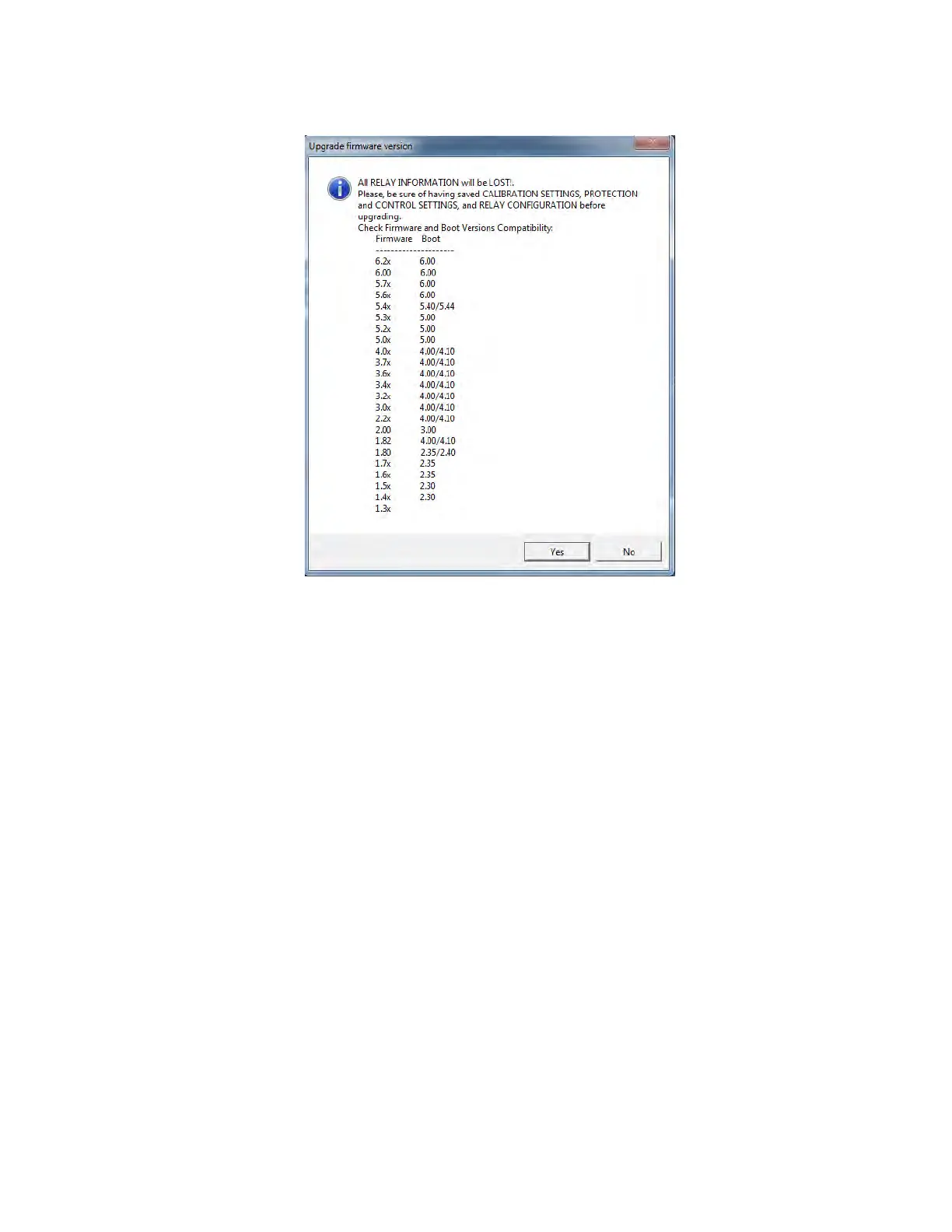
CHAPTER 9: BOOTCODE AND FIRMWARE UPGRADE 9.1 FIRMWARE UPGRADE VERSIONS BELOW 7.00.
GEK-106310-AF F650 DIGITAL BAY CONTROLLER 9-15
Click Yes to continue. A message is displayed indicating that a local network reboot is necessary (see following figure).
Proceed as follows:
• In the Windows Control Panel (Start > Control Panel), navigate to Network Connection > Local Network. Right-click
and select Disable. Confirm that the Local Network status is now Disabled. Restart the local network in the same
screen (right-click and select Enable). Wait until the local network status is Enabled before continuing.
•Click Upgrade F
irmware to continue the process (as shown).



 To Next Page