CHAPTER 9: BOOTCODE AND FIRMWARE UPGRADE 9.1 FIRMWARE UPGRADE VERSIONS BELOW 7.00.
GEK-106310-AF F650 DIGITAL BAY CONTROLLER 9-17
For a model with specialized functionality and a password requirement, contact GE Multilin.
The following parameters must be clearly indicated in the order:
• Unit serial number
• Current model option (befor
e memory upgrade)
• Desired model option (after memory upgrade)
• Unit MAC address (available in the identification label)
7. Once the upgrade parameters have been entered, click OK.
When communication has been established, the program
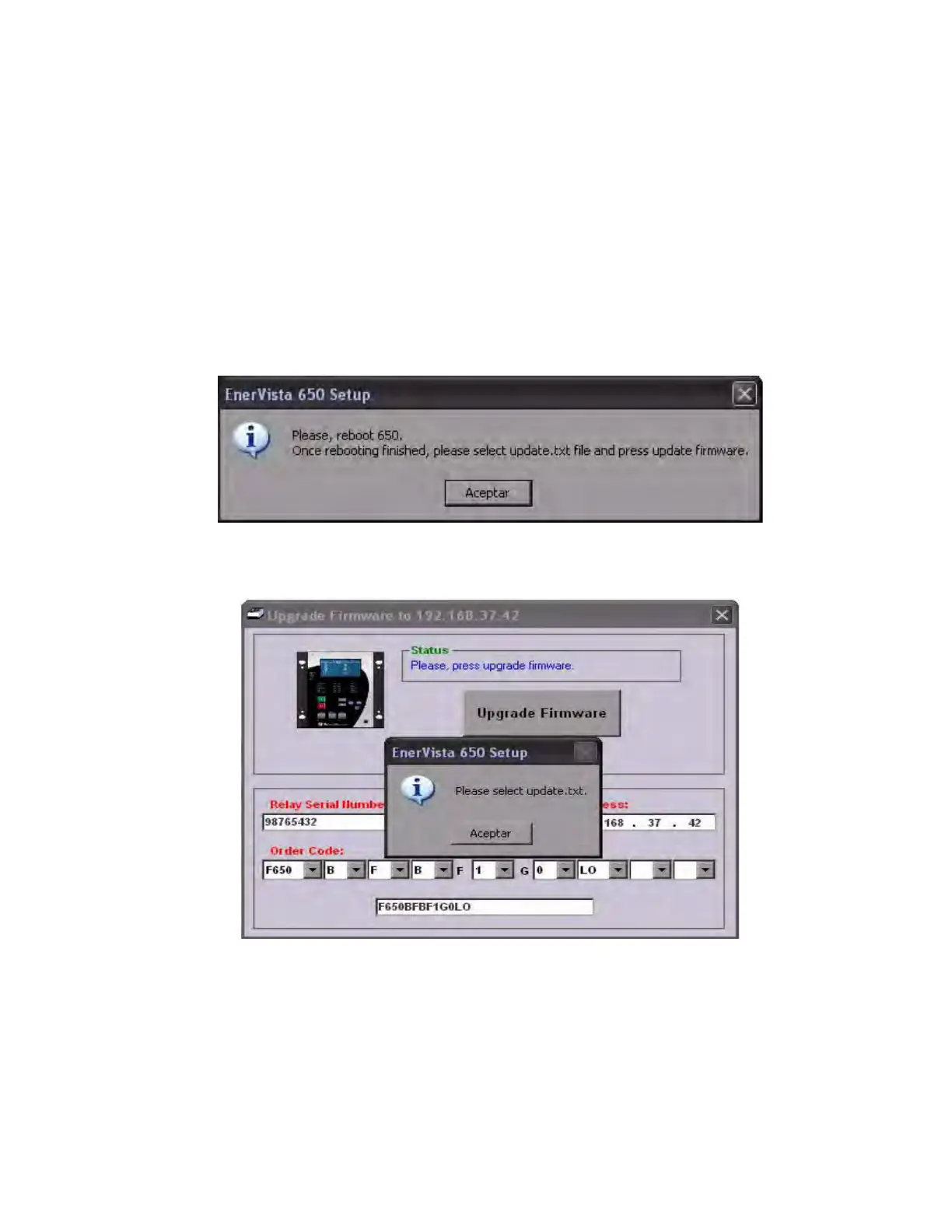
shows a message requesting a reboot of the 650 (turn the relay off and then back on) to continue with the upgrade
process.
8. Once the relay has been rebooted, you are prompted to select the new firmware upgrade file (update.txt).
The upgrade files, including update.txt, can be obtained online (http://www.gegridsolutions.com/index.htm) or from
the Technical Service Dept. at any GE Multilin facility. Save the files in a directory in the root drive or the PC desktop.
Extract any zipped files.
Browse to the "update.txt" file and click Open.



 To Next Page