CHAPTER 9: BOOTCODE AND FIRMWARE UPGRADE 9.2 FIRMWARE UPGRADE VERSION 7.00 OR ABOVE
GEK-106310-AF F650 DIGITAL BAY CONTROLLER 9-25
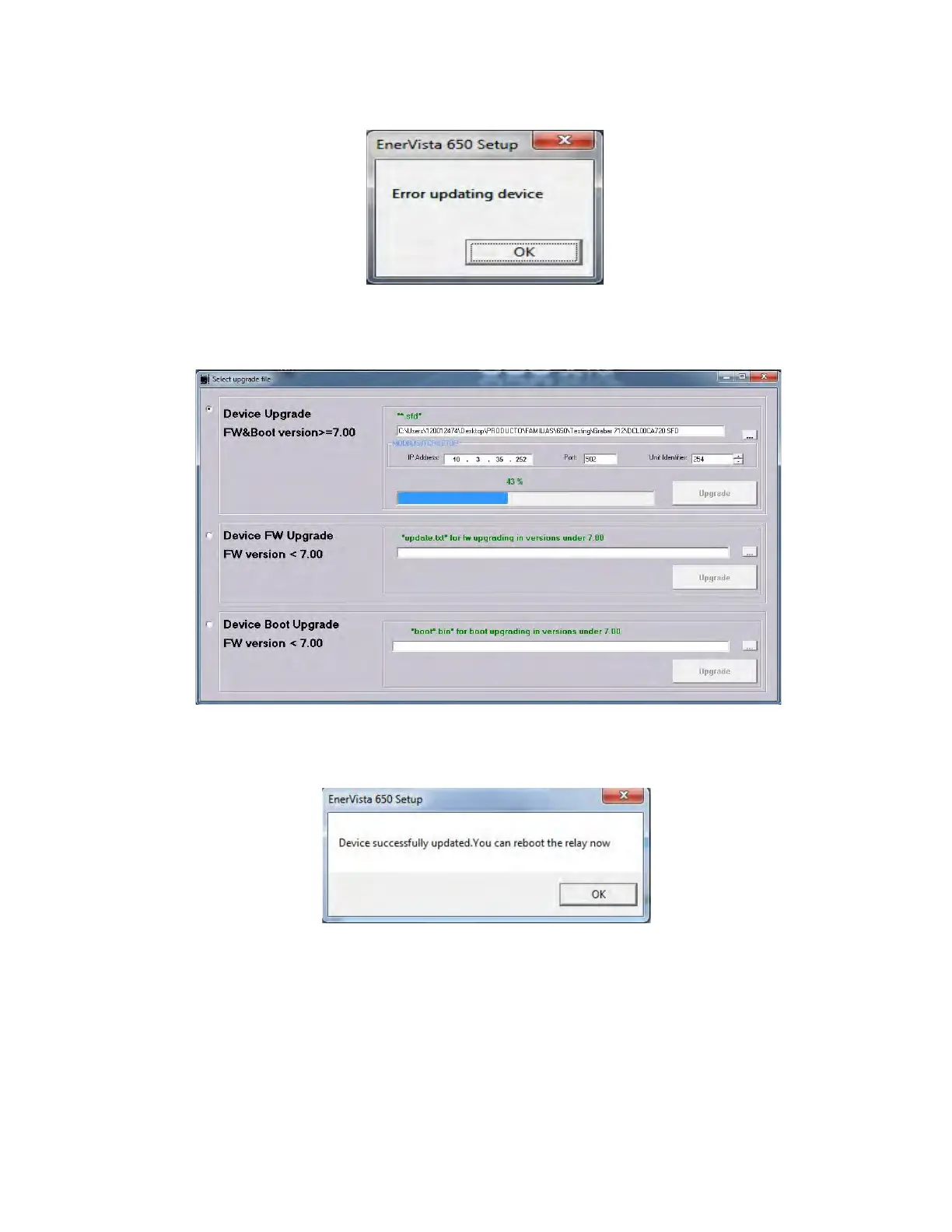
6. After sending the file successfully, the upgrade process starts:
7. When the flashing upgrade process finishes, a message is displayed requesting a relay reboot.
8. User settings and logic files downloading
When upgrading the firmware the entire settings and relay configuration are reset to factory default values. Then the User
is committed to download the settings, configuration and logic files to the relay in order to get it fully operative.
Calibration settings and configuration must be loaded to the relay once the upgrade process has finished.
To recover and download the different files to the relay use Enervista 650 Setup and at the top menu bar choose:



 To Next Page