Page 132 Job Editor Group 8
Release R1.06 JET3up
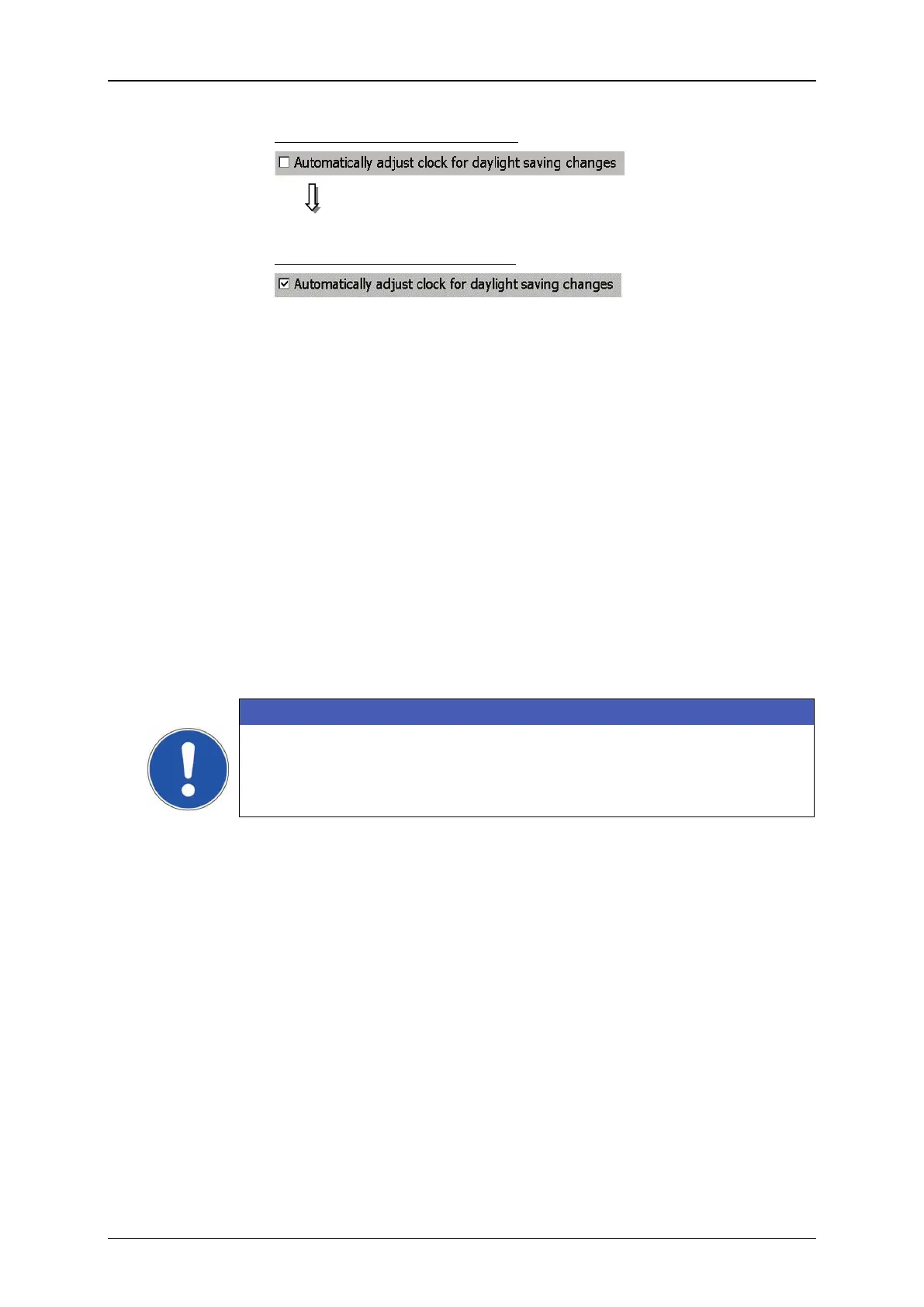
Automatic change is switched off
Automatic change is switched on
1 – Dialog box <Basic Settings>
3 – Check box <Summer-/Wintertime>
7.3.1.3 Interval operation - Set interval time
The mode <Interval operation> enables the input of start- and end times when the
LEIBINGER JET3up turns on or off automatically (e.g. 10.20 pm, the device turns
on / 10.40 pm, the device turns off) to circulate the ink.
The JET3up provides three free configurable time frame
s for interval operation. It is
not mandatory to use all three time frames.
This function prevents that the ink dries up or sediments as well as the jamming of
the nozzle if the printer is turned off for a longer time.
As standard the interval operation i
s carried out without viscosity control. In case of
need the viscosity control can be also activated for the interval operation.
The viscosity control should be only activated for special operating
conditions of the JET3up or after consultation with the LEIBINGER-
service department.
You should set an interval time of at least 20 minutes.



 To Next Page