Page 66 Transport/Start up Group 5
Release R1.06 JET3up
5.5.7 USB-Connection
The USB-connection can be used for all common USB-devices as e.g. mouses,
keyboards or USB-sticks
. All data can be exchanged comfortable and simply by the
USB-
connection. Software updates, exchange of variable printing data or memory
expansions can be carried out simply with the USB-stick.
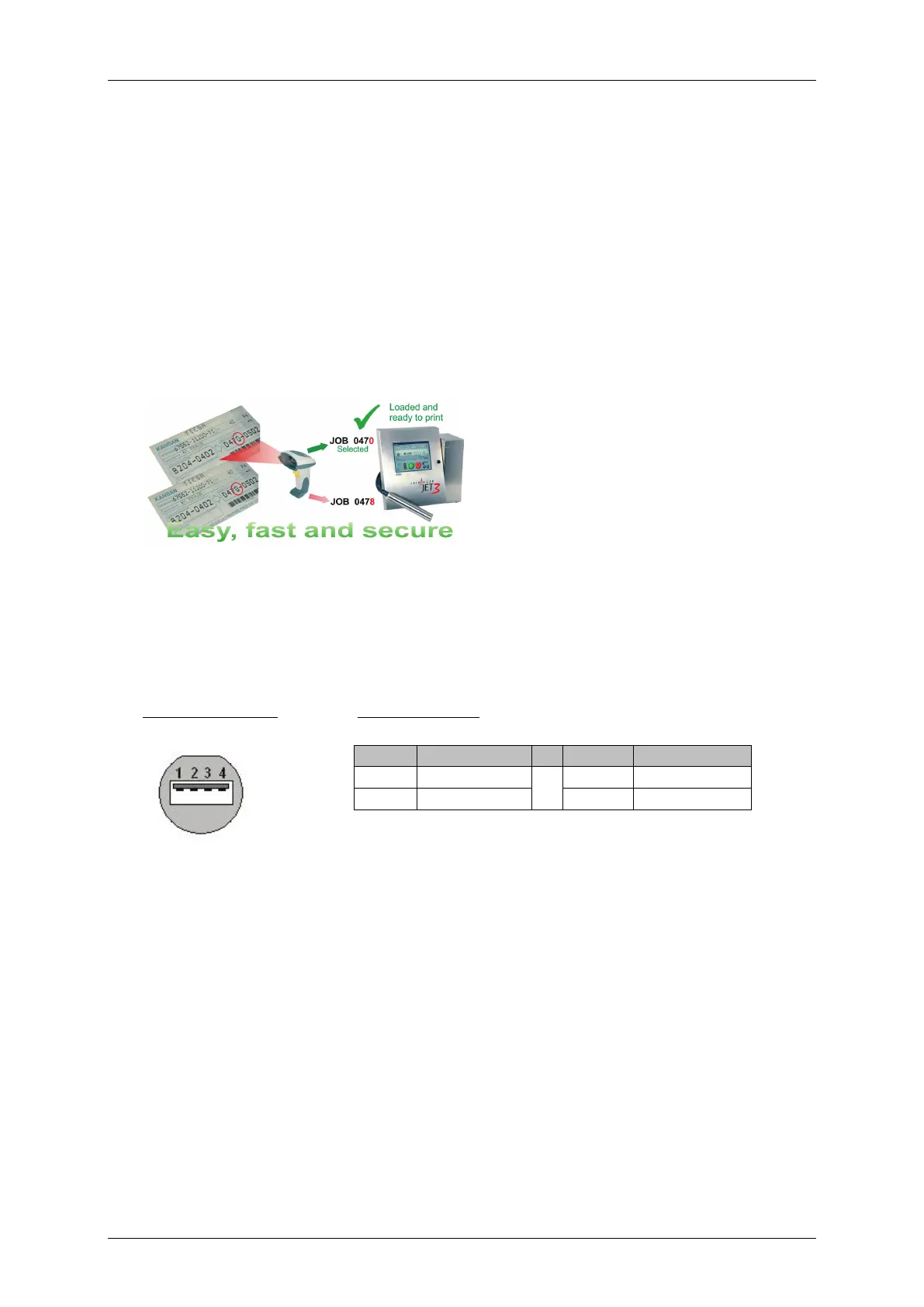
Shoot & print option
With an optional bar code scanner connected to the USB port it is possible to
emulate keyboard inputs with barcodes in order to avoid typing errors.
Commands read from bar codes to load
and execute pre-installed print jobs.
If the bar code scanner is connected to
the USB port it is used to emulate
keyboard inputs.
With a bar code scanner connected to
the RS 232 interface of the JET3up
there are further options available.
Please see the following chapters for
details:
8.7.5 Extern Text
2 Data - 4 GND



 To Next Page