Page 164 Job Editor Group 8
Release R1.06 JET3up
7.3.7 Password activation
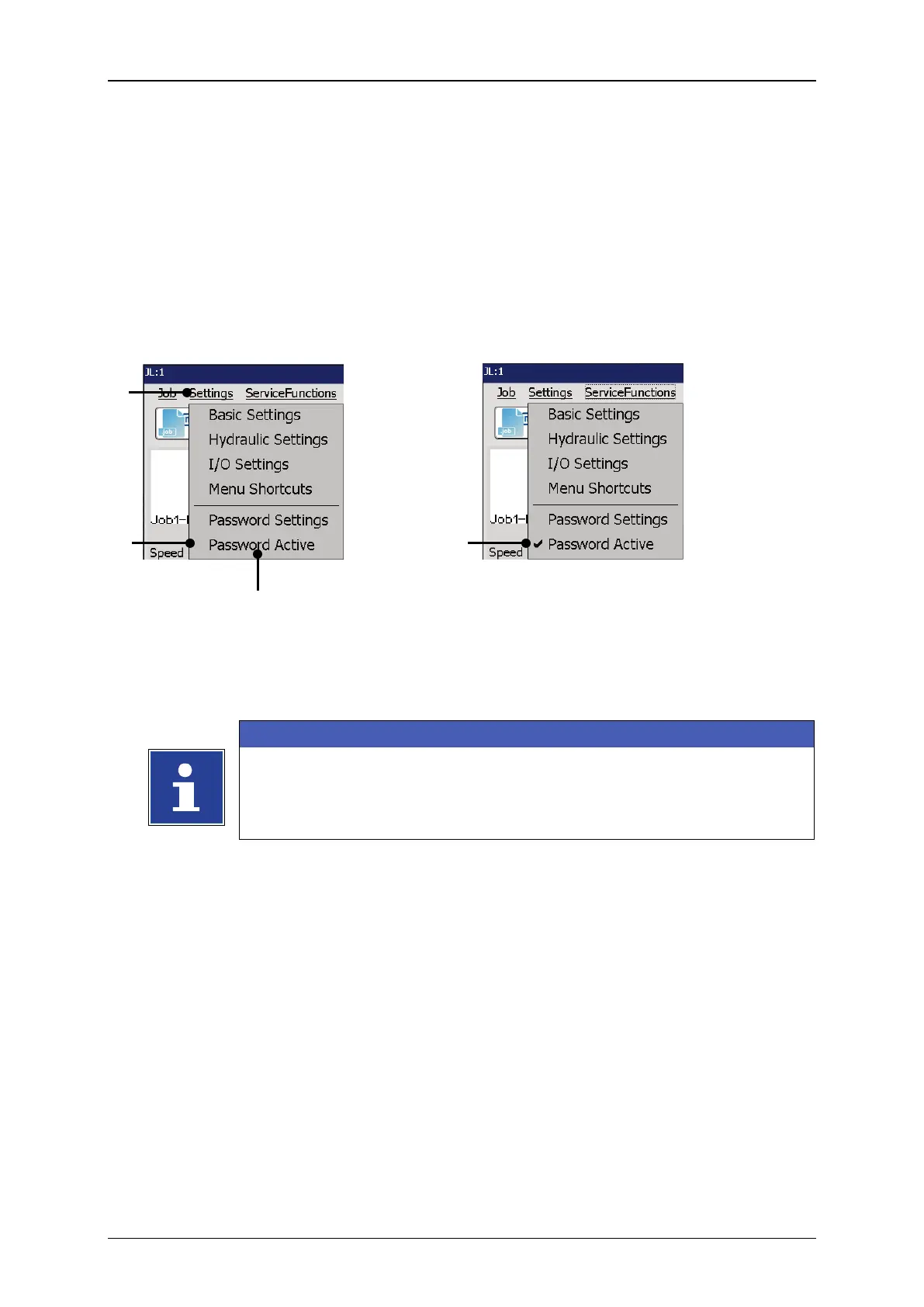
The function is activated or deactivated as follows:
Click on the drop-down menu <Settings> (1) and select the option <Password
Activate> (2).
The function is activated or deactivated depending on the current status.
Figure 69 Activate/deactivate password
1 – Drop-down menu <Settings>
3 – Option <Password Active> deactivated
2 – Option <Password Active>
4 – Option <Password Active> activated
You will find further information regarding login/logout and switching
on the device in the following chapters:
6.5.3.2 Switching on with password protetction
7.5.3 Login



 To Next Page