Page 322 Job Editor Group 8
Release R1.06 JET3up
8.7.3.1.4 End value
The setting defines the end value of the counter. The maximum input is 10 digits.
After reaching the end value the counter will be reset to the start value.
The set value is shown on the accordant display field.
8.7.3.1.5 Leading zeros (Left-hand zeros)
With this function the display of the leading zeros of a counter are turned on or off.
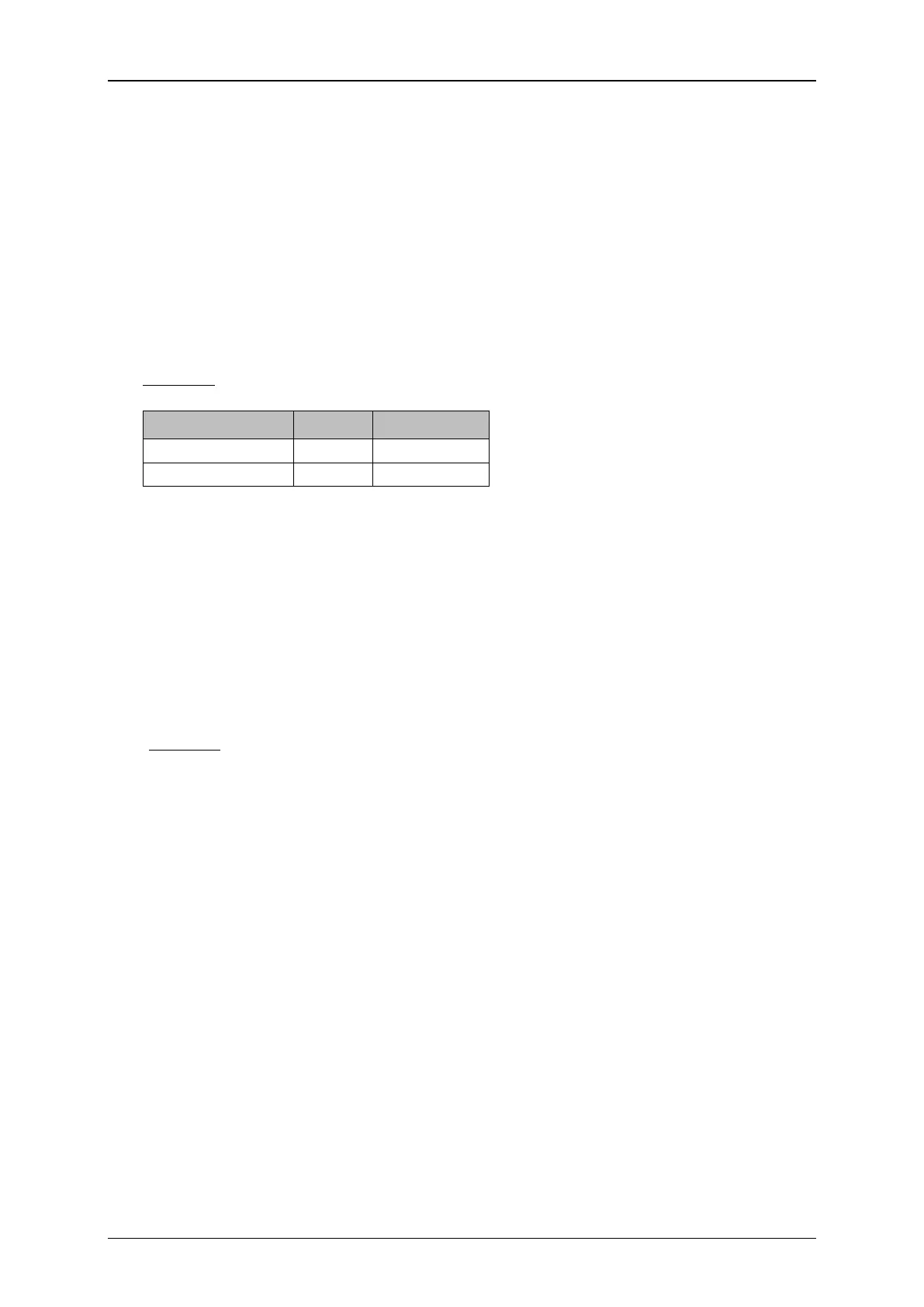
Example: 4-digits counter
Function Value Display
8.7.3.1.6 Step width
The setting defines the increasing of the counter between the several prints.
The set value is shown on the accordant display field.
8.7.3.1.7 Repetitions
The setting defines the amount of prints which should be repeated. If no repetition
is requested, you have to enter „0“. The counter can print up to 999998-times
repetitive.
1= Every counter value is printed twice consecutively
(1repetition)
2 = Every counter value is printed triply consecutively
(2 repetitions)
The set value is shown on the accordant display field.



 To Next Page