Page 330 Job Editor Group 8
Release R1.06 JET3up
Carry out the inputs („002“ and „003“) accordingly for the further shift codes.
Press the button <OK> (14)
to take over the input and to close the dialog box
or press the button <Cancel> (13) to leave the dialog box with
inputs to take over the input and to close the dialog box.
In the dialog box <Jobeditor> (16)
the fix text followed by the applied shift
code are displayed.
Note:
Displayed is the shift code which is currently valid ( as in the example the night
shift „003“).
8.7.4.3 Remove shift times
Shift times that are no longer needed can be removed.
Proceeding:
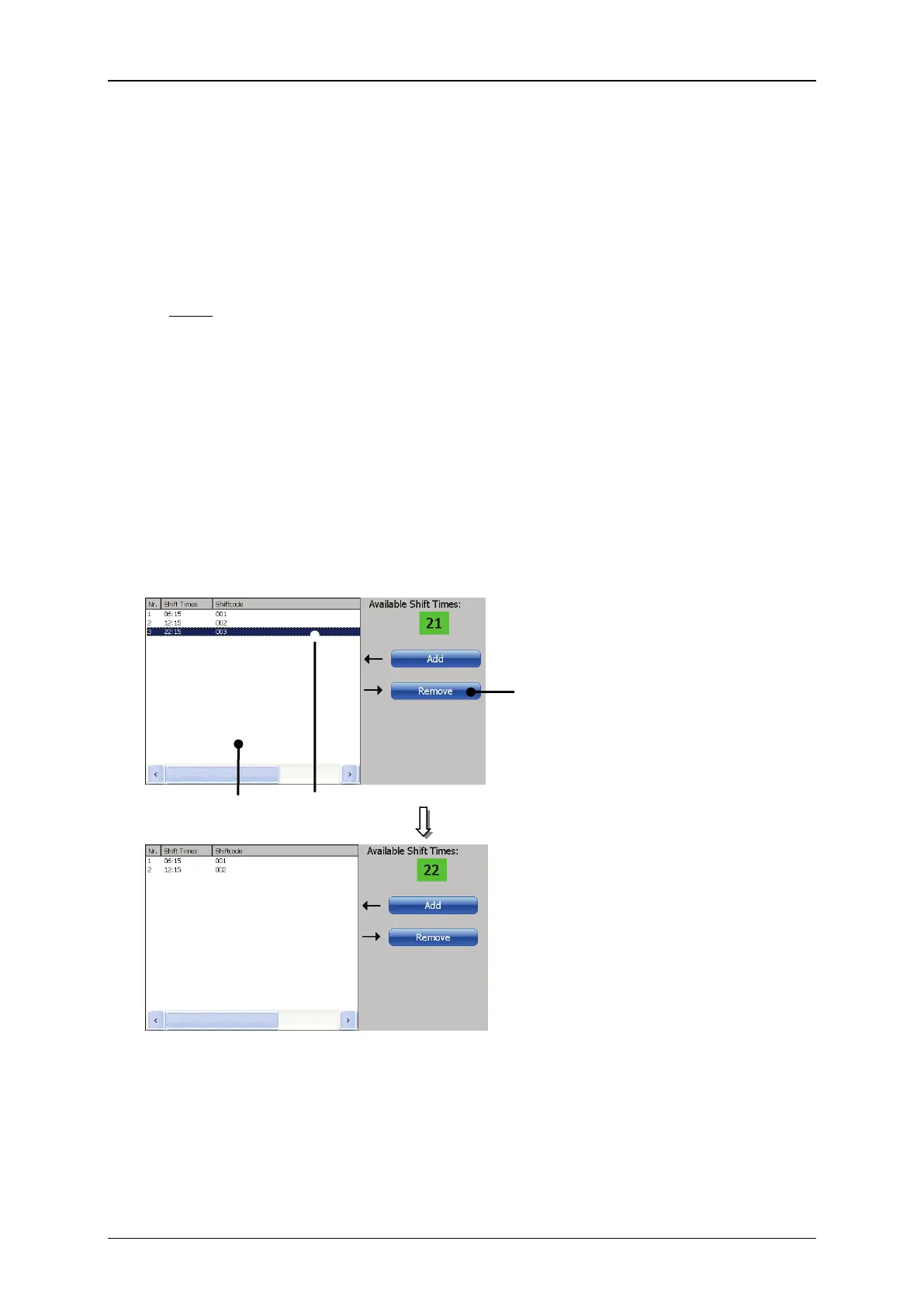
Mark the shift time to be deleted (1) on the list of shift codes (2).
Press the button <Remove> (3). The shift time is deleted.
Figure 174 Print elements –Remove shift code)



 To Next Page