Group 8 Job Editor Page 197
JET3up Release R1.06
7.5.3.3 User log out
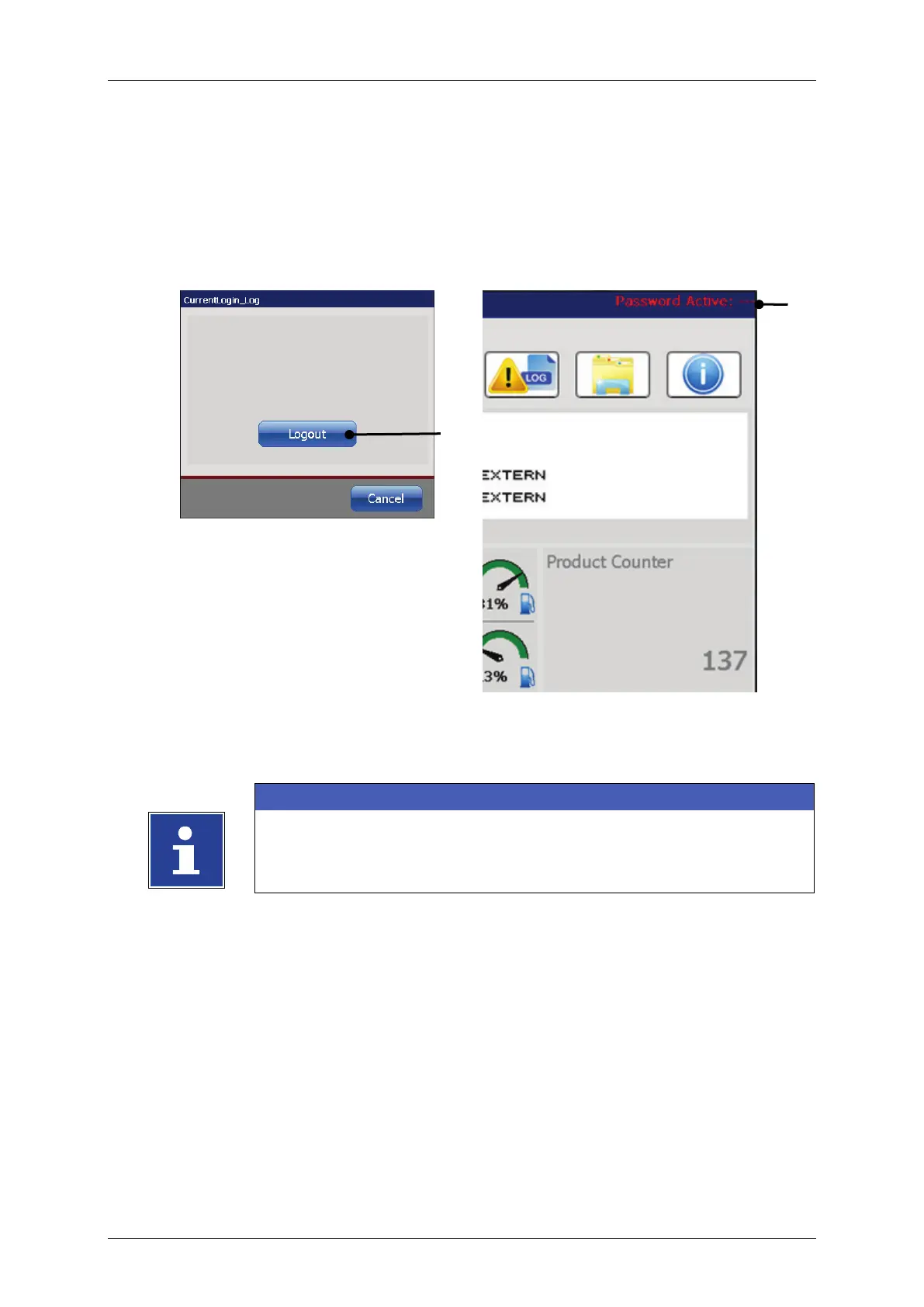
Press the <Logout> (1) button in order to log-out. The dialog box will be closed
The <Password function> indicator in the main window
state.
Figure 91 Login (User logout )
2 – <Password> indicator in the main window
There is no password required for to log out.
In order to change user permissions or to disable the password
function the user with the respective permissions has to log in.



 To Next Page