Group 8 Job Editor Page 261
JET3up Release R1.06
8.5.1 Print style - Font parameters
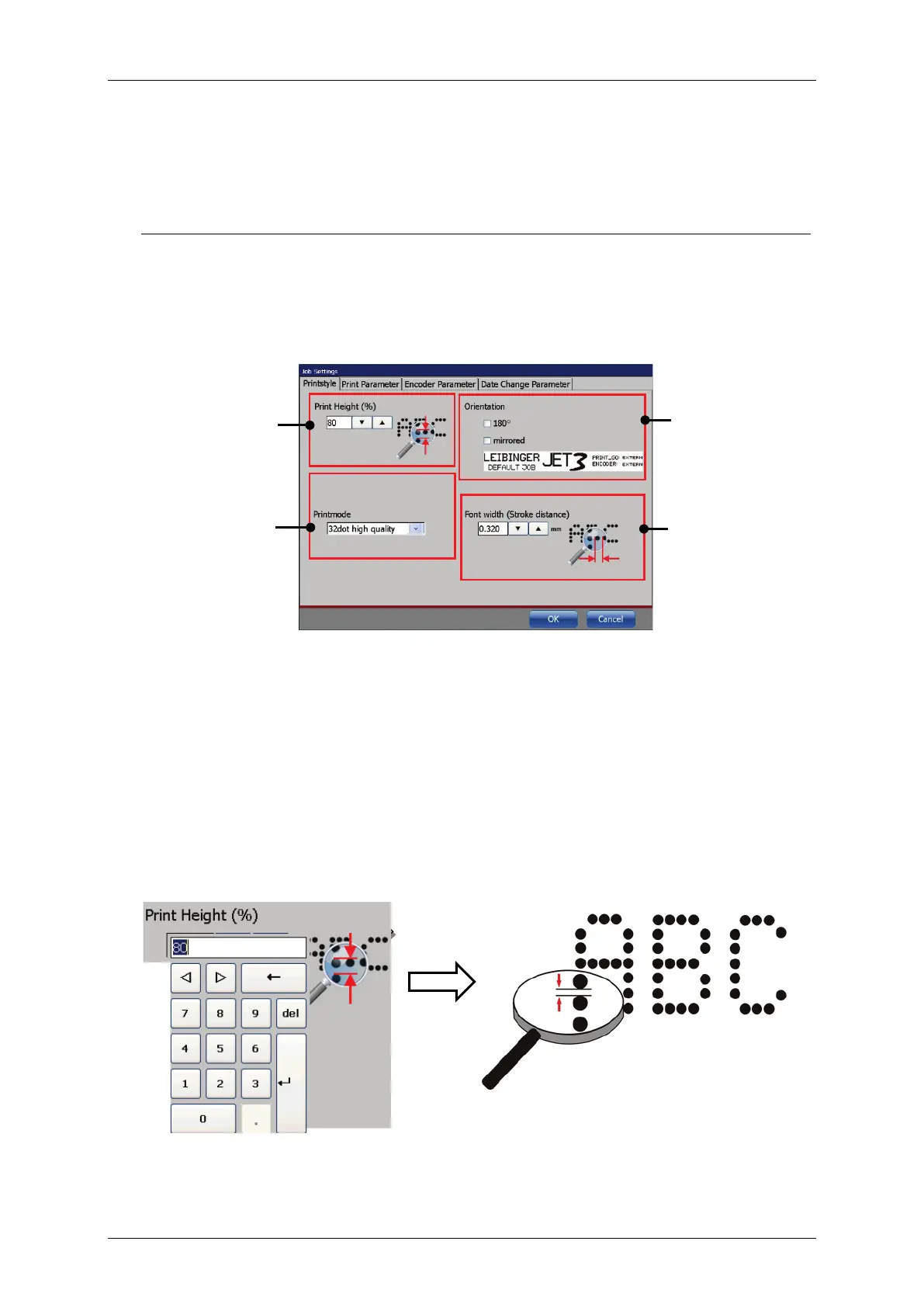
The <Printstyle> provides parameters for the design of the printout.
The following parameters are available:
Font width (Stroke distance) Print mode
Figure 135 Printstyle tab
8.5.1.1 Print height
The setting defines the print height. The print height is determined by the vertical
drop distance. The value can set between 1 – 100%.
The value set is displayed in the respective input field.
As higher the entered value, as larger the distance between the single dots.
Figure 136 Font parameter values (Print height)



 To Next Page