Page 80 Job Editor Group 8
Release R1.06 JET3up
6.5 Basic operating procedures
This paragraph describes the basic operating procedures of the LEIBINGER JET3up.
6.5.1 General
The complete control of the JET3up can be carried out with a connected PC-mouse
or directly with the TFT-Touch-Display.
For the operation with the Touch-Display the control of the device happens by a
slight touch on the buttons (touch-fields) with the finger or with the touch pin
(included in the delivery). Here the targeted precision is decisive and not the
pressure.
The operation with the touch-display is described subsequently.
If you touch the screen inadvertently it may have uninteded
consequences.
6.5.2 First initialization of the device
After connection to the mains po
wer or after a power interruption, the initialization
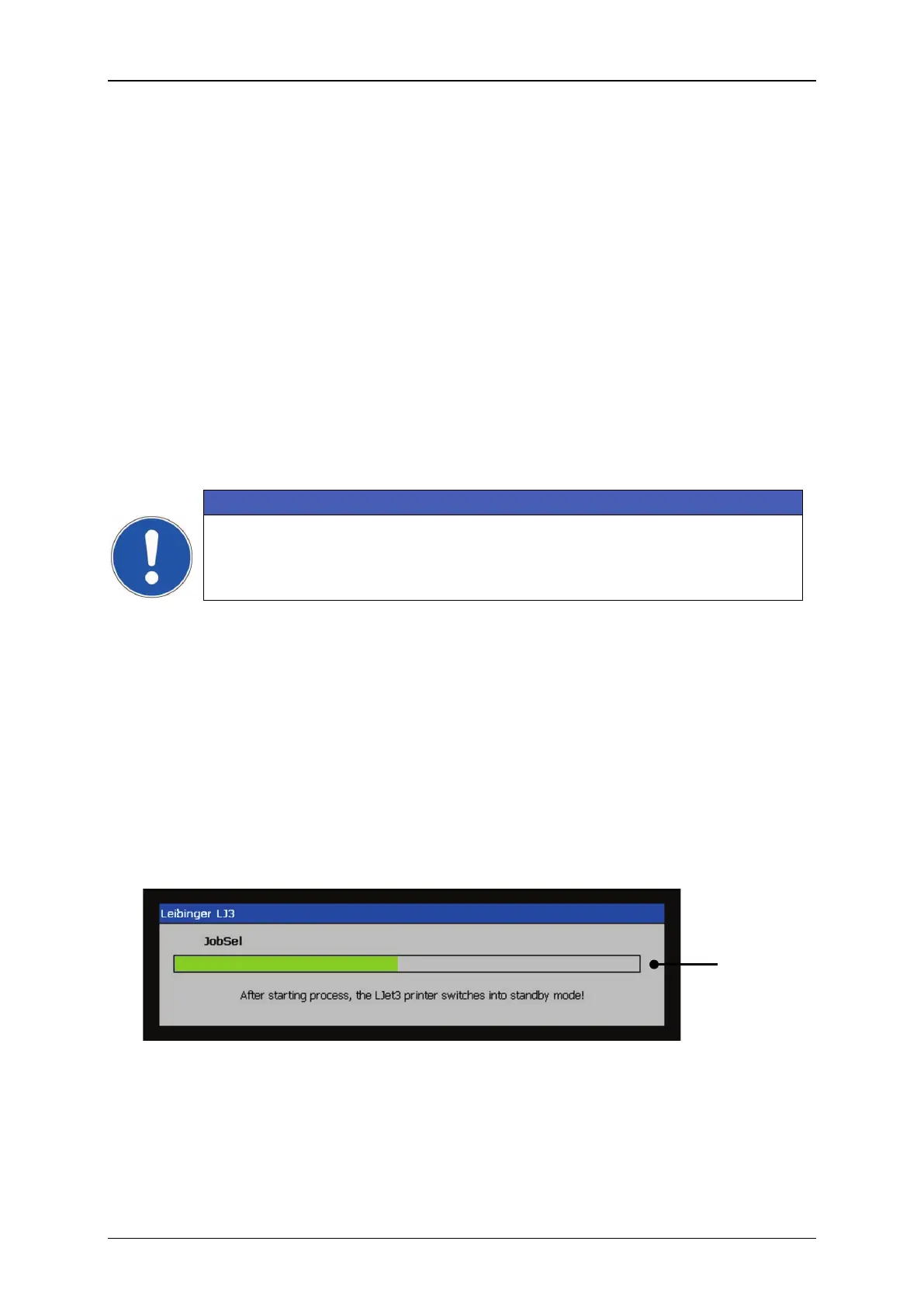
of the device will be carried out automatically. The progress of the initialization is
shown by a bar. After finishing the process the device is switched to the standby-
mode (monitor is dark) and the JE
T3up is now ready to switch on by pressing the
touch screen.
Figure 22 Initialization process



 To Next Page