Page 208 Job Editor Group 8
Release R1.06 JET3up
7.5.6.2 File management
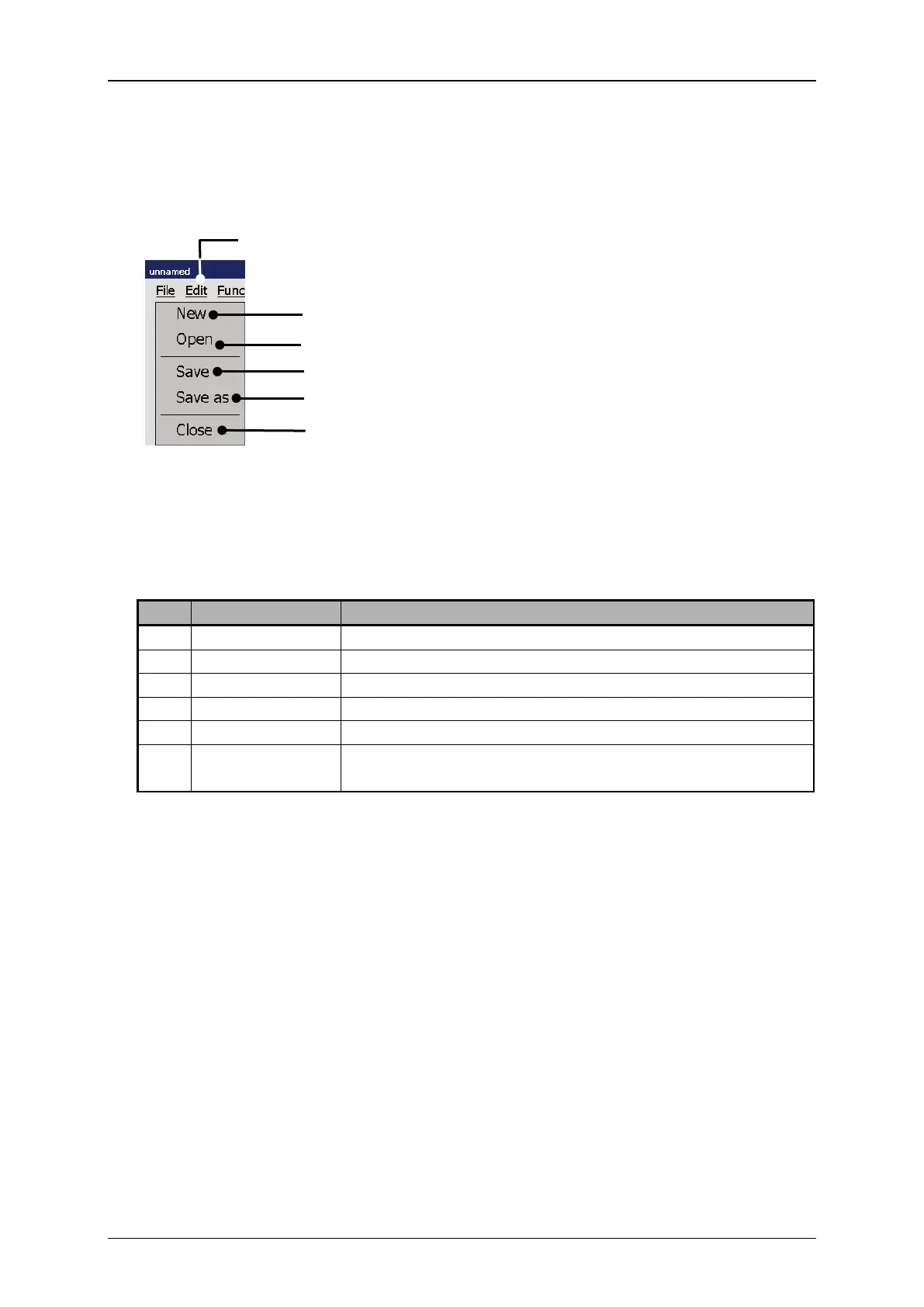
The drop-down menu <File> provides tools for the file management.
Figure 96 Graphic editor - File management
1 – Drop-down menu <File>
4 – <Save> the current file
5 – <Save as> option for current file
6 – <Close> the graphic editor
Starts a new graphic file
Opens a <Open file > dialog box
Saves the current file under the existing name.
Opens a <Save as> dialog box.
Closes the graphic editor. There will be a confirmation
prompt in case the current file was not already saved.



 To Next Page