Group 8 Job Editor Page 87
JET3up Release R1.06
Some buttons may indicate their current status:
Button caption
greyed out:
The button is disabled at the moment. The reason for this may
be a functional one (the command is
operation) or it be caused by an interfering parameter setting.
Button is displayed
blue-grey:
The button is activated and the command is carried out at the
moment.
Status indicators or display fields
A status indicator shows a status or a position. That may be the position of a print
object (e.g. x-y indicator) or the current status of a printer component (e.g. the
diaphragm position in the pressure tank). An indicator that is combined with arrow keys
is also referred to as “display field”. A display field may not only show the current value
but also can be used for inputs.
INFORMATION
The functionality of the user interface corresponds to the Windows™-
standard procedures.
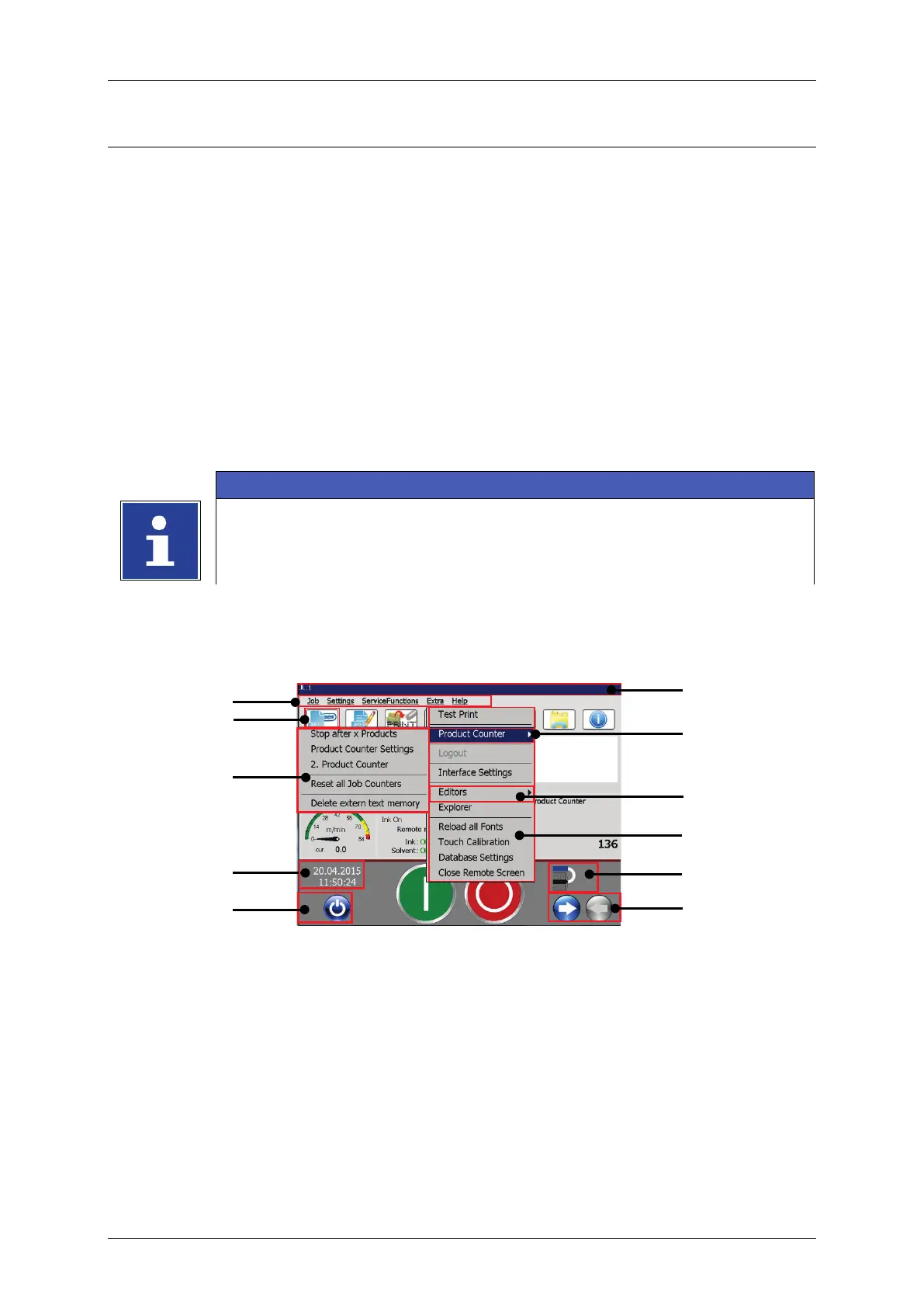
Figure 26 Menu layout 1
6 – Option in drop-down menu
2 – Direct button (shortcut)
5 – Command in drop-down menu



 To Next Page