Page 134 Job Editor Group 8
Release R1.06 JET3up
Press on the tab <Interval> (2) to select the tab.
Now mark in the setting field <Interval On> (3) the hour-
change the values.
With the the two <Arrow keys> (6) you can increas
wich are each marked.
Now carry out the settings in the field <Interval Off> (4) accordingly.
Now activate if necessary the viscosity control by clicking on the check box
(7). An activated control is displayed by a
in the check box.
7.3.1.4 Interface (Encoder interface)
Under the tab < Interfaces> you can set the interface for the incremental encoder
and you can also switch on or off the bounce time delay. The bounce time delay is
required for working with external jobs.
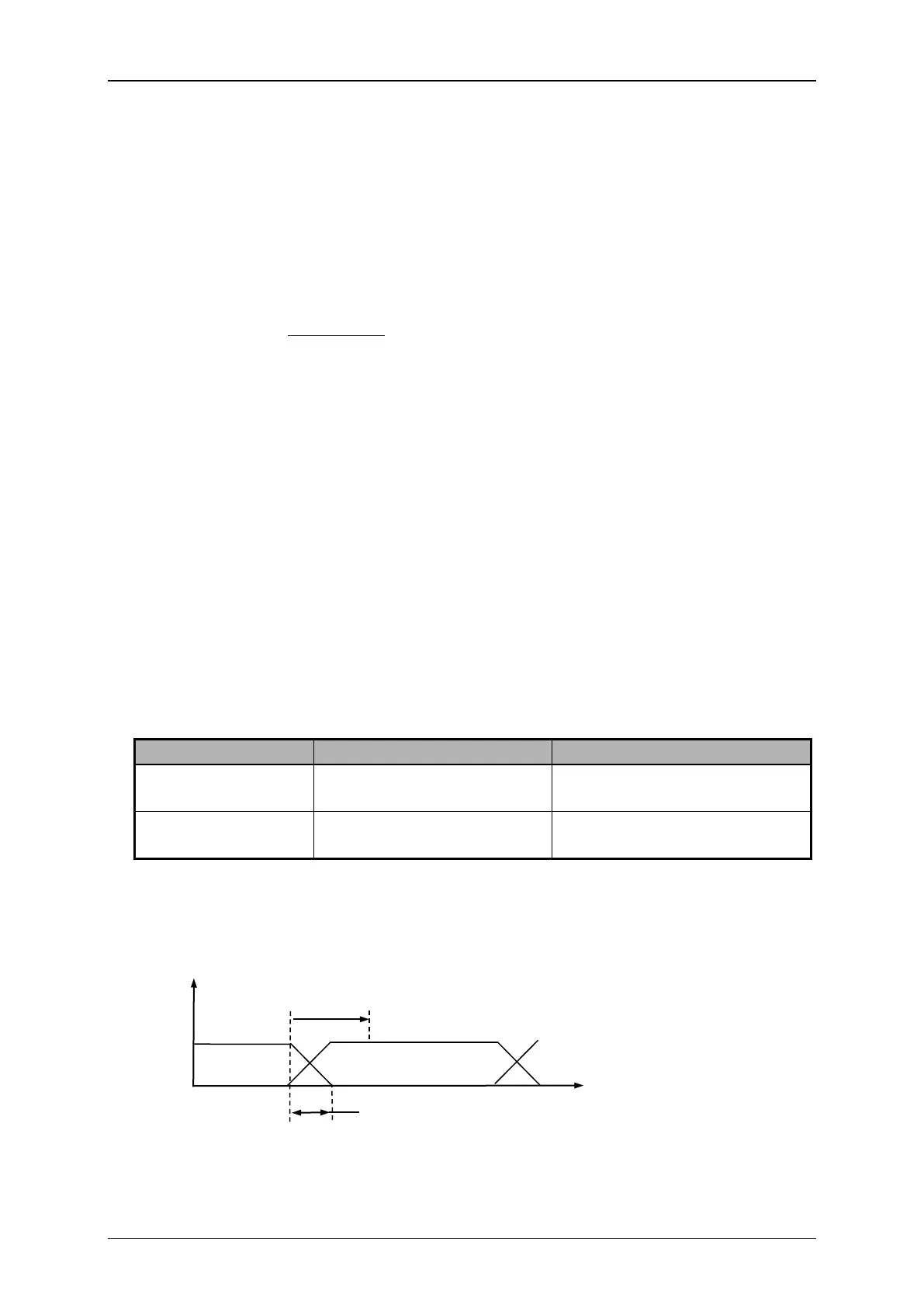
Definition „bounce time“ and „bounce time delay“:
Describes the period which a signal requires after an input has been switched to
reach a defined status (0 or 1) again.
Describes a predefined safety time. That means if an input is switched, the signal
will be only valid after this safety time.
At the LEIBINGER JET3up you can switch on or off this safety time.
No safety for bouncing signals
afterwards
signals afterwards
Figure 49
defined
Safety
Signal gauge



 To Next Page