Page 304 Job Editor Group 8
Release R1.06 JET3up
8.7.1.4.2 Bar code settings: Insert objects
It is possible to add the content of certain objects and sp
ecial control characters to
a bar code. These objects and special control characters can be added by pushing
the respective buttons in the <Insert> section (3) of the <Barcode> tab (1)
the cursor is placed in the <Content> display field (2). There ar
objects for insertion available:
Date/Time object (4)
Counter object (5)
Extern Text object (6)
Each type of object can only be inserted once!
Beside these objects for some types of bar codes there are also a button for special
control characters available:
FNC1 (7)
Field Sep (GS) (8)
The function <FNC1> is a special code used with GS1 bar codes (e.g. GS1-
code). The function <Field Sep (GS)>
is a special code used with PPN bar codes
(e.g. PPN-ECC200 square).
These function codes resp
ective special characters can be inserted multiple times.
Restrictions due to the specifications of the selected code have to be considered.
It is possible to combine different kind of objects and functions with numerical or
alphanumerical content in the <Content> display field.
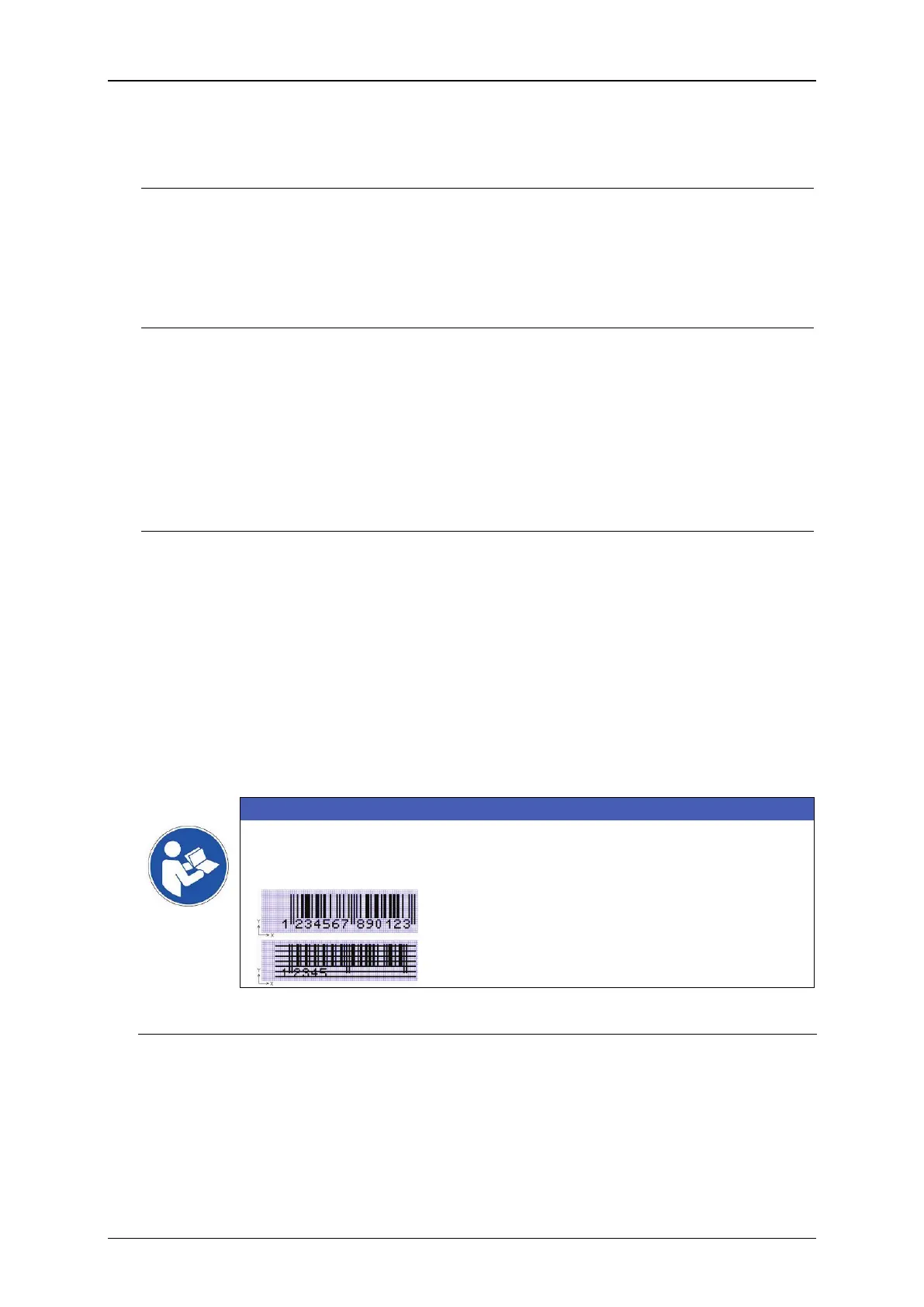
IMPORTANT
Due to integrated counters and replacements impermissible number of
digits or invalid constellations can be caused. These barcodes are
displayed as crossed out codes in the job editor and the preview.
Correct EAN13 code with 13 numbers
EAN13 code with only 5 numbers.
Recognized as wrong code and crossed out.
Pushing the <Date/Time> button (4) will insert a {t} (11)
cursor position within the <Content> display field (2)
. There will also be displayed
two additional tabs on the tab bar of the <Object Settings> dialog box:



 To Next Page