Page 160 Job Editor Group 8
Release R1.06 JET3up
7.3.5.1.1 Selection of a user
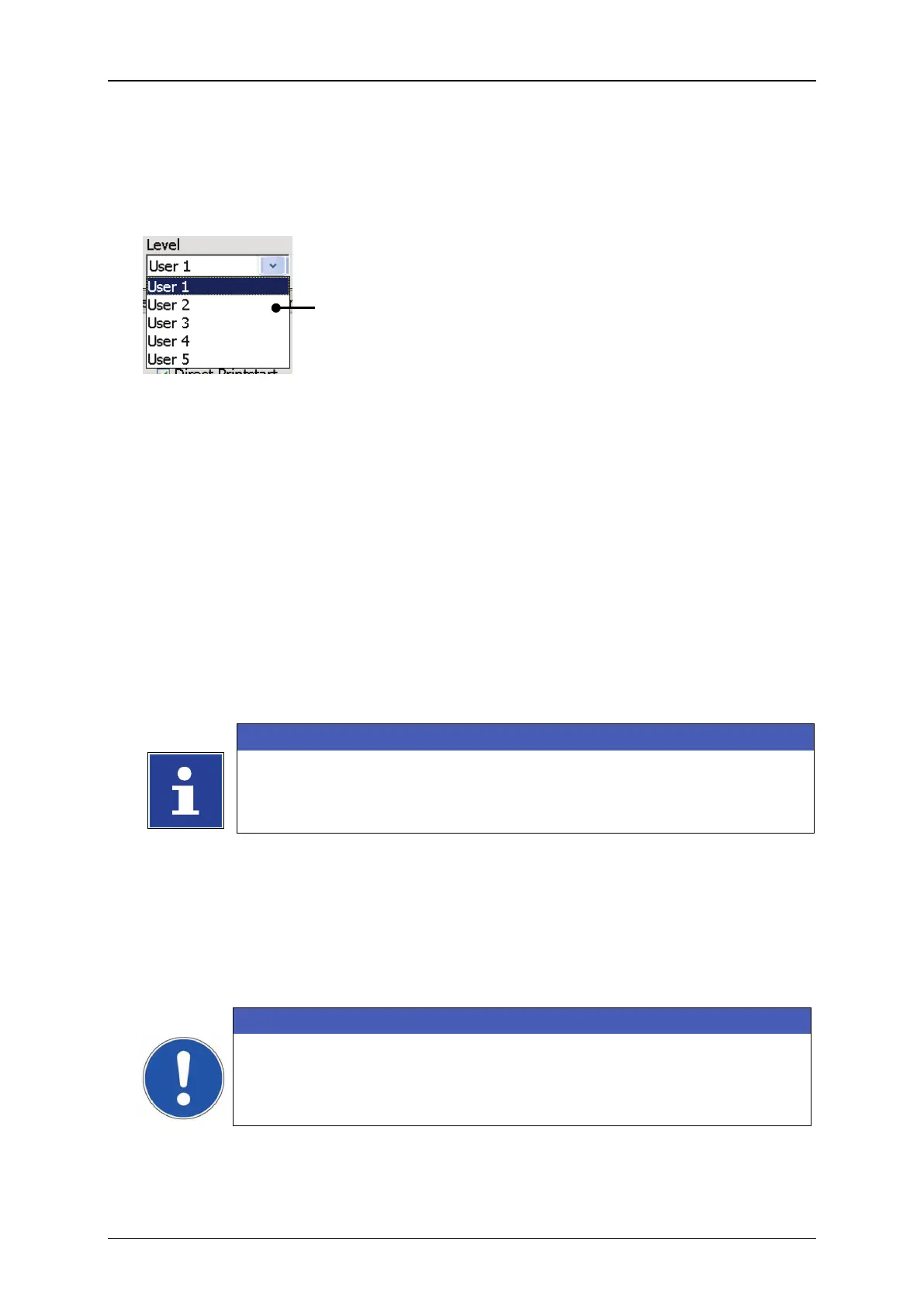
With the drop-down list <User> (1) a user is selected.
Figure 66 Selection of users
1 – Drop-down list <User>
7.3.5.1.2 Definition of password
The password for the currently selected user can be enterd in the input field
<Password> (1). A password already set will displayed in the input filed and can
be overwritten if necessary.
Example: The password „Leibinger“ shall be defined for user 1.
<Password>
(1)
(3)
You will find further information regarding the operation with
keyboard in the chapter 6.4.1 Keyboard
Enter the password „Leibinger“. The input is displayed in the input field
<Password> (1).
Press the button <Enter> (4) of the keyboard field to finish the input.
Now press the button <set…> (2) to take over the entered password.
In order to complete the setting of the password the dialog box has to
be closed with the <OK>button (5)!
In order to discard all changes close the dialog box with a click on the
<Cancel> button (6).



 To Next Page