Page 24 Safety Group 2
Release R1.06 JET3up
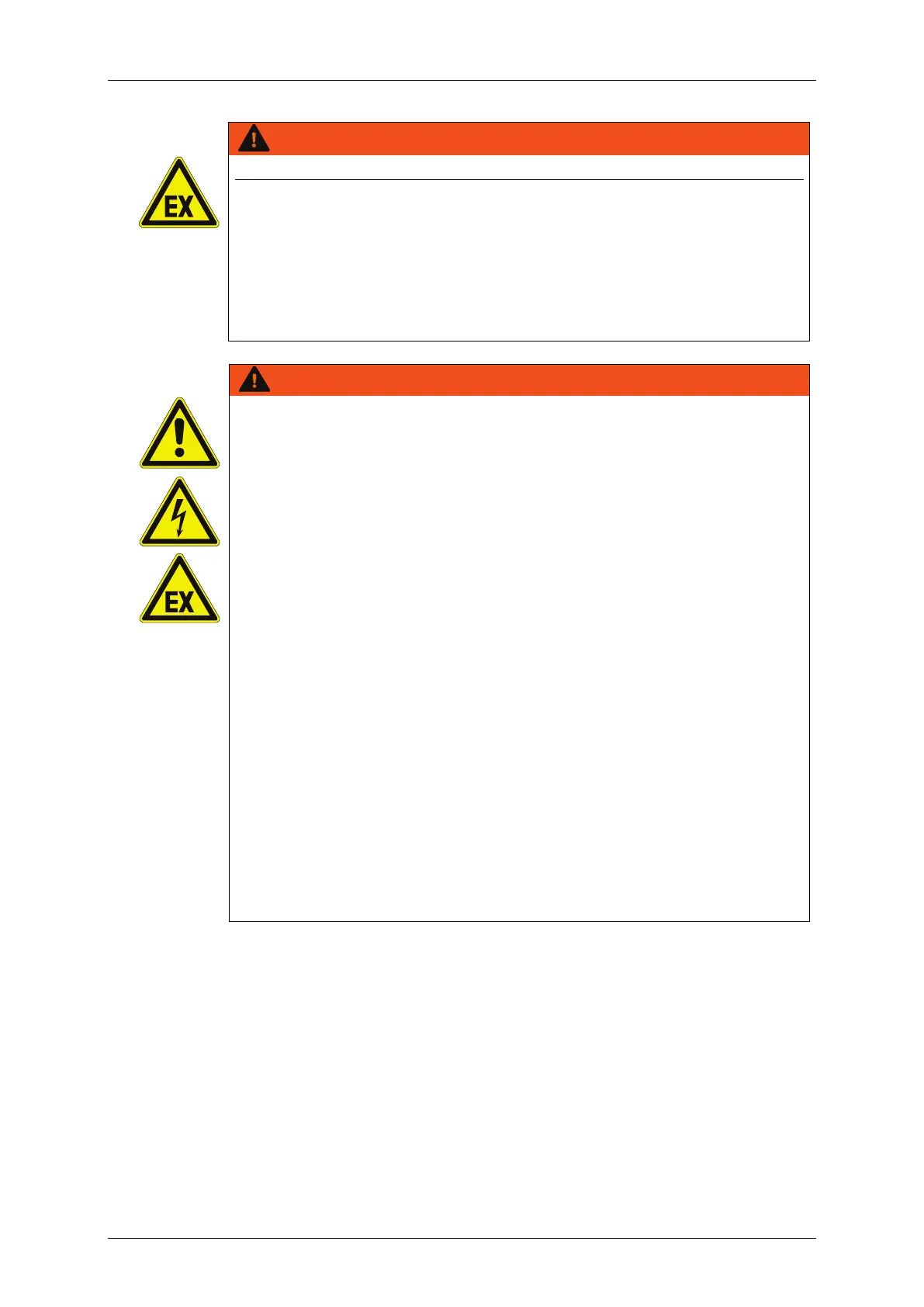
The device must not be operated in potentially explosive areas!
The installation has to be carried out according to the installation
instructions of the manufacturer!
Precautions regarding electrostatics have to be carried out!
The device has to be integrated in the lightning protection concept
of the operator!
The inkjet printer does not have a power switch. For maintenance the
printer must be disconnected from the mains.
Always connect the inkjet printer to an easily accessible outlet in close
proximity to the installation site!
The printer has to be assimilated to the check list about the regular
examinations according to the employers’ liability insurance
association-guideline.
Operate the inkjet printer onl
y outside of explosive atmospheres in a
well-ventilated area!
Inside the printer solvents are processed; ensure
sufficient ventilation! The operator has to ensure that the MAK-values
noted on the safety data sheets won’t exceed.
The printer ventilation must not be impaired; do not cover or close the
ventilation gills on the back panel of the printer.
Place the printer with enough distance to any wall (recommended
minimum distance 0,3 m).
Ensure about sufficient space of the installation location of the printer
and enough space to ensure a safely handling of ink and solvent.
Keep the inkjet printer away from any sources of heat, flame, or
sparks (e.g. space heater).
The inkjet printer must be integrated into the lightning protection
system of the owner-operator!
Protect the inkjet printer from electrostatic charges!
Keep suitably extinguishing medium available.



 To Next Page